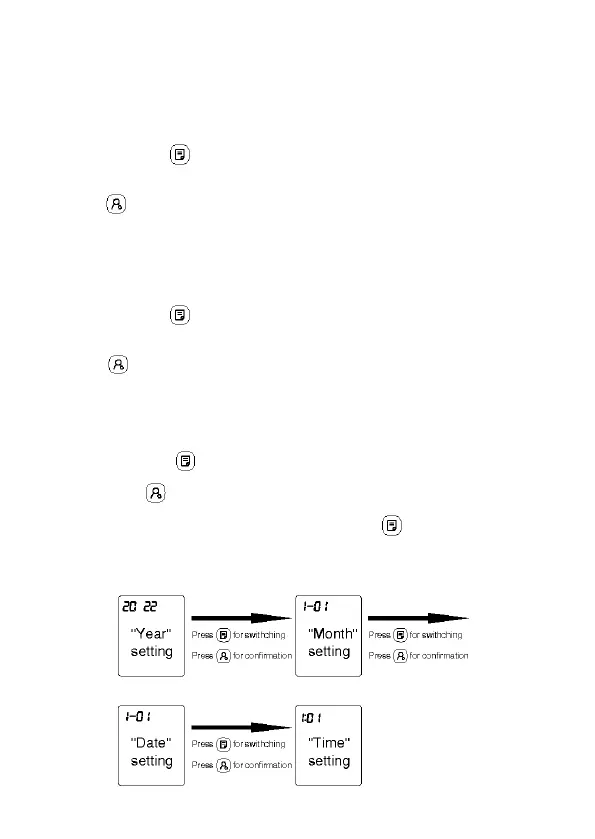
move to the “Month” setting mode.
After entering the “Month” setting mode, 1-01 will flash on the screen.
Press the “Memory ” button, the “Month”value can be setting. Press
the “User ” button for “Month” value confirmation and enter the
“Date” setting mode.
After entering the “Date” setting mode, 1-01 will flash on the screen.
Press the “Memory ” button, the “Date”value can be setting. Press
the “User ” button for “Date” value confirmation and enter the
“Time” setting mode.
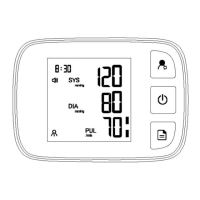
After entering the “Time” setting mode, XX:XX will flash on the screen.
Press the “Memory ” button, and the “Hour” value can be setting.
Press the “User ” button for “Hour” value confirmation and enter the
“Minute” setting mode. Press the “Memory ” button, and the
“Minute” value can be setting.


 To Next Page