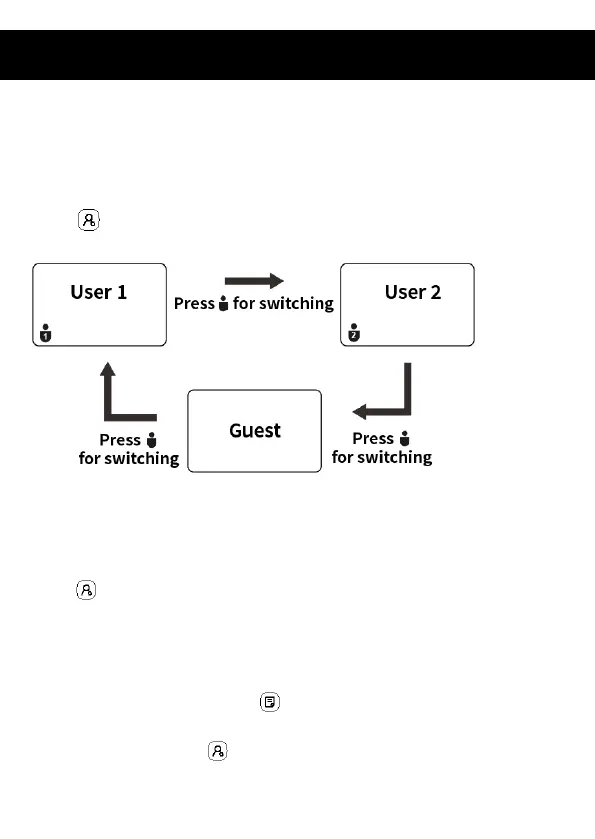
3.1 User mode
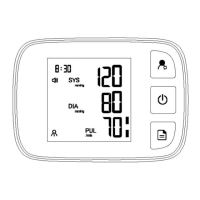
Switch between “User 1” 、“User 2” and “Guest”can be processed in the
“OFF” state or upon the measurement completion, by short press on the
“User ” button.
3.2 Year/Month/Date/Time setting
In the “OFF” state, enter the setting mode by long press on the
“User ” button over 3s.
After entering the “Year” setting mode, the flashing 20XX will show on
the screen. Press the “Memory ” button, the “Year”value can be
setting. Press the “User ” button for “Year” value confirmation and


 To Next Page