JUNCTEK
JDS8000 Series User’s Manual
(2) Connect to the computer
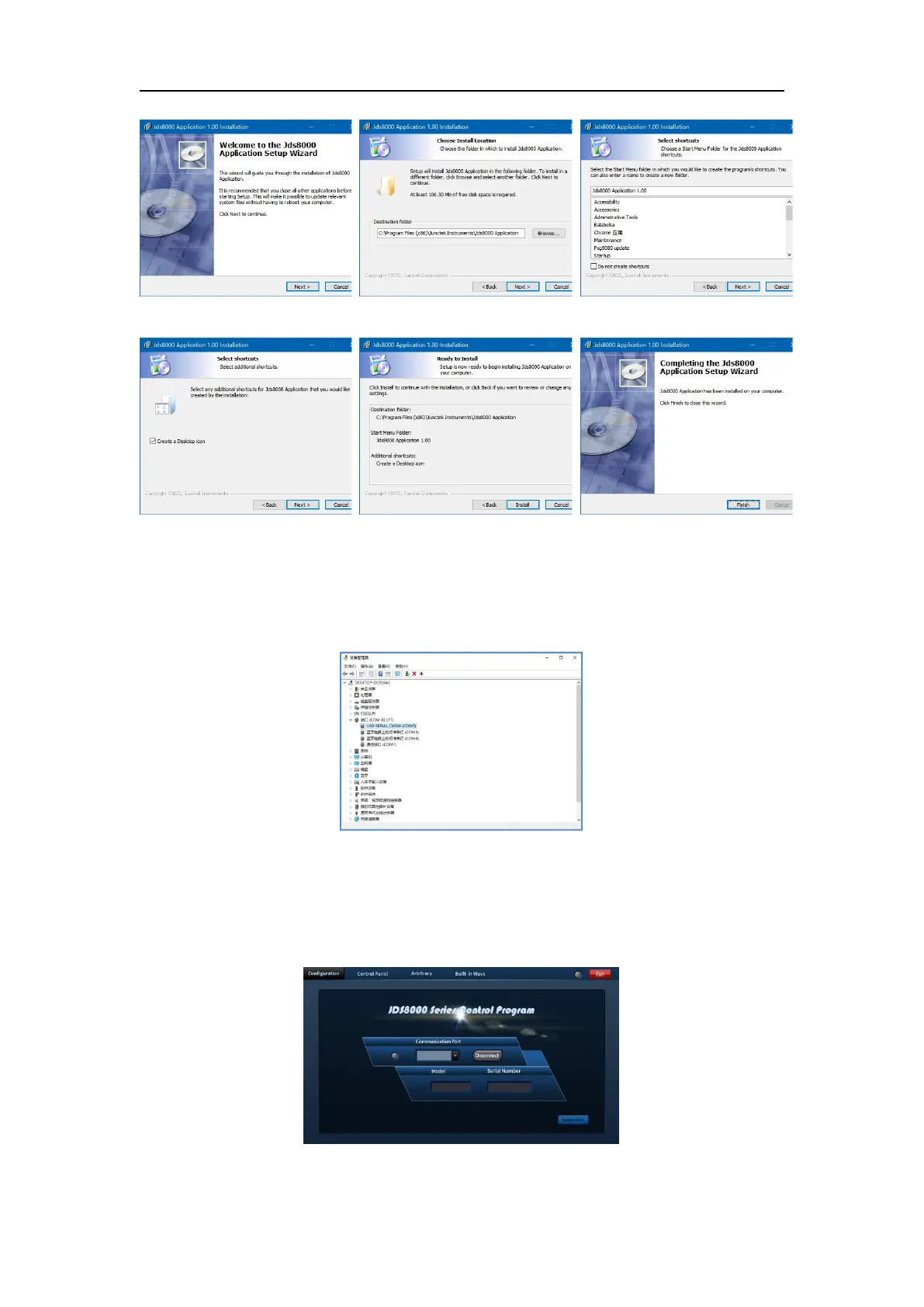
Step 1: Right-click Computer-Properties-Device Manager-Observe the
serial port assigned by the computer. The computer serial port allocation
interface is shown in Figure 3-8-7 below.
Step 2: Open the serial port after selecting the corresponding serial port,
and then select Connect. The Connect interface is shown in Figure 3-8-8
below.



 To Next Page