English
10
TR 200
The display (e) shows:
The required first starting time for economic
operation is set by depressing the button
“–” (o) or “+” (p).
Briefly depressing the button alters the start-
ing time for economic operation by 10 min-
utes, when the button is depressed for a long-
er period the time runs faster forward or back-
ward.
As soon as the required starting time for eco-
nomic operation is selected depress the but-
ton (q).
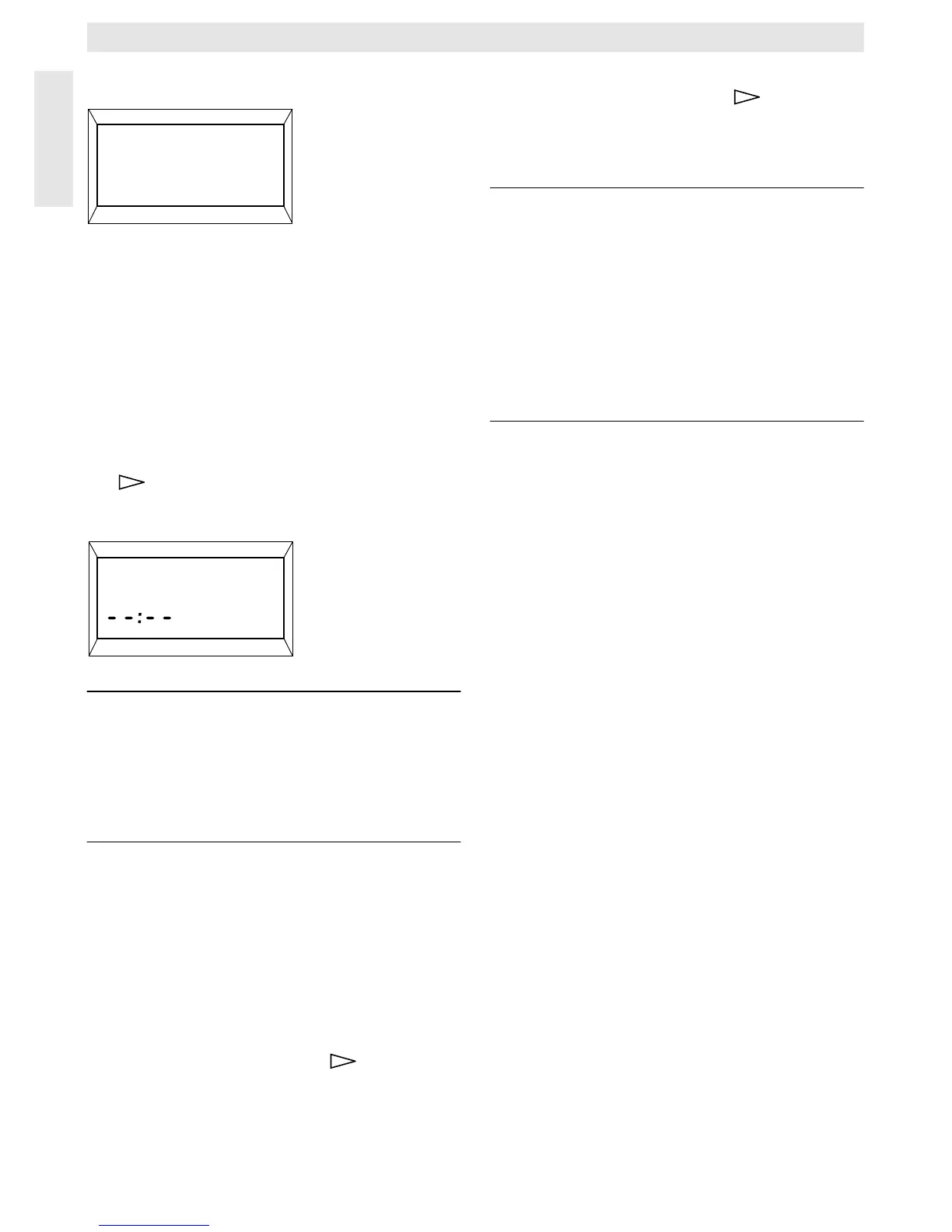
The display (e) shows:
Note: --:-- means that this starting time was
not programmed, i.e. only one start-
ing time for heating operation and
one for economic operation is pro-
grammed at initial operation (factory
pre-setting) or after a longer power
failure.
If required, the second starting time for heat-
ing operation can now be set as described
above, in the chapter “setting the first starting
time”.
For the second starting time for economic op-
eration, as well as for the third starting times
for heating and economic operation (if re-
quired), please proceed as before.
In case that certain starting times are not re-
quired, depress the button (q) without
making any alterations.
If a displayed starting time is to be cancelled,
briefly depress the cancel button C (r) with the
tip of a pen. The display shows
--:-- .
When the required starting times are pro-
grammed depress the button (q).
The display shows
Select day +/-. Now select a
day as described above and enter the respec-
tive times.
Note: If the programme for one single day
was altered after having pro-
grammed all days of the week, the
display shows
--:-- at all starting
times when the programme
“All days” is recalled. If one starting
time is now altered for all days of the
week, the original programme for
the various days is deleted and
must be re-programmed as de-
scribed above.
The various starting times for one day
do not have to be entered in chronological se-
quence. In the mode
Select day +/-
the regulator
arranges the starting times independently.
You can check the programmed starting times
by proceeding as described above, but with-
out depressing “–” (o) or “+” (p).
If the heating operation is to exceed mid-
night, the last economic operation is ignored.
Enter this starting time as first starting time for
economic operation on the following day. The
regulator recognises the correct sequence of
the starting times although the first starting
time for heating operation is set to a later hour
than the first starting time for economic opera-
tion.
Should there be a day on which no heating op-
eration is required (permanently, e.g. office
which is not busy on Sundays), please enter
the required starting time for economic opera-
tion (if necessary, the day before) and cancel
all further starting times up to the time you
wish normal heating operation to commence.
If on one day of the week continuous heat-
ing operation is required, please enter the re-
quired starting time for heating operation (if
necessary, the day before) and cancel all fur-
ther starting times up to the time you wish eco-
nomic operation to commence.
If you wish to carry out extensive alterations
to the programme, it might be better to start off
with the programme pre-set by the factory.
4217-20.1/G
1. Start
22:00
4217-21.1/G
2. Start heating
☞
Tip


 To Next Page
 Loading...