English
14
TR 200
6.8 Regulator with connected remote
control switch (by customers)
With this remote control switch (not included
in the Junkers delivery range) the heating sys-
tem can be activated from afar.
The most common application is probably the
use of a telephone commander. With this ap-
pliance the heating system can be switched
on via any telephone with aid of a personal
identification code.
Before leaving the house the regulator is set
to the mode required at return (automatic op-
eration mode or continuous heating opera-
tion).
Then the switching contact of the remote con-
trol switch is deactivated, the regulator is op-
erating in the economical operating mode.
The respective red control light (l) is off.
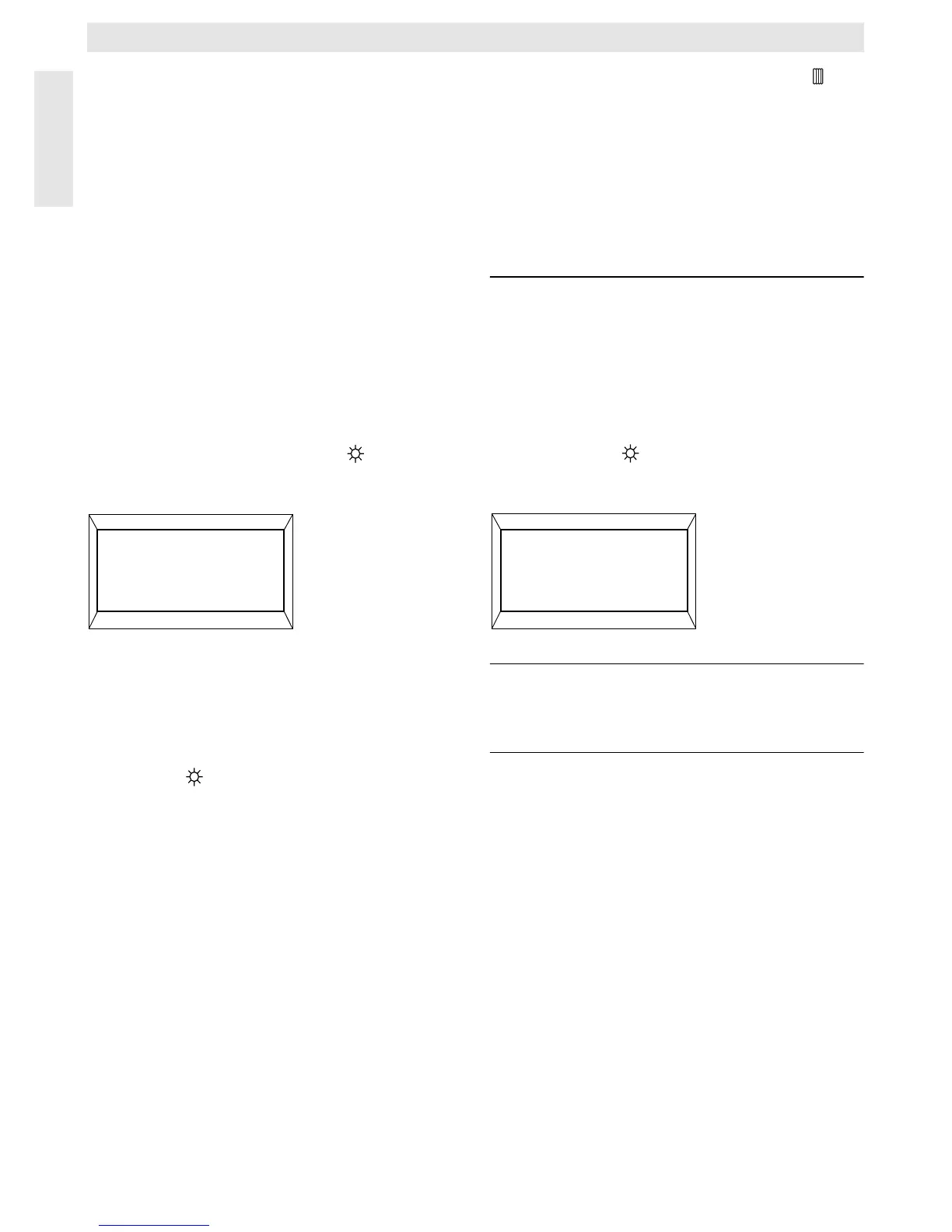
The display (e) shows:
If the switching contact is activated (e.g. by a
coded telephone signal) the regulator oper-
ates in the pre-set operating mode.
It will be warm in the house late at night/
early in the morning if the regulator is set to
the position (continuous heating) (g) before
leaving the house, and the switch is deactivat-
ed afterwards. Do not forget to set the regula-
tor back to “automatic operating mode” after
returning to the house.
If the house is left for a longer period you
should consider that it could become a lot
cooler (walls could cool down etc.) and there-
fore it will take a longer time to heat up. Do
switch the heating system on in time.
6.9 Reprogramming
If you would like to carry out extensive altera-
tions to the programme it might be better to
set the regulator back to the programme pre-
set by the factory and to re-enter all starting
times.
Turn the control knob (n) to the position until
the display (e) shows
Select day +/– then briefly
depress the cancel button C (r).
If all settings, even the time and the day (and
the display language) are to be deleted to-
gether with the starting times, the cancel but-
ton C (r) must be depressed for longer than 10
seconds.
7 Regulator Malfunction Message
Malfunction remote indicator
(not available with all heating systems)
For heating equipment with Bosch Heatronic,
a malfunction in the heating equipment is rout-
ed to the regulator.
In case of a malfunction of the heating unit
the control light “Heating” (l) indicates.
The display (e) shows:
Note: In this case please proceed as stat-
ed in the operating instructions of
the heating unit or contact your lo-
cal expert for heating systems.
4217-25.1/G
Remotely locked
17:53 16.5°C
☞
Tip
4217-27.1/G
Check system
17:53 18.0°C


 To Next Page
 Loading...