English
12
TR 200
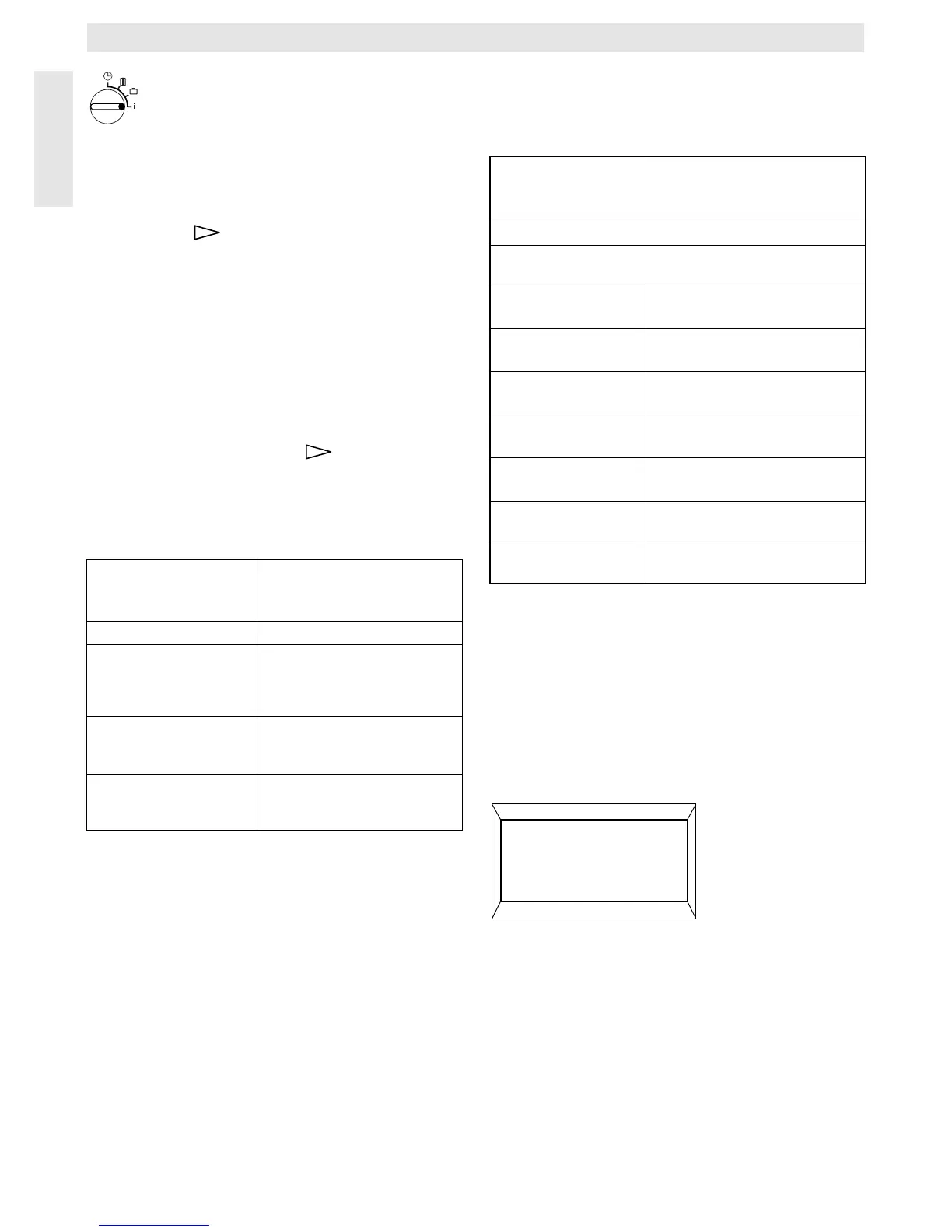
6.2.6Control knob set to i
Having the set values displayed
Turn the control knob (n) to the position i. The
upper display line (e) shows the present day.
If the button (q) is depressed, the follow-
ing group is displayed. Each value in the
group (if entered) is displayed for 5 seconds
before the regulator moves to the next value.
If you wish to have the next value displayed
faster, depress the button (p).
If you wish to have the value displayed for a
longer time, briefly depress the button “–” (o)
and the display keeps showing this parame-
ter.
By depressing the button (q) the display
moves to the next parameter after 5 seconds.
In the first group, the following general val-
ues are dis-played (e) in a five-second-time,
non-existing values are not considered:
In the second group the values of the heat-
ing programme are displayed in a five-sec-
ond-time, values which were not entered are
not considered::
After this the automatic display starts from the
beginning and continues until the control
knob (n) is turned to another position or the lid
is closed.
Setting the language
Turn the control knob (n) to the position “i”.
Depress the button “–” (o) and keep it de-
pressed until the following is displayed:
Set the required language with the button
“+” (p) or “–” (o).
Display example
(5-second-time
sequence)
Parameter description
Temperatures Title of the first group
Room temp. here
21.5 °C
Measured room temperature
at the regulator “here” is only
displayed if an external sensor
(accessory) is connected.
Room temp. remote
21.0 °C
Measured room temperature
at the
external sensor (accessory).
Room temp. set
21.5 °C
The set temperature with
which the regulator is operat-
ing.
Display example
(5-second-time
sequence)
Parameter description
Heating program
Title of the 2
nd
group
Thursday Heating programme for this day
(or All days)
1. Start heating
6:00
Set 1
st
starting time for heating
operation for the day
1. Start econom.
9:00
Set 1
st
starting time for economic
operation for the day
2. Start heating
11:30
Set 2
nd
starting time for heating
operation for the day
2. Start econom.
13:00
Set 2
nd
starting time for eco-
nomic operation for the day
3. Start heating
17:30
Set 3
rd
starting time for heating
operation for the day
3. Start econom.
22:00
Set 3
rd
starting time for eco-
nomic operation for the day
Friday Heating programme for the next
day etc.
4217-26.1/G
Sprache +/-


 To Next Page
 Loading...