English
TR 200
9
Setting the day
Turn the control knob (n) to .
When
Set clock +/- is displayed depress the but-
ton (q). The upper line of the display (e)
shows:
The present day is set by depressing the but-
tons “–” (o) or “+” (p).
If afterwards you wish to set the time, depress
the button (q).
When no more alterations are necessary
close the lid.
6.2.4Control knob set to
“Heating”
Setting the heating programme
The time switch makes it possible to automat-
ically switch on the heating system up to three
times a day at a pre-determined time and to
automatically switch it off three times a day a
pre-determined time.
Those times can be determined individually
for each day.
It is also possible to set the same times for
each day.
To make programming more effective it is
useful to fill in the heating times into the table
provided (see chapter 10). The heating pro-
gramme which is used for most days of the
week (also applicable if the times deviate
slightly) should be filled in for all days in the
first step. The deviating times can later be ef-
fortlessly altered.
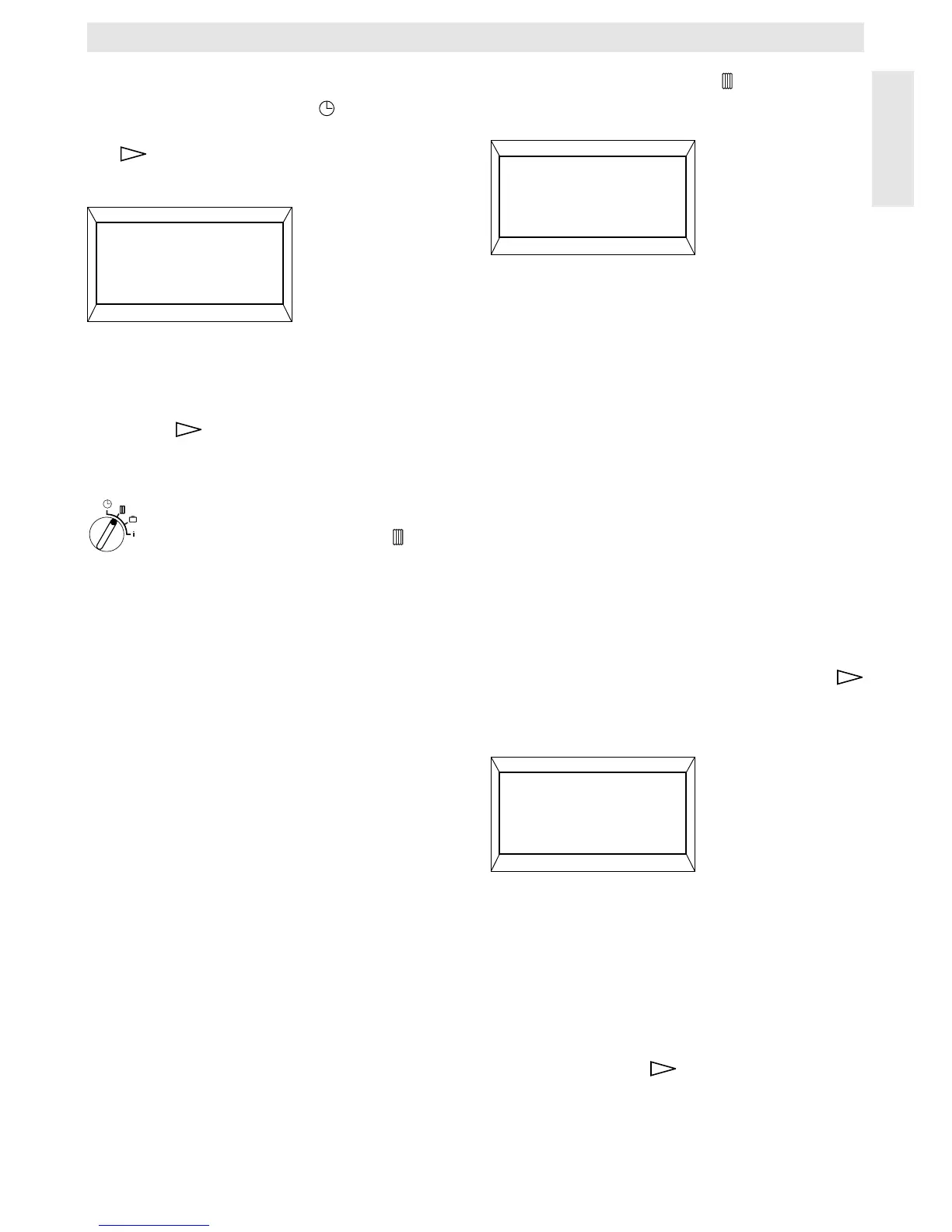
Turn the control knob (n) to .
The display (e) shows:
Depress the button “–” (o) or “+” (p). All days
(or the present day) is displayed in the upper
line.
In the setting
All days both “heating operation”
and “economic operation” will start at the re-
spective times each day.
If only one day of the week (e.g. Thursday)
was selected, the set programme for this day
always starts at the pre-set time on this day,
i.e. each Thursday both “heating operation”
and “economic operation” will start at the set
times.
One single day can be set by depressing the
buttons “–” (o) or “+” (p).
Between
Sunday and Monday All days is dis-
played.
The heating times can be set for the displayed
day/all days. For this, depress the button
(q).
The display (e) shows:
The required first starting time for heating is
set by depressing the button “–” (o) or “+” (p).
Briefly depressing the button alters the start-
ing time by 10 minutes, when the button is de-
pressed for a longer period the time runs fast-
er forward or backward.
When the required starting time is selected
depress the button (q).
Now the respective first starting time for eco-
nomic operation must be set.
4217-17.1/G
Select day +/-
4217-17.1/G
Select day +/-
4217-19.1/G
1. Start heating
6:00


 To Next Page
 Loading...