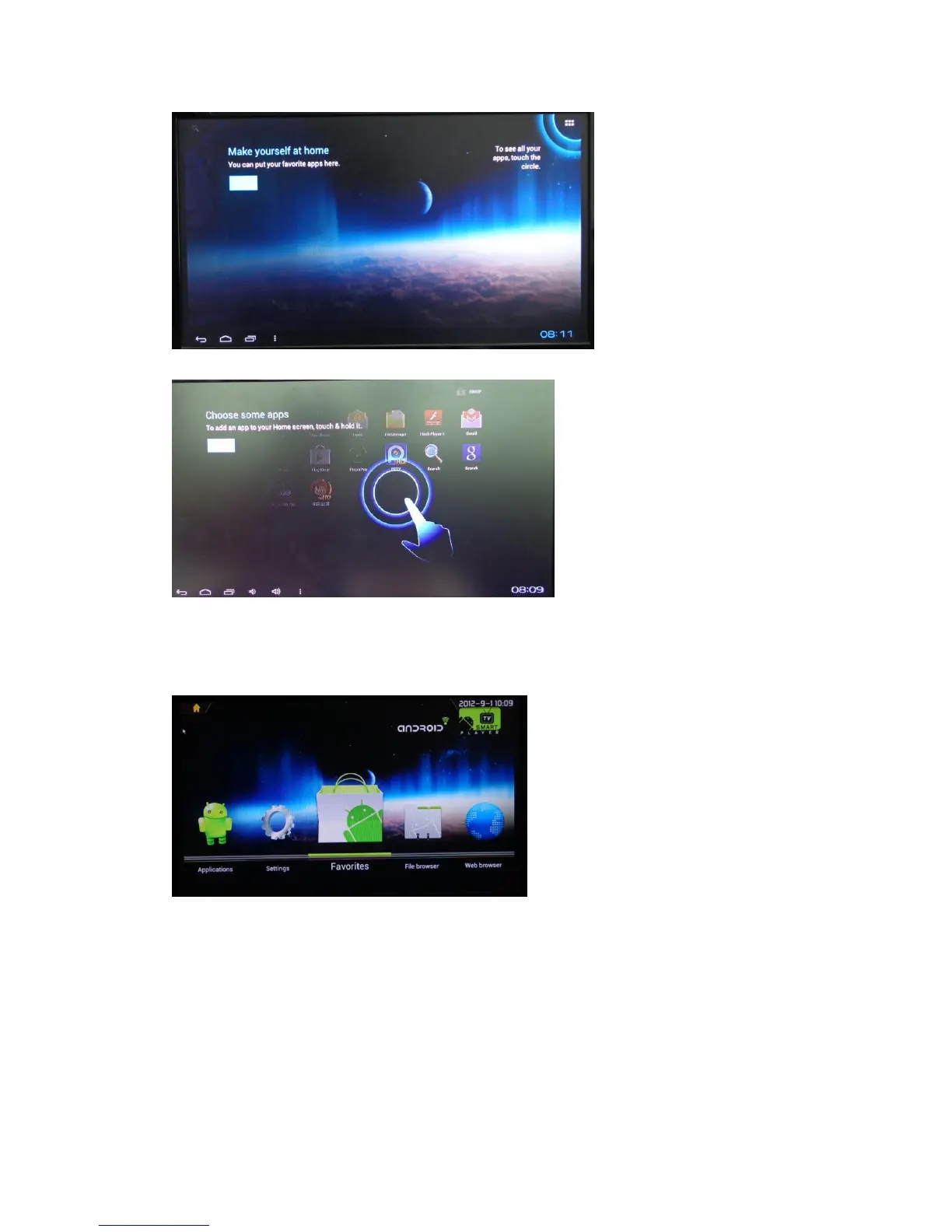
TVdlauncher Screen:
The JUSTOP Smart TV Player provides many applications, some of them already
showed on the Quick Access Panel (QAP) in HOME Screen; from left to right are
“Applications”, “Settings”, “Favorites”, “File Browser” and “Web browser”.
Click each one of icon on QAP to enter the
Android applications screen: display all the applications installed
Settings: set up or change settings for this devices
Favorites: show your favorite applications recently used
File browser: browser files
Web browser: open internet browser


 To Next Page