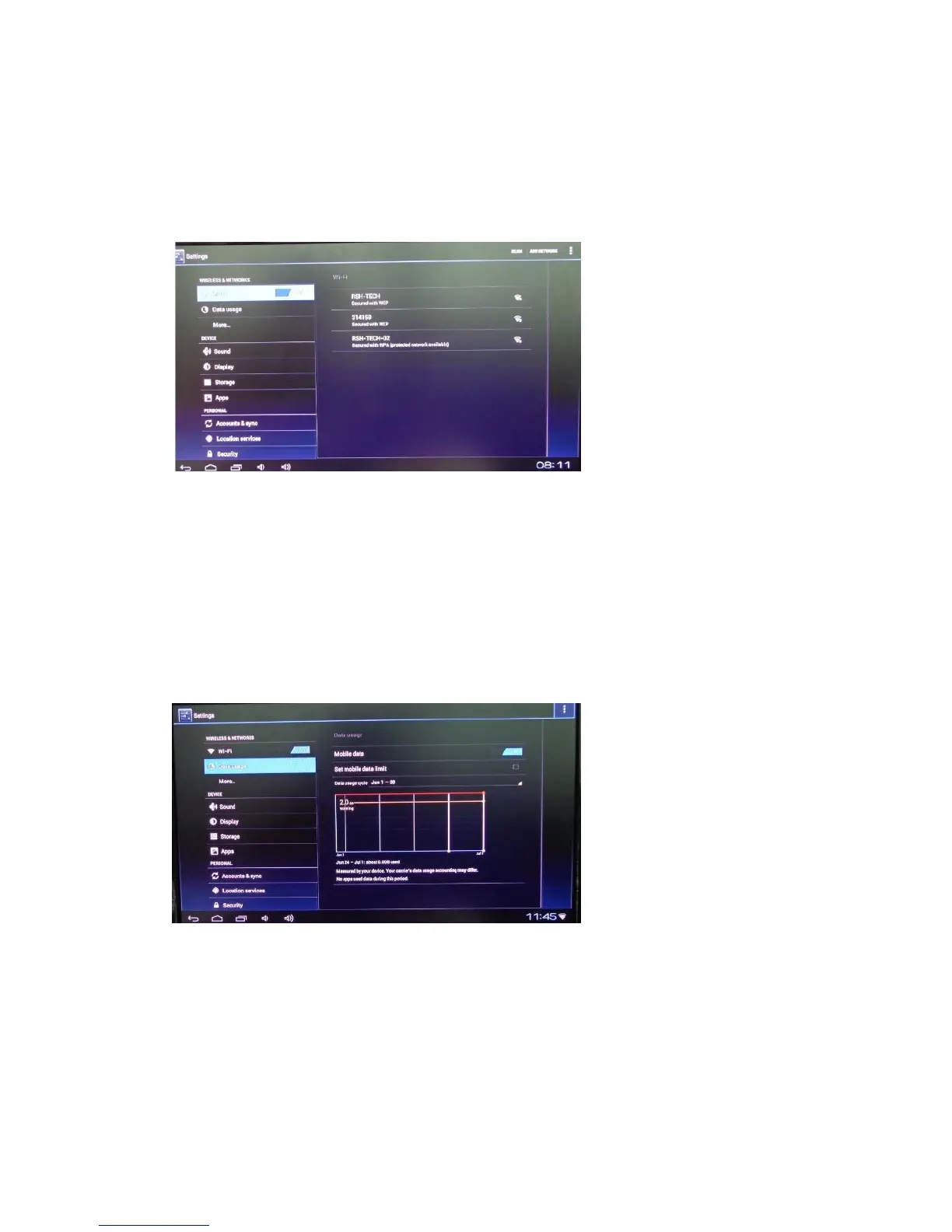
3.2 Settings
Press 'Settings' or quick access button to open system main settings screen
Section 1. Wireless &Networks
1) Wi-Fi and Network Settings
Wi-Fi: Switch WI-FI to 'ON' position, select your network from the listing on the right hand
side
Ethernet: if you use RJ45 wired connection, you can access detailed settings from 'More..'
section.
* note: it's recommend to disable 'Ethernet' option in order to get maximum WI-FI
performance
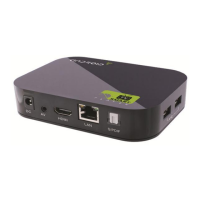
2) Data Usage : show detailed internet data usage
3) More information about network setting (Ethernet/PPPOE,settings/portable
hotspot/WiFi Direct)


 To Next Page