9
Chapter 3: Wiring Diagram
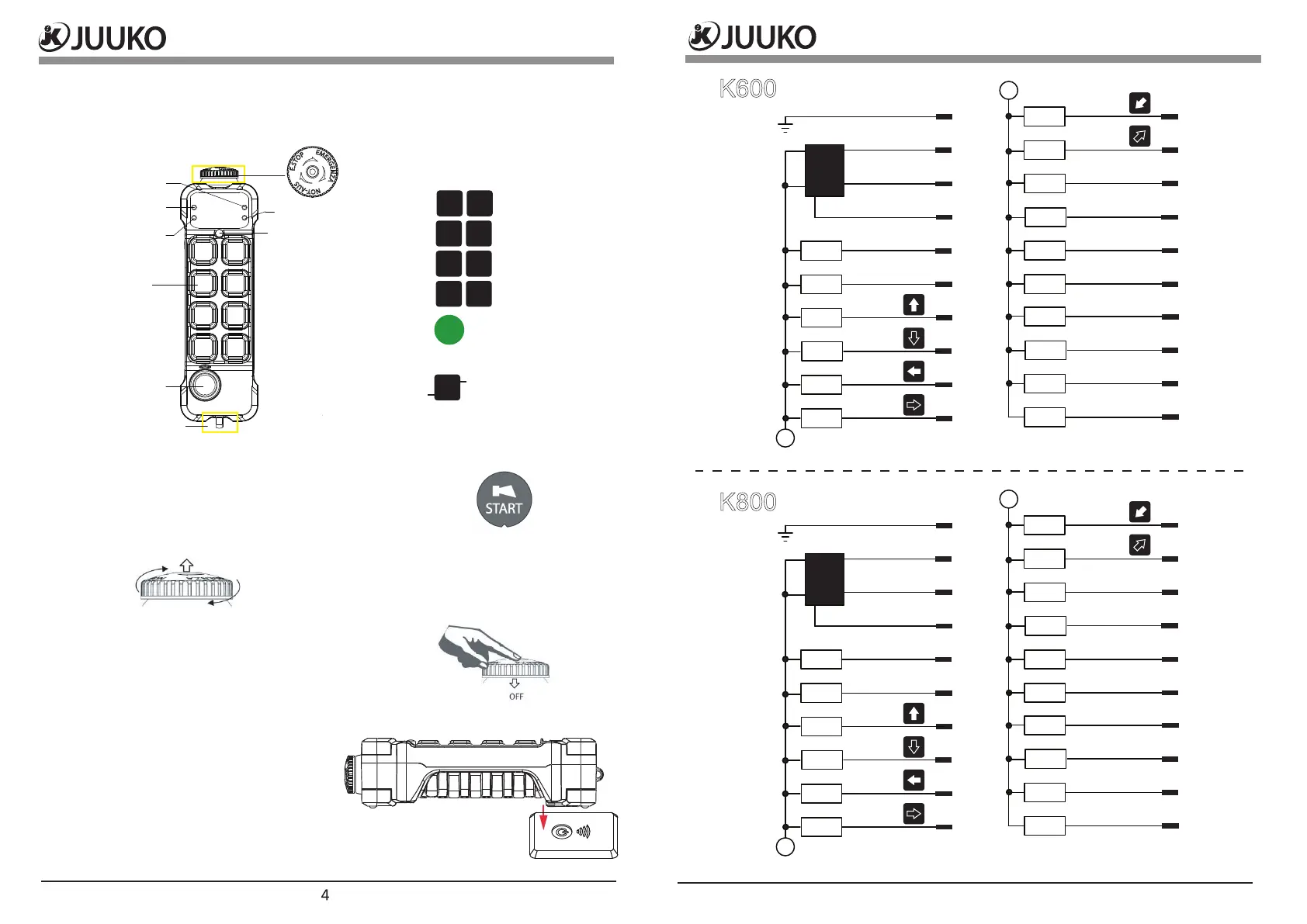
Start/ Horn switch
The K series transmitter has a Start/Horn pushbutton
onthe left side. The Start/Horn switch has 2 functions:
1. Press to Start.
2. Press for horn while operating.
Start the transmitter in operating mode
1. Turn to release the Emergency O button.
2. Press the ”START” button.
Turning the transmitter o
Turn the transmitter o by completely pressing the
Emergency O button. The transmitter turns o.
All relays deactivate.
How to use Qi wireless charging (Optional)
1. Turn the transmitter o by completely
pressing the emergency o button.
2. Place the transmitter on top of the
wireless charging pad. You'll hear
a beep, the battery LED ash every
1 second. When it's nished charging
the battery LED ash every 5 seconds.
3. Remove the transmitter from the pad.
Chapter 2:General description
Operating
pushbuttons
Status LED
ON/HORN
LED 2
LED 1
Low battery
Error
X1
X9
X2
X10
X3
X11
X4
X12
X5
X13
X6
X14
X7
X15
X8
X16
X17
X1
X9
1st step
2nd step
Emergency o (EMO)
Loop for lanyard.
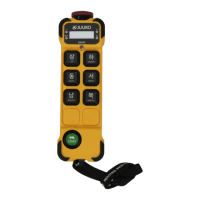
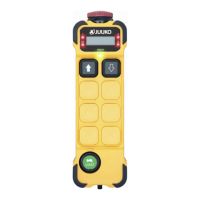
The K series (C2/C2E/C2Q/C2EQ) transmitter comes in dierent versions, featuring
2, 4, 6, or 8 pushbuttons. The transmitter also features 2-step pushbuttons. Both
steps of each pushbutton can operate dierent functions like controlling the
speed of a movement, step 1: slow, step 2: fast.
K600
K800
A
DC-
DC+
DC+
E.STOP
UP
DOWN
EAST
WEST
SOUTH
NORTH
HORN
N/A
N/A
N/A
N/A
N/A
N/A
N/A
Master output
1
2
3
4
5
6
7
8
9
10
11
12
13
14
15
16
17
18
19
20
Power enable (DC-)
Y1
Y2
Y3
Y4
Y5
Y6
Y7
Y8
Y9
A
A
DC-
DC+
DC+
E.STOP
UP
DOWN
EAST
WEST
SOUTH
NORTH
1
2
HORN
N/A
N/A
N/A
N/A
N/A
Master output
1
2
3
4
5
6
7
8
9
10
11
12
13
14
15
16
17
18
19
20
Power enable (DC-)
Y1
Y2
Y3
Y4
Y5
Y6
Y7
Y8
Y9
Y10
Y11
A


 To Next Page