Set Up Procedure
7Juvent 1000 Instruction Manual
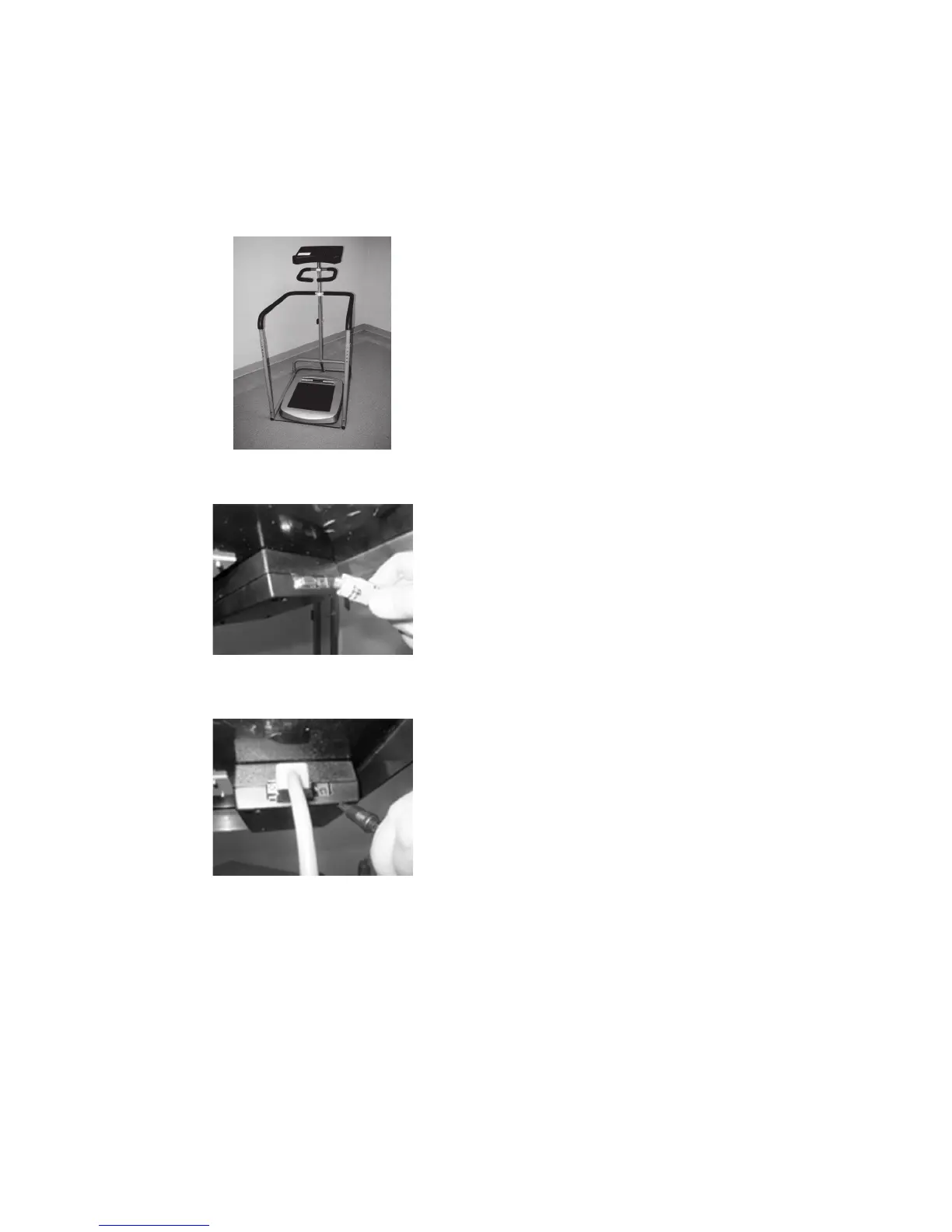
1. Remove the Juvent 1000 Device
from its box and place it on the
stand as shown. (Figure 1)
Figure 1
2. Connect one end of the RS-232
serial cable to the 9-pin connector on
the RFID box, as shown in Figure 2. Two
screws are provided on the serial
connector; use them to lock the connector
in place. If using a screwdriver, be careful
not to overtighten the screws.
3. The Juvent system power supply has two
output cords. With the power supply on
the floor, only one cord will reach the
RFID unit. Plug the longer cord into the
RFID unit as shown in Figure 3.
Figure 2
Figure 3



 To Next Page