12
Notes:
• If your VCR is a mono sound unit, it will have only one audio out jack. Connect it to the TV’s
LEFT AUDIO INPUT.
• Use the S-Video connection if possible for superior picture quality.
• Your VCR must be turned on to view premium cable channels.
Note:
• If you do not have a cable box, connect the cable wire from the wall outlet into the back of the
TV.
Diagram #1
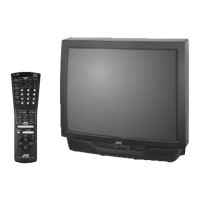
Illustration of AV-36F475
Diagram #2
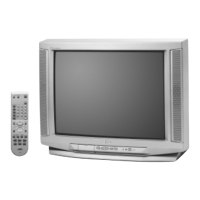
Illustration of AV-36F475
Quick Setup Connections
�
�
27\32\36F475\485 English 1/27/04, 11:23 AM12


 To Next Page
 Loading...