16
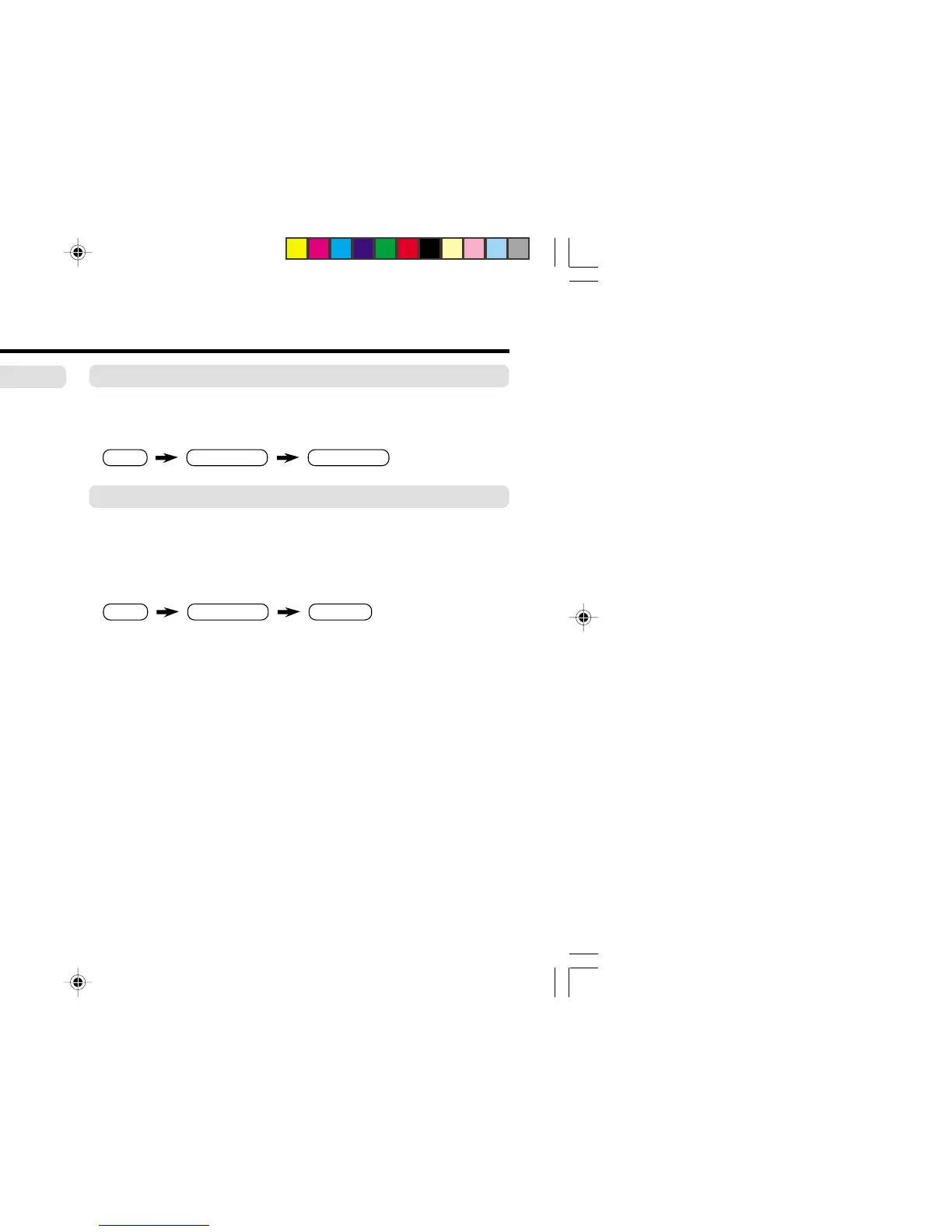
AUTO SHUTOFF
You can set the TV to turn off automatically when no signal is
received for about 15 minutes or longer after the end of a
broadcast.
Select AUTO SHUTOFF in INSTALL menu, then choose ON or
OFF.
The AUTO SHUTOFF function does not turn off the TV’s main
power.
The AUTO SHUTOFF function is not available in video mode.
Customized setting (continued)
MENU INSTALL menu
AUTO SHUTOFF
MENU
INPUT menu
EXT. INPUT
MENU
INPUT menu
DISPLAY
❇
❇
❇
EXT. INPUT (TV/VIDEO)
You can select TV or video terminal input with one touch.
Press the TV/VIDEO button to select an input.
To operate this function with a menu:
DISPLAY
You can display the program number and video terminal number
on the screen.
Press the DISPLAY button to display the indication on the screen.
To operate this function with a menu:
❇ About the basic operations of the menu, please see the “How
to operate menus and menus locations” on page 5.
GGT0071-001A-H(11-20) 12/23/04, 8:43 PM16





 To Next Page