EasyManua.ls Logo

JVC AV-20320 - User Manual

JVC AV-20320
44 pages
Print Icon
To Next Page IconTo Next Page
Loading...
COLOR TELEVISION
USER'S GUIDE
For models:
AV-20320
AV-20321
C-20310
C-13310
C-13311
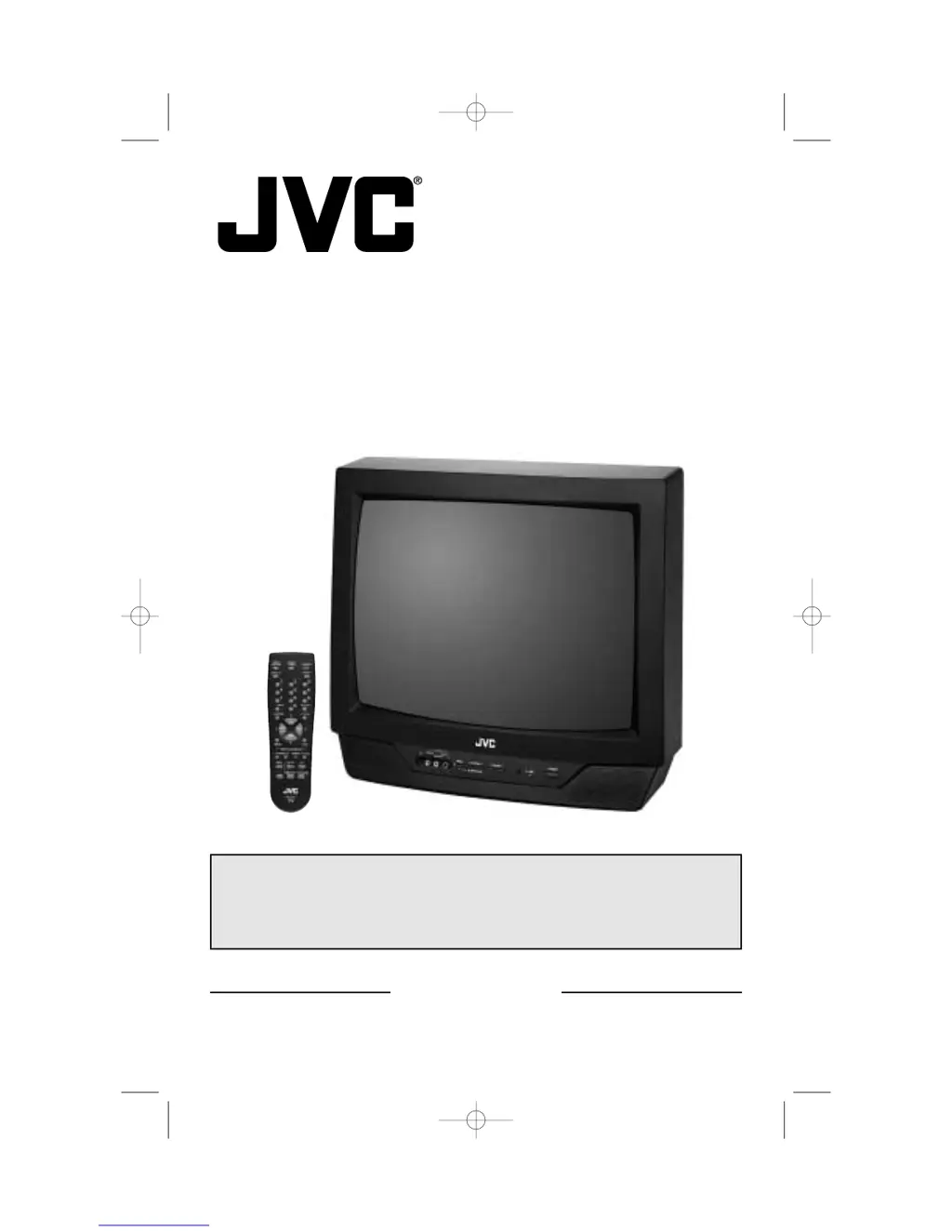
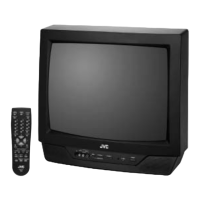
Illustration of AV-20320 and RM-C205
IMPORTANT NOTE TO THE CUSTOMER
In the space below, enter the model number and serial number of your television (located at
the rear of the television cabinet). Staple your sales receipt or invoice to the inside cover of
this guide. Keep this user's guide in a convenient place for future reference. Keep the carton
and original packaging for future use.
Model Number
Serial Number
LCT1146-001A-A
0102-TN-FAA-JIM
FV5 English 3/12/02 2:49 PM Page 1

Questions and Answers

  • M
    michaellongAug 20, 2025
    Why is my JVC AV-20320 TV remote not working?
    • J
      Jason BurnettAug 20, 2025
      If your JVC TV remote isn't working, first check the batteries to ensure they are working and properly installed. Also, make sure there is a clear path between the remote and the TV, without any obstructions.
  • H
    Heather PowersAug 22, 2025
    How to fix a JVC AV-20320 TV that won't turn on?
    • D
      Dominique MartinAug 22, 2025
      If your JVC TV isn't turning on, check if the power cord is securely plugged in. Also, inspect the fuse or circuit breaker to see if it has blown or tripped, and check for any power outages in your area.
  • J
    john97Aug 25, 2025
    What to do if my JVC AV-20320 has no picture or sound?
    • T
      Terrence BrownAug 25, 2025
      If your JVC TV has no picture or sound, the antenna might be disconnected. Another cause could be that the input mode is set improperly. The TV station may be experiencing technical difficulties, so check other channels to see if they are working.
  • J
    Jessica ClementsAug 26, 2025
    Why does my JVC AV-20320 TV keep turning off by itself?
    • K
      Kimberly AtkinsonAug 27, 2025
      If your JVC TV is turning off by itself, ensure the power cord hasn't become unplugged. It's possible the On/Off Timer or the Sleep Timer is set.
  • M
    Michael RichardsAug 27, 2025
    How to improve poor color quality on JVC TV?
    • M
      Michael SnyderAug 27, 2025
      If the color quality on your JVC TV is poor, the Tint and Color settings may be improperly adjusted. Also, the Video Status mode may be set to the wrong setting.
  • B
    Brandon CantuAug 30, 2025
    How to fix a snowy picture on my JVC TV?
    • S
      Samantha ValenciaAug 30, 2025
      If the picture on your JVC TV is snowy, the antenna might be damaged, disconnected, or improperly turned. Check the antenna connection and replace the antenna if it's damaged.
  • Y
    Yolanda BoydAug 31, 2025
    Why can't I select certain channels on my JVC TV?
    • T
      thomasjenniferAug 31, 2025
      If you cannot select a certain channel on your JVC TV, you may be too far from the TV; stay within 23 feet (7 meters). Also, make sure the channels have been programmed and check to see if the channel is locked.
  • J
    Jared Parker IISep 2, 2025
    How to fix a JVC AV-20320 TV screen that is 80% black?
    • D
      Denise AdamsSep 2, 2025
      If your JVC TV screen is 80% black, the Closed Caption Text mode is likely turned on. Turn it off in the Closed Caption Menu.
  • A
    Alan CrosbySep 4, 2025
    How to get sound from my JVC AV-20320 speakers?
    • J
      John WadeSep 4, 2025
      If there is no sound from your JVC TV's speakers, the TV Speaker option may be turned off.
  • C
    cassandramartinSep 6, 2025
    How to remove lines across the picture on my JVC AV-20320?
    • R
      Robert RussellSep 6, 2025
      If there are lines across the picture on your JVC TV, it could be due to interference from another electrical appliance like a computer, another TV, or a VCR. Try moving these appliances further away from the TV.

JVC AV-20320 Specifications

General IconGeneral
Display TechnologyCRT
Screen Size20 inches
Aspect Ratio4:3
Comb Filter3-line digital
InputsComposite

Related product manuals