Button Functions
40
The ME N U button allows you to access JVC’s onscreen menu system. Press ME N U to activate the
onscreen menu system.
• See individual topics (like “Sound Settings) for specific information on using menus.
Press the EXIT button to leave a menu screen. On the RM-C301G this button is also labeled “PIP
OFF”. Press EXIT/PIP OFF to turn off the Picture-in-Picture function (please see page 44 for more
information on the PIP feature).
• PIPis available on series D502 models only.
Menu
Exit and PIP Off
Display
• Please note that if the Clock, Sleep Timer or On/Off Timer are not set, the Display screen will
show: "Clock Not Set", "Sleep Timer Off", and "On/Off Timer Off" respectively.
NOTE:
The Display screen shows the current status of timers and inputs.
Press the DISPLAY button
The screen above shows the following information:
• The current channel or AV input (Channel 07)
• The current time (12:20 pm)
• Sleep Timer status/minutes remaining (The Sleep Timer is off)
• On/Off Timer status (Set to turn on everyday at 7:00 PM, off at 10:00 PM)
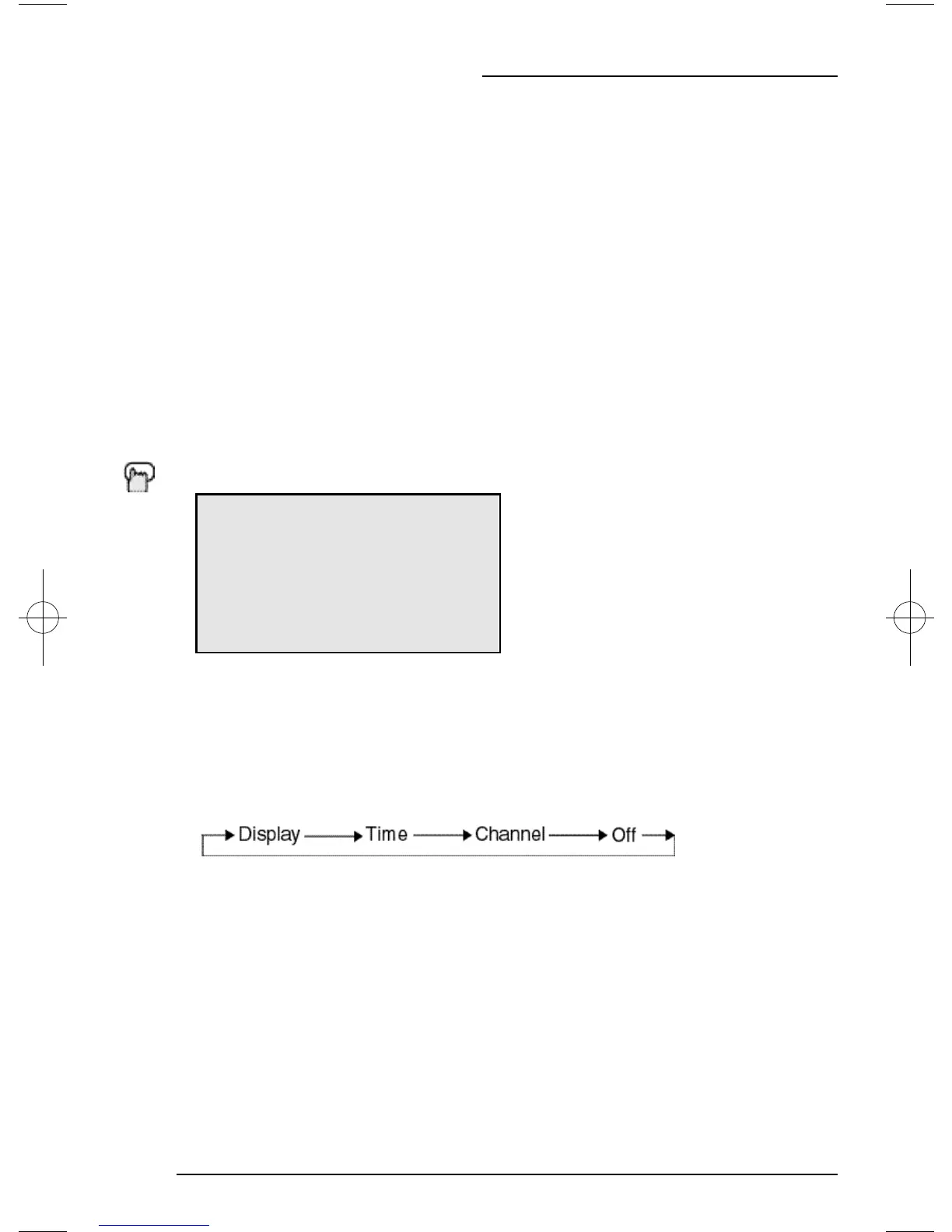
• Each Press of the DISPLAY button changes the display mode:
Display - Full screen shown above
Time - Shows the current time only
Channel - Shows the current channel
Off - Turns Display off
• You may also turn off the Display at any step by pressing EXIT.
07
NOW 12:20 PM
SLEEP TIMER OFF
ON/OFF TIMER EVERYDAY
ON TIME 7:00 PM
OFF TIME 10:00 PM
D502/302/202 mini-IB 4/5/01 9:40 AM Page 40




 To Next Page