No. 51686
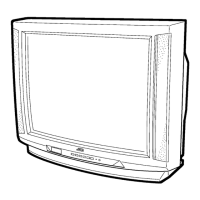
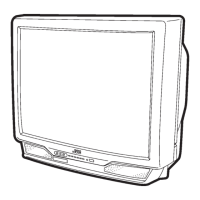
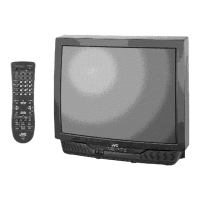
V-27D201
V-32D201
24
Item
Measuring
instrument
Test point Adjustment part Description
SUB
CONTRAST
adjustment
Remote
control unit
No.2 PICTURE
[ Method of adjustment without measuring instrument ]
1. Receive the broadcast.
2. Select
No.2 PICTURE
of the PICTURE MODE.
3. Set the initial setting value of the
No.2 PICTURE
with the
LEFT/RIGHT key of the MENU.
4. If the contrast is not the best with the initial setting value, make
fine adjustment of the
No.2 PICTURE
until you get the
optimum contrast.
SUB COLOR
adjustment
Remote
control unit
No.3 COLOR
1. Receive the broadcast.
2. Select
No.3 COLOR
of the PICTURE MODE.
3. Set the initial setting value of the
No.3 COLOR
with the
LEFT/RIGHT key of the MENU.
4. If the color is not the best with the Initial setting value, make
fine adjustment of the
No.3 COLOR
until you get the optimum
color.
[ Method of adjustment using measuring instrument ]Signal
generator
Oscilloscope
Remote
control unit
TP-R
TP-E(#
##
#)
[CRT
SOCKET
PWB]
No.3 COLOR
1. Input the full field color bar signal (75% white).
2. Select
No.3 COLOR
of the PICTURE MODE.
3. Set the initial setting value of the
No.3 COLOR
with the
LEFT/RIGHT key of the MENU.
4. Connect the oscilloscope between
TP-R
and
TP-E
.
5. Adjust COLOR and bring the value of
(A)
in the illustration to
the voltage shown in the table bellow( V
w-
R
).
Voltage between W-R
AV-27D201 +32V
AV-32D201 / A +40V
(A)
W
Cy
G
Mg
B
R
Y
0V



 To Next Page