No. 51686
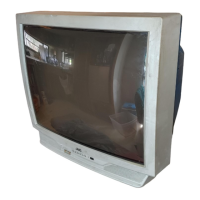
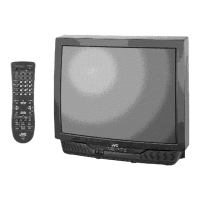
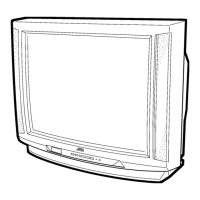
V-27D201
V-32D201
30
STATIC CONVERGENCE ADJUSTMENT
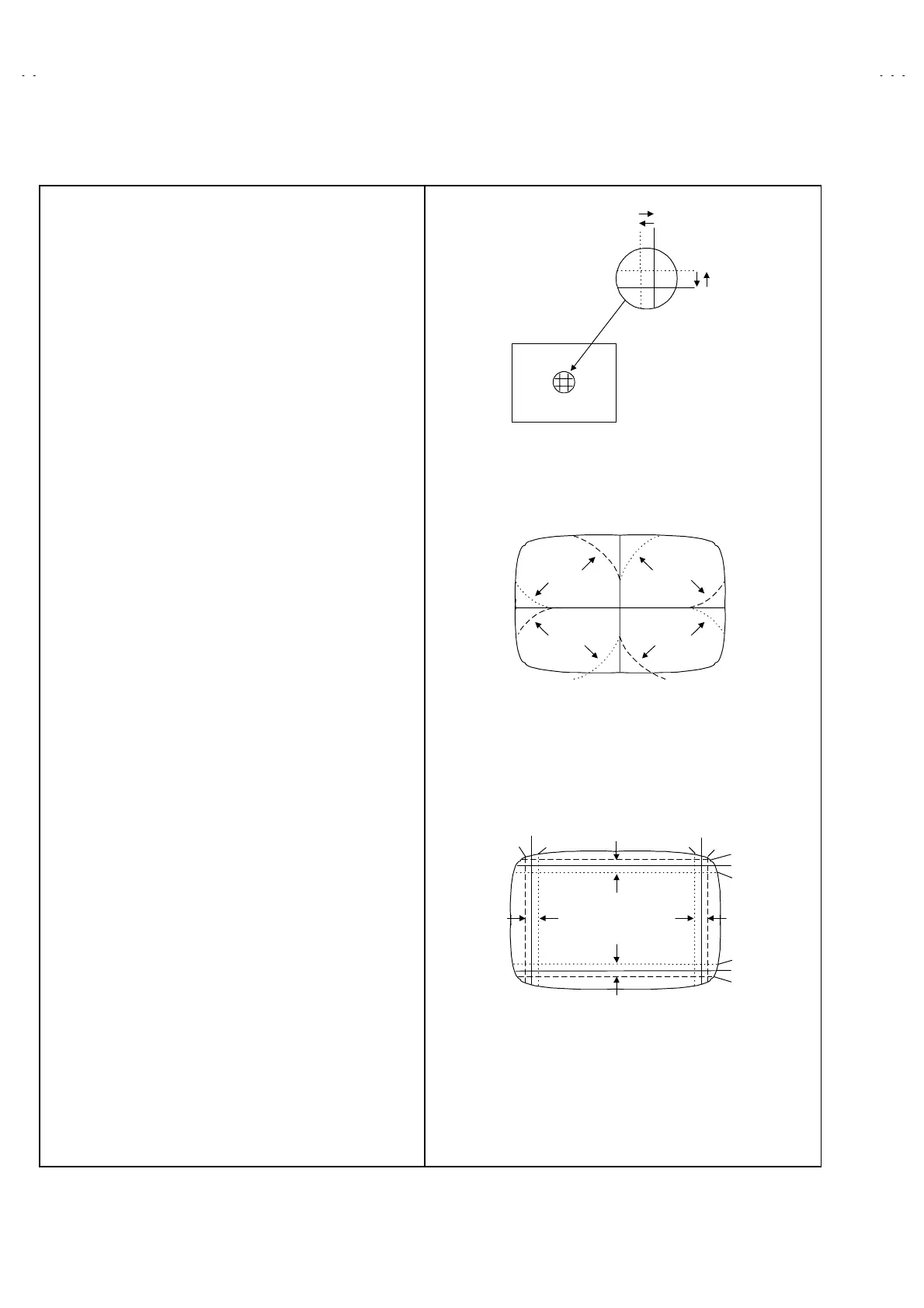
1. Input a crosshatch signal.
2. Using 4-pole convergence magnets, overlap the red and blue
lines in the center of the screen (Fig.1) and turn them to
magenta (red/blue).
3. Using 6-pole convergence magnets, overlap the magenta
(red/blue) and green lines in the center of the screen and turn
them to white.
4. Repeat 2 and 3 above, and make best convergence.
DYNAMIC CONVERGENCE ADJUSTMENT
1. Move the deflection yoke up and down and overlap the lines in
the periphery. (Fig. 2)
2. Move the deflection yoke left to right and overlap the lines in the
periphery. (Fig. 3)
3. Repeat 1 and 2 above, and make best convergence.
After adjustment, fix the wedge at the original position.
Fasten the retainer screw of the deflection yoke.
Fix the 6 magnets with glue.
(FRONT VIEW)
GREEN
(FRONT VIEW)
BLUE
RED
BLUE
GREEN
RED
RED
GREEN
BLUE
GREEN RED
BLUE
GREEN
(FRONT VIEW)
BLUE
RED
BLUE
GREEN
RED
RED
GREEN
BLUE
GREEN
RED
BLUE
Fig.3
Fig.2
Fig.1



 To Next Page