10
Attaching the Stand
The stand installation varies depending on
model. Perform the installation according to the
instructions of your TV model.
Unpacking the TV
1 Remove the remote control, power cord,
and other accessories from the foam end
caps.
2 Remove the top foam caps.
3 Remove the stand.
4 Remove the TV from the box.
5 Place the TV face down on a at and clean
surface.
6 Attach the stand according to the
instructions of your TV model.
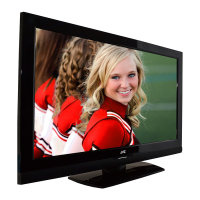
JLC32BC3002
1 Align the rear-side screw holes with the
stand.
2 Secure the stand with four screws.
3 Connect the base to the stand.
4 Secure the base to the stand with a
thumbscrew.


 To Next Page
 Loading...