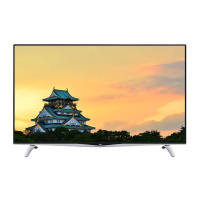
Need help?
Do you have a question about the JVC LT-65MAW595 and is the answer not in the manual?
Instructions for connecting various external devices like AV equipment and HDMI sources.
Steps to begin the initial TV configuration process after powering on.
Connecting the TV to your home network for internet access and updates.
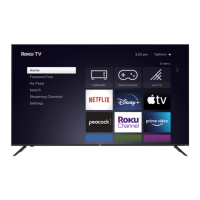
Activating your Roku TV and linking it to your Roku account for full functionality.
 General
| Screen Size | 65 inches |
|---|---|
| Display Type | LCD |
| Smart TV | Yes |
| HDMI Ports | 3 |
| USB Ports | 2 |
| Refresh Rate | 60Hz |
| Operating System | Android TV |
| Wi-Fi | Yes |
| Bluetooth | Yes |
| Resolution | 3840 x 2160 |
| HDR | Yes |
| Audio Output | 20W |

 To Next Page