18
NOTE
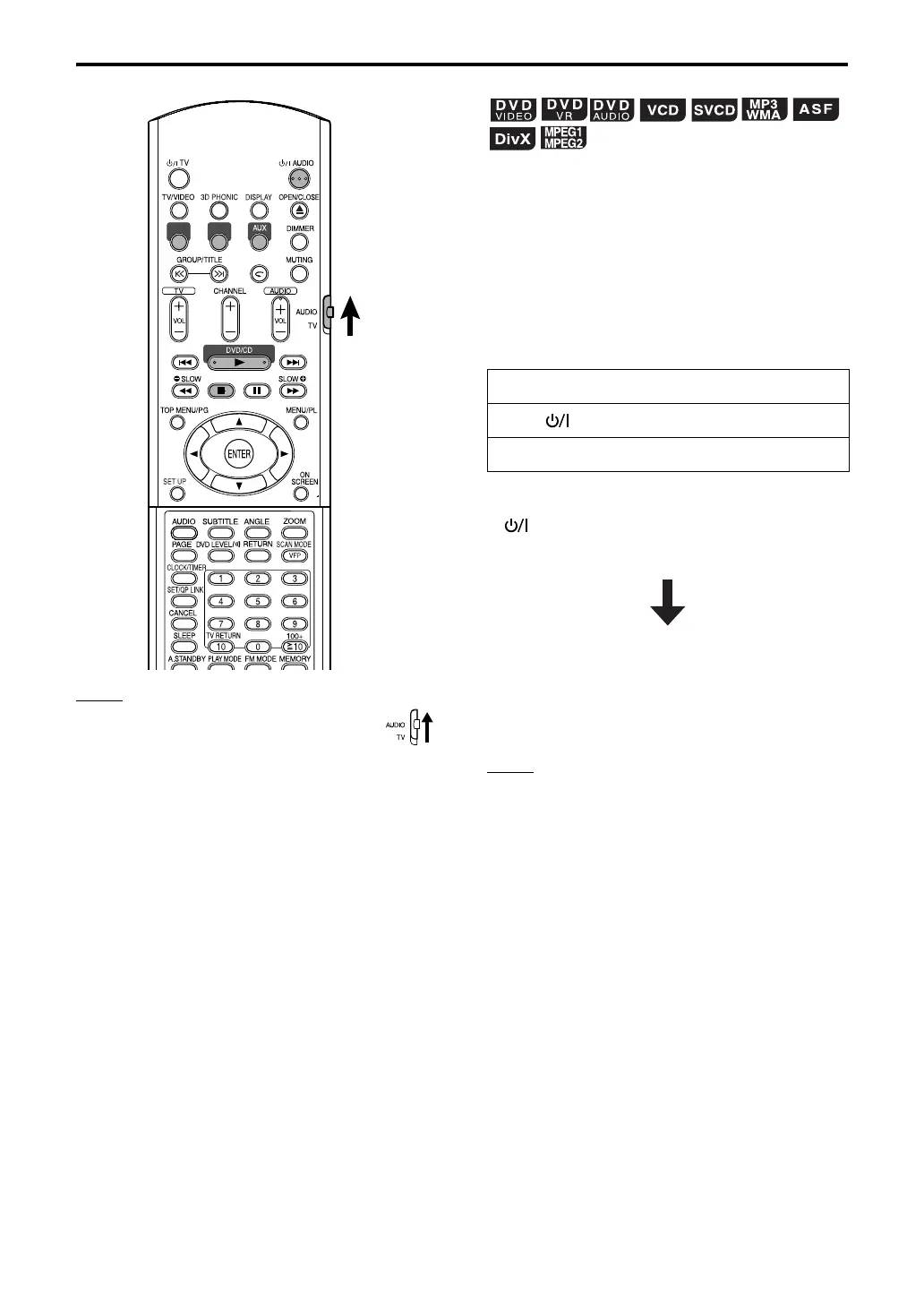
Set the remote control mode selector to
AUDIO before using the number buttons.
This system can store the stop point, and when
you start playback again by pressing DVD/CD 3
(even while on standby), it starts from the position
where you have stopped—Resume Play. The
RESUME indicator lights on the display window
when you stop playback.
To suspend playback
Perform any of the following operations during
playback.
* Even if the power is turned off by pressing
AUDIO after this, the position where
playback has been stopped will be stored.
To start playback from the stored
position
Press DVD/CD 3.
NOTE
• This function does not work in Program Playback or
Random Playback.
• The position where playback starts again may be a
little different from the stopped position.
• When a disc menu is displayed, the Resume
function may not work.
• The system also stores the settings of the audio
language, the subtitle language, and the angle
selected when playback is stopped.
• To stop completely while Resume is set to ON,
press 7 twice. (To cancel Resume, see
“RESUME”
on page 30)
• At the time of purchase, Resume is set to ON.
Resume can be set to OFF (page 30).
• If you open the tray, the stored position will be
erased.
FM AM
Press 7 once.*
Press AUDIO to turn off the power.
Change the source to FM, AM or AUX.*
Resume Playback
FS-XA1[B].book Page 18 Wednesday, March 22, 2006 1:34 PM


 To Next Page