30
English
+
–
CENTER MODE
DELAY TIME
FM MODE
SHIFT
PRO LOGIC 3 STEREO TEST TONE
TAPE
A
TAPE
B
REC PAUSE
CENTER
LEVEL
REAR
LEVEL
BALANCE
FADE
MUTING
RM–SMXJ777U REMOTE CONTROL
SLEEPECHO
SOUND
MODE
+
+
–
–
RL
HIGHTLIGHT SUBTITLEON SCREEN
V.INTRO
PREV
NEXT
SELECT/STILL
KEY CONTROL
VOCAL
MASKING
1
4
6
7
8
9
0
-
*
&
^
%
$
#
@
=
2
3
~
!
5
(
)
_
+
¡
™
STANDBY
CD
1
CD
1
CD
2
CD
3
CD
2
CD
3
PHONES
PANEL
OPEN / CLOSE
TAPE
CD
AUX
FM AM
/
EJECT EJECT
PLAY REC/PLAY
AUTO REVERSE AUTO REVERSE
VOLUME
SELECT
+
_
MIC LEVEL
MIN MAX
1
2
MIC
NTSC / PAL COMPATIBILITY
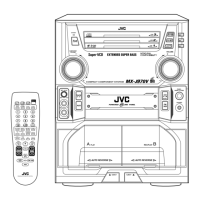
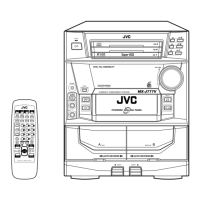
COMPACT COMPONENT SYSTEM
PLAY & EXCHANGER
COMPACT
SUPER VIDEO
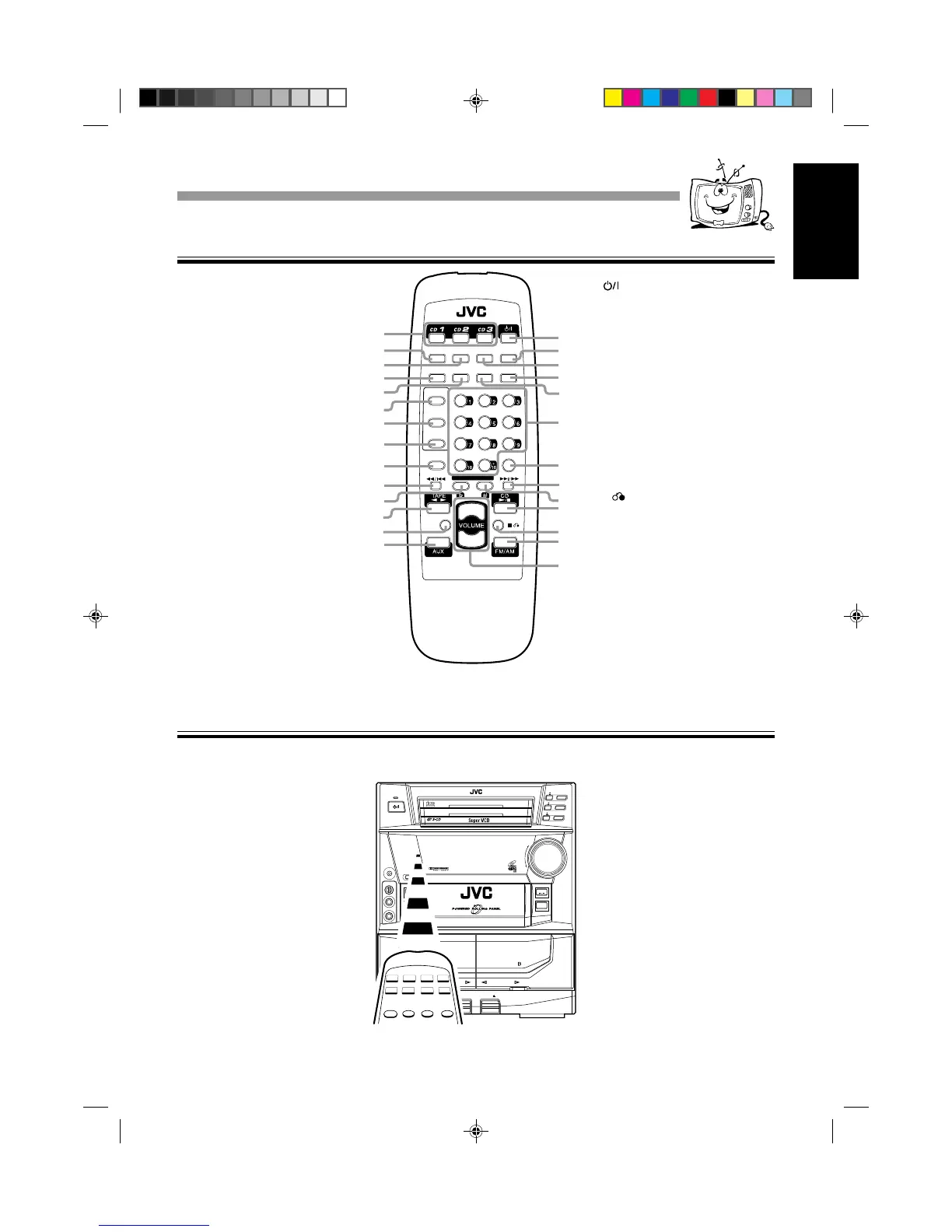
Remote Control
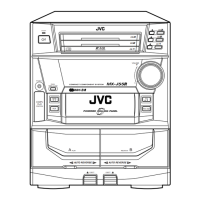
When using the remote control, point it at the remote sensor on the front panel.
Remote Sensor
1 Disc number buttons (CD 1, CD 2,
and CD 3) (10–11, 13–16, 22–23)
Pressing one of these buttons also
turns on the unit.
2 SOUND MODE button (8)
3 VOCAL MASKING button (24)
4 ON SCREEN button (15)
5 V.INTRO button (15)
6 TAPE A button (18)
7 TAPE B button (18)
8 REC PAUSE button (21)
9 SHIFT button (8, 19–20)
0 1 / 4 (fast left/reverse search)
button (11–12, 14, 18)
- KEY CONTROL I button (25)
= TAPE 23 button (7, 18, 21–22)
Pressing this button also turns on the
unit.
~ FADE MUTING button (8)
! AUX button (5, 7)
Pressing this button also turns on the
unit.
@
(standby/on) button (7, 27–28)
# SLEEP button (28)
$ ECHO button (24–25)
% SUBTITLE button (17)
^ HIGHLIGHT button (16)
& Number buttons (11, 14–17)
* FM MODE button (17)
( ¢ / ¡ (forward search/fast right)
button (11–12, 14, 18)
) KEY CONTROL i button (23, 25)
_ CD 6 button (7, 10–15, 21, 23)
Pressing this button also turns on the
unit.
+
7 (stop) button (7, 10–16, 18–21,
25)
¡ FM/AM button (7, 17)
Pressing this button also turns on the
unit.
™ VOLUME + / – button (8)
Location of the Buttons and ControlsLocation of the Buttons and Controls
EN26-33;MX-J777V/PM6 7/8/99, 9:15 AM30


 To Next Page
 Loading...