19
Using an External Equipment
Listening to the External
Equipment
You can listen to the external equipment such as MD recorder, cas-
sette deck, or other auxiliary.
❏ First, make sure that the external equipment is properly connect-
ed to the System. (See page 5.)
1
Set the volume level to the minimum posi-
tion.
2
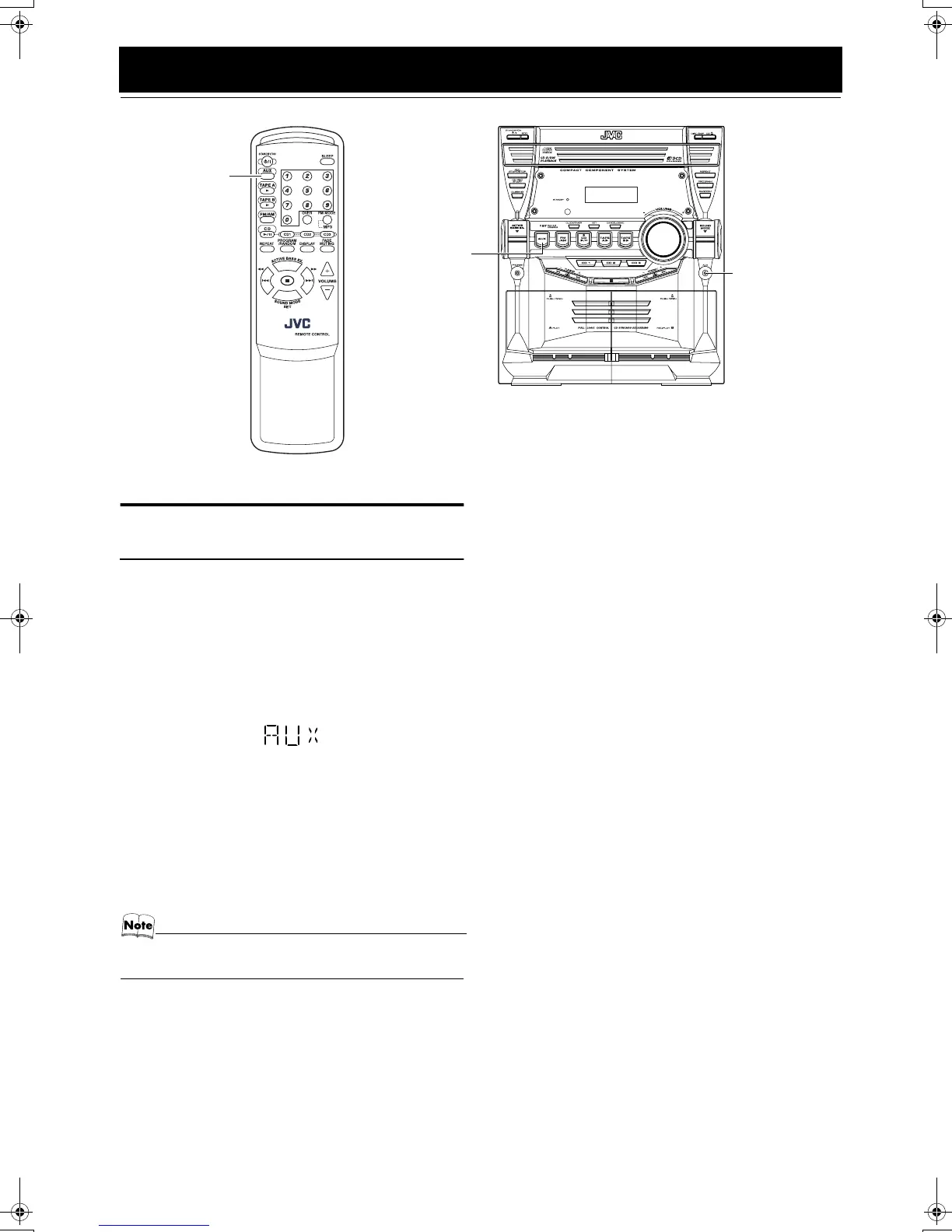
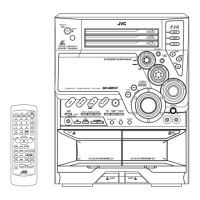
Press the AUX button.
“AUX” appears on the display.
3
Start playing the external equipment.
4
Adjust the volume level to the level you want
listen to.
5
Apply the following sound effects, if you wish.
• ACTIVE BASS EX. (See page 8.)
• Sound Mode (See page 8.)
To exit AUX mode, select other source (e.g. Tuner).
• For operation of the external equipment, refer to its In-
structions.
AUX
AUX
AUX jack
MX-KB2[B].book Page 19 Wednesday, April 28, 2004 2:16 PM


 To Next Page