EN 35
TIMER RECORDING
Check, Cancel And Change Programs
1 When the DVD timer indicator lights on the front display
panel
TIMER#1
When “ ” lights on the front display panel and the DVD
timer indicator also lights up on the front display panel.
1
When “R-LK” lights on the front display panel
REC LINK1
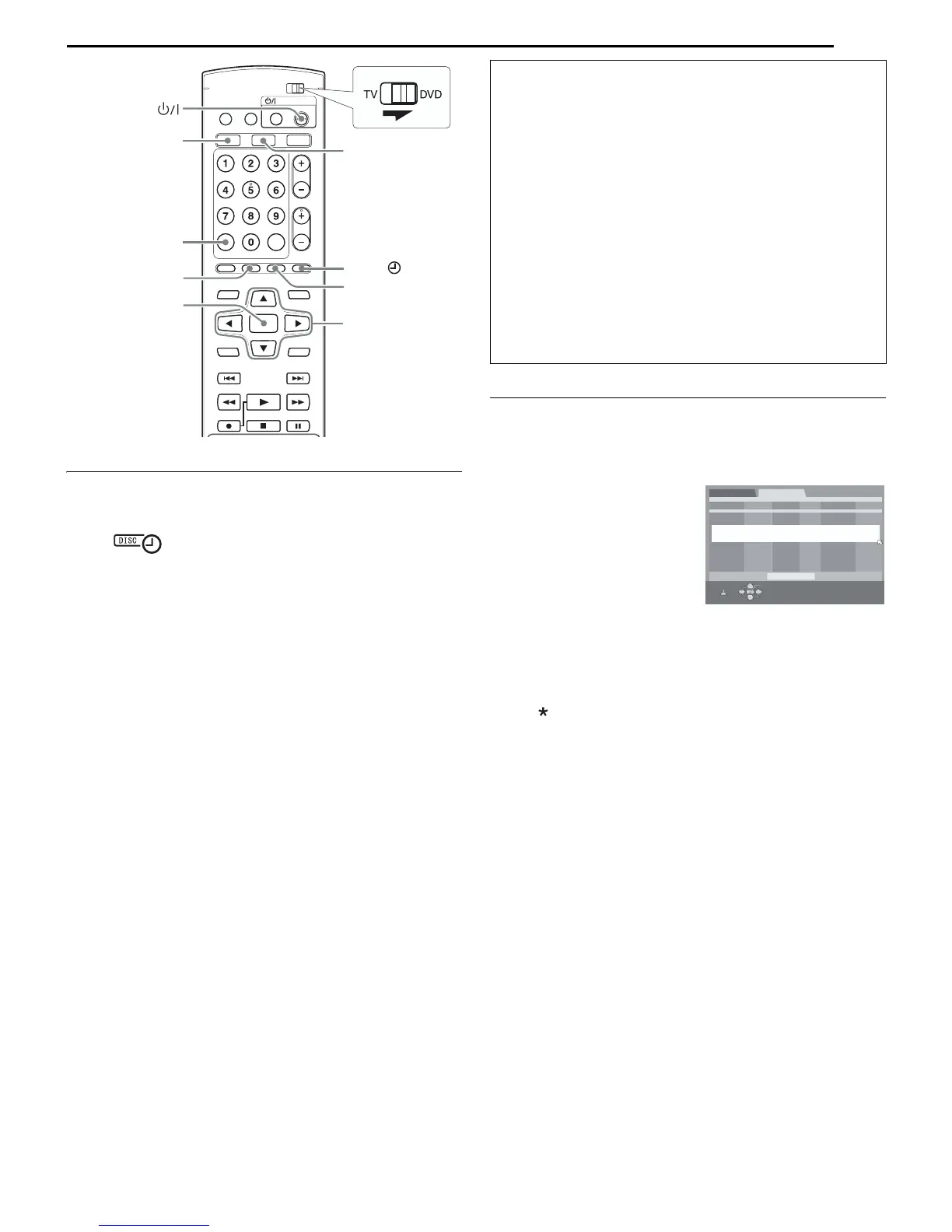
2 PROG
rt w e
●
PROG
To cancel the program
rt
CANCEL
3 rtENTER
4
● 5 10墌
5 PROG
6 For VCR Plus+, Manual or On-Disc Timer Programing (DVD
deck only)
TIMER#
For Automatic Satellite Program Recording
REC LINK
●
NOTE:
When Programs Overlap Each Other
PROG
Example: Program 3 (you have
just made) and program 4
overlap each other.
1
NOTE:
PROG
2 rt
●
rt w e
To cancel the program
CANCEL
●
To change the program setting
ENTER 3
3
● 5 10墌
4 PROG
5
● 6
墌
NOTE:
rtwe
ENTER
VHS
PROG
TIMER
DVD
CANCEL
REC LINK
Program’s information on the front display panel
墌
A PROG
●
B rt
ENTER
C e
● e
]]
]]
]]
D PROG
●
DATE
++++++++++++++++DVD NEW TIMER PROGRAM ++++++++++++++++
START
CH
DAILY/WEEKLY
REC MODE
05/07 SAT 7:00PM - 8:00PM 44 WEEKLY SP
DISC TIMER PRGM
10/07 THU 10:00PM - 10:30PM 10 XP
11/07 FRI 08:00AM - 09:00AM 26 LP
STOP
SELECT WITH [CURSORS]
THEN PRESS [ENTER]
OK
SELECT
PROG
EXIT
11/07 FRI 08:30AM - 09:30AM 33 LP
DVD PRGM CHECK
VHS PRGM CHECK



 To Next Page