EasyManua.ls Logo

JVC Emerald EM32FL - User Manual

JVC Emerald EM32FL
42 pages
Print Icon
To Next Page IconTo Next Page
Loading...
User Manual
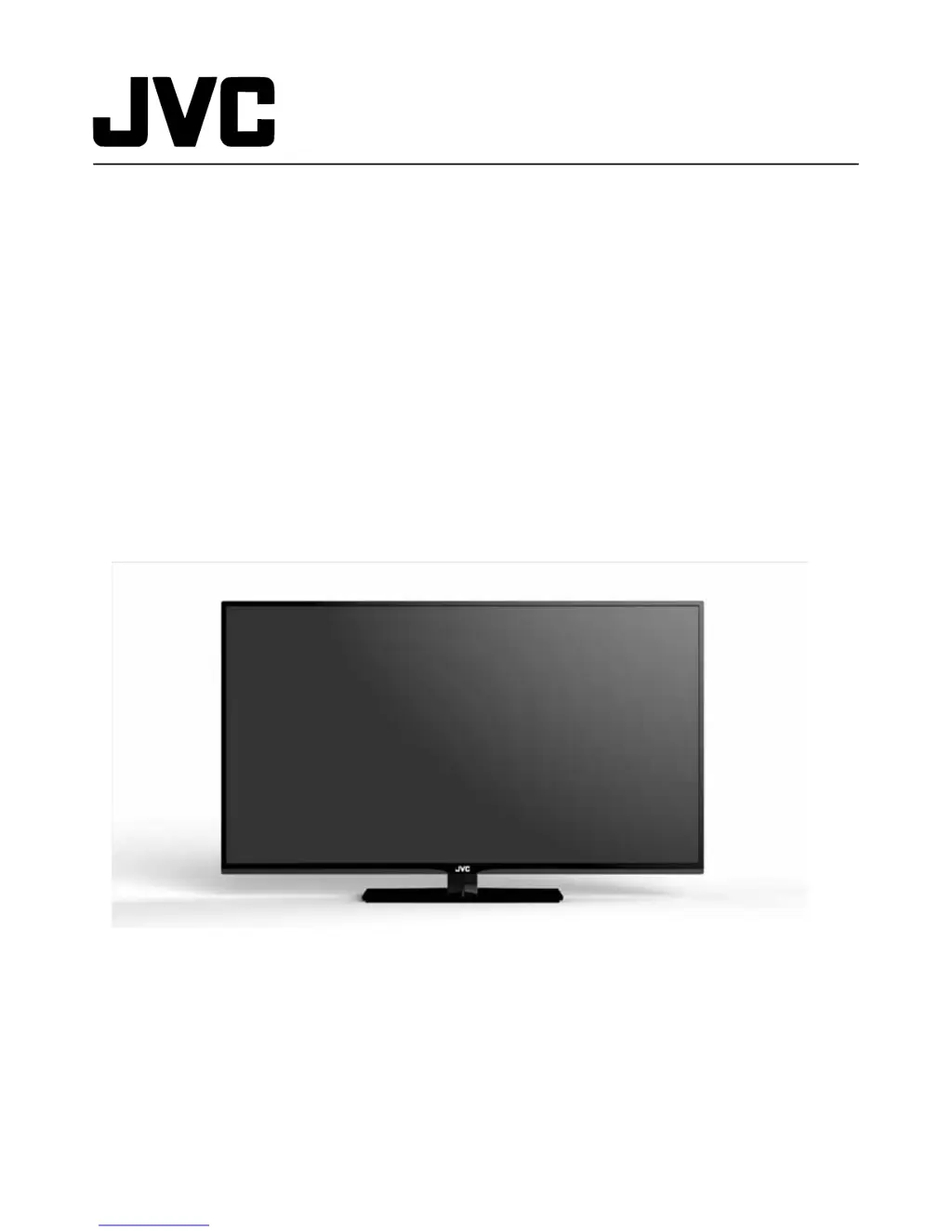
Emerald FT/FL Series LED HDTV
EM32FL
EM39FT
EM55FT
32” Class
39” Class
55” Class
Before operating your LED TV, please read this manual thoroughly.
Rev. 03/14
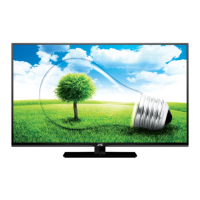
(*Images shown in this user manual are for illustration purpose only.)

Table of Contents

Questions and Answers

Summary

Important Safety Instructions

DTV Transition Advisory

Attaching the Stand

TV Unpacking Procedure

Steps for removing the TV from its packaging and preparing it for setup.

Stand Removal Guide

Instructions for detaching the stand from the TV for transportation.

Package Contents

Parts and Functions

Front Panel Overview

Identification of components on the front panel of the TV.

Rear Panel Connections

Identification of ports and connectors on the rear panel of the TV.

Remote Control Battery Installation

Making Connections

Antenna and Cable Connection

Instructions for connecting an antenna or coaxial cable to the TV.

HD Device Connectivity

Guidance on connecting devices via HDMI, Composite, or Component.

External Audio System Connection

Details for connecting audio output devices to the TV.

Music Port Connection

How to connect portable music players for audio playback.

Basic Operations

Initial TV Setup Wizard

Guided process for initial TV setup and configuration.

Exiting Store Demo Mode

Instructions on how to exit the store demonstration mode.

Basic TV Controls

Overview of fundamental TV operations and controls.

Channel Selection

Methods for selecting channels using number buttons or channel up/down.

Volume Muting

How to turn the TV sound off and on using the mute button.

Sleep Timer Function

Procedure for setting the TV to automatically turn off.

Display Information Toggle

How to display or hide channel or input information.

Aspect Ratio Adjustment

Options for adjusting the TV screen aspect ratio for different content.

Input Source Selection

Methods for choosing different input signals for the TV.

USB Multimedia Playback

Instructions for playing media files from a USB memory stick.

Adjusting the Menu Settings

Menu Navigation

How to navigate and operate the TV's menu system using the remote.

Input Signal Settings

Options for selecting and managing TV input signals.

Picture Quality Settings

Settings for adjusting picture quality, including brightness, contrast, and color.

Audio Output Settings

Settings for adjusting audio output, including bass, treble, balance, and lip sync.

System Setup Configuration

Menu for system settings, language, time, parental controls, and information.

Channel Tuning and Management

Options for selecting antenna/cable, scanning channels, and managing channels.

Appendix

Supported Display Resolutions

List of supported video and PC timing resolutions for the TV models.

Troubleshooting

Specifications

Limited Warranty

Summary

Important Safety Instructions

DTV Transition Advisory

Attaching the Stand

TV Unpacking Procedure

Steps for removing the TV from its packaging and preparing it for setup.

Stand Removal Guide

Instructions for detaching the stand from the TV for transportation.

Package Contents

Parts and Functions

Front Panel Overview

Identification of components on the front panel of the TV.

Rear Panel Connections

Identification of ports and connectors on the rear panel of the TV.

Remote Control Battery Installation

Making Connections

Antenna and Cable Connection

Instructions for connecting an antenna or coaxial cable to the TV.

HD Device Connectivity

Guidance on connecting devices via HDMI, Composite, or Component.

External Audio System Connection

Details for connecting audio output devices to the TV.

Music Port Connection

How to connect portable music players for audio playback.

Basic Operations

Initial TV Setup Wizard

Guided process for initial TV setup and configuration.

Exiting Store Demo Mode

Instructions on how to exit the store demonstration mode.

Basic TV Controls

Overview of fundamental TV operations and controls.

Channel Selection

Methods for selecting channels using number buttons or channel up/down.

Volume Muting

How to turn the TV sound off and on using the mute button.

Sleep Timer Function

Procedure for setting the TV to automatically turn off.

Display Information Toggle

How to display or hide channel or input information.

Aspect Ratio Adjustment

Options for adjusting the TV screen aspect ratio for different content.

Input Source Selection

Methods for choosing different input signals for the TV.

USB Multimedia Playback

Instructions for playing media files from a USB memory stick.

Adjusting the Menu Settings

Menu Navigation

How to navigate and operate the TV's menu system using the remote.

Input Signal Settings

Options for selecting and managing TV input signals.

Picture Quality Settings

Settings for adjusting picture quality, including brightness, contrast, and color.

Audio Output Settings

Settings for adjusting audio output, including bass, treble, balance, and lip sync.

System Setup Configuration

Menu for system settings, language, time, parental controls, and information.

Channel Tuning and Management

Options for selecting antenna/cable, scanning channels, and managing channels.

Appendix

Supported Display Resolutions

List of supported video and PC timing resolutions for the TV models.

Troubleshooting

Specifications

Limited Warranty

JVC Emerald EM32FL Specifications

General IconGeneral
BrandJVC
ModelEmerald EM32FL
CategoryHDTV
LanguageEnglish

Related product manuals