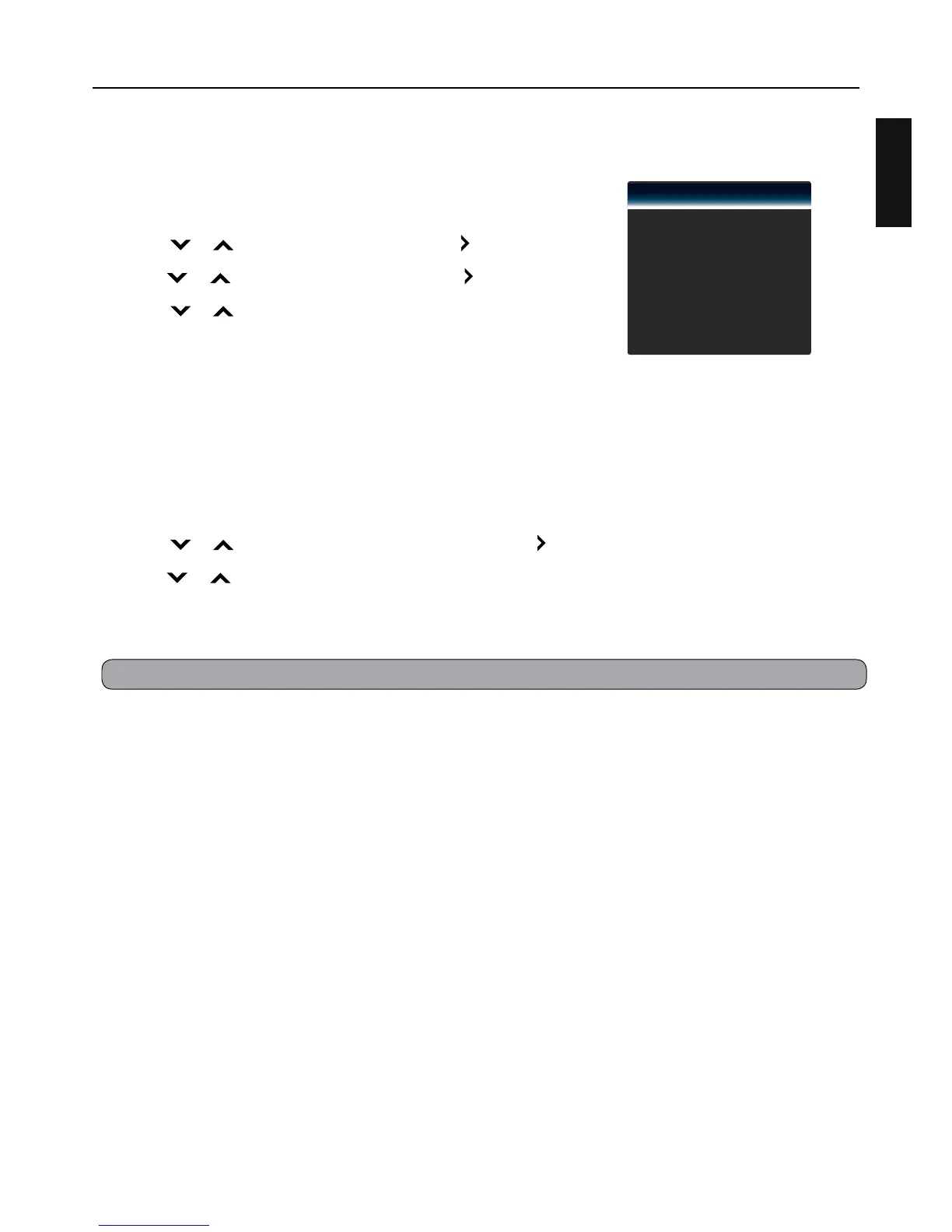
Channel Menu
Select Antenna / Cable
Select Antenna or Cable for the service connected to your TV.
1 Press MENU.
2 Press or to select “Channel”, then press or OK.
3 Press or to select “TV Mode”, then press or OK.
4 Press or to select “Antenna” or “Cable”, then press OK.
Scan Channels
Auto Scan Channels
When you run auto scan, the TV scans for all available channels. Make sure the antenna/cable is
connected properly. See page 14.
1 Press MENU.
2 Press or to select “Auto Channel Scan”, then press or OK.
3 Press or to select “Start Scan”, then press OK.
Scanning progress is displayed on the menu screen. To stop scanning, select “Stop Scan” and press
OK.
TV Mode
Auto Channel Scan
Partial Channel Scan
Find Channel
Channel Management
Digital MTS
Cable
English


 To Next Page