52
4 Repeat steps 2 and 3 to select a track.
• When a track is selected finally, playback starts.
• To return to the previous menu, touch [ ].
To select the playback mode, 26.
When connected with the interface adapter
Selecting a track from the player’s
menu
1 Touch [ ] to enter the player’s menu.
The SEARCH indicator lights up.
• This mode will be canceled if no operations are
done for about 5 seconds.
2 Touch [4] or [¢] to select the desired
item.
• Skips 10 items at a time if there are more than
10 items. (Hold)
3 Touch [6] to confirm the selection.
Playlists Ô Artists Ô Albums Ô
Songs Ô Genres Ô Composers Ô
(back to the beginning)
[
]:
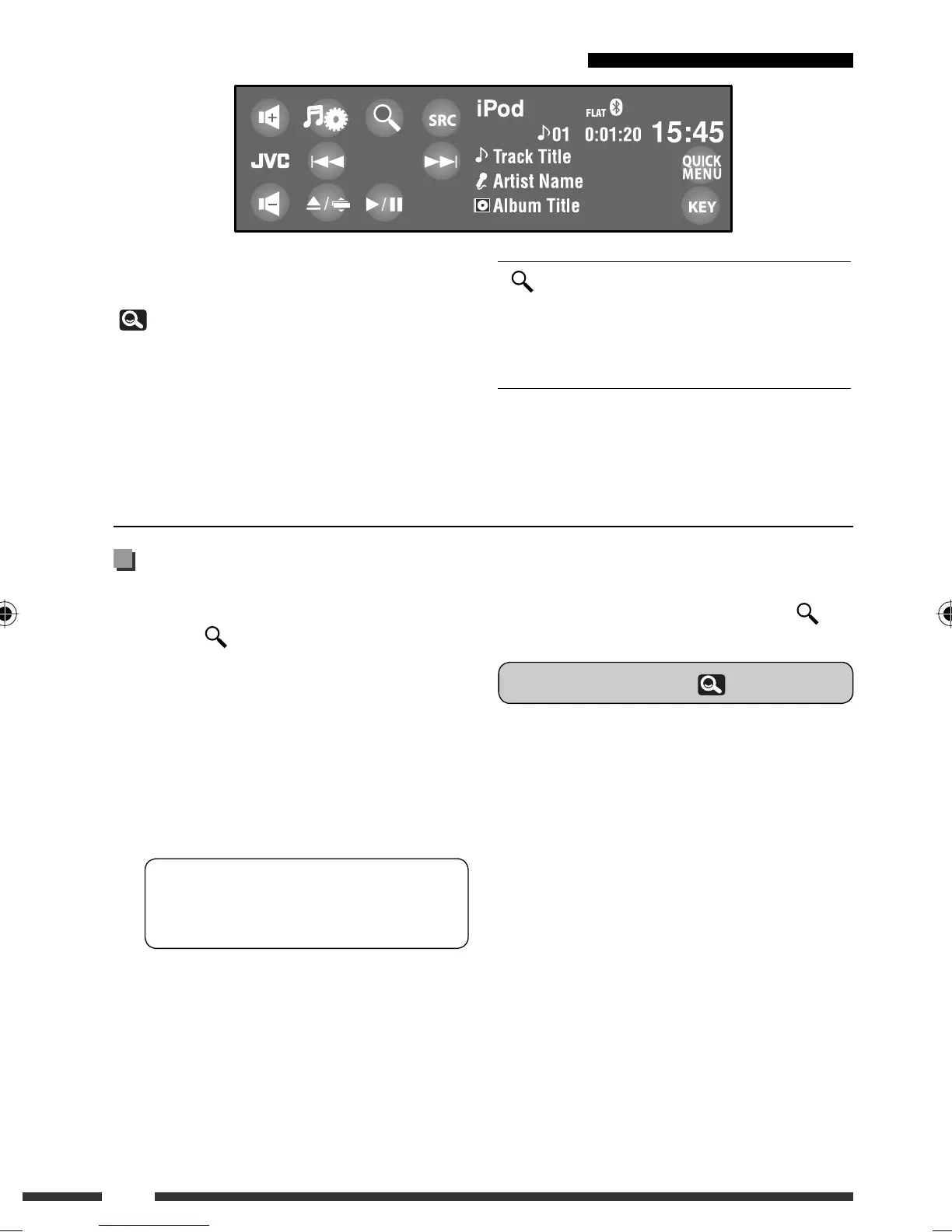
Enters player’s menu.
[
6]: Starts playback/pauses.
[
4 / ¢]: • Reverse/forward skip
• Reverse /forward search (Hold)
Preparation:
Make sure <iPod> is selected for <External Input>.
(
19)
~ Touch [SRC], then select “iPod.”
Playback starts automatically.
Ÿ Touch [4] or [¢] to select a track.
EN_KDAVX7755[A]f.indb 52EN_KDAVX7755[A]f.indb 52 09.4.3 4:47:48 PM09.4.3 4:47:48 PM






 To Next Page