EasyManua.ls Logo

JVC GET0191-001A - User Manual

JVC GET0191-001A
108 pages
Print Icon
To Next Page IconTo Next Page
Loading...
GET0191-001A
[E/EX]
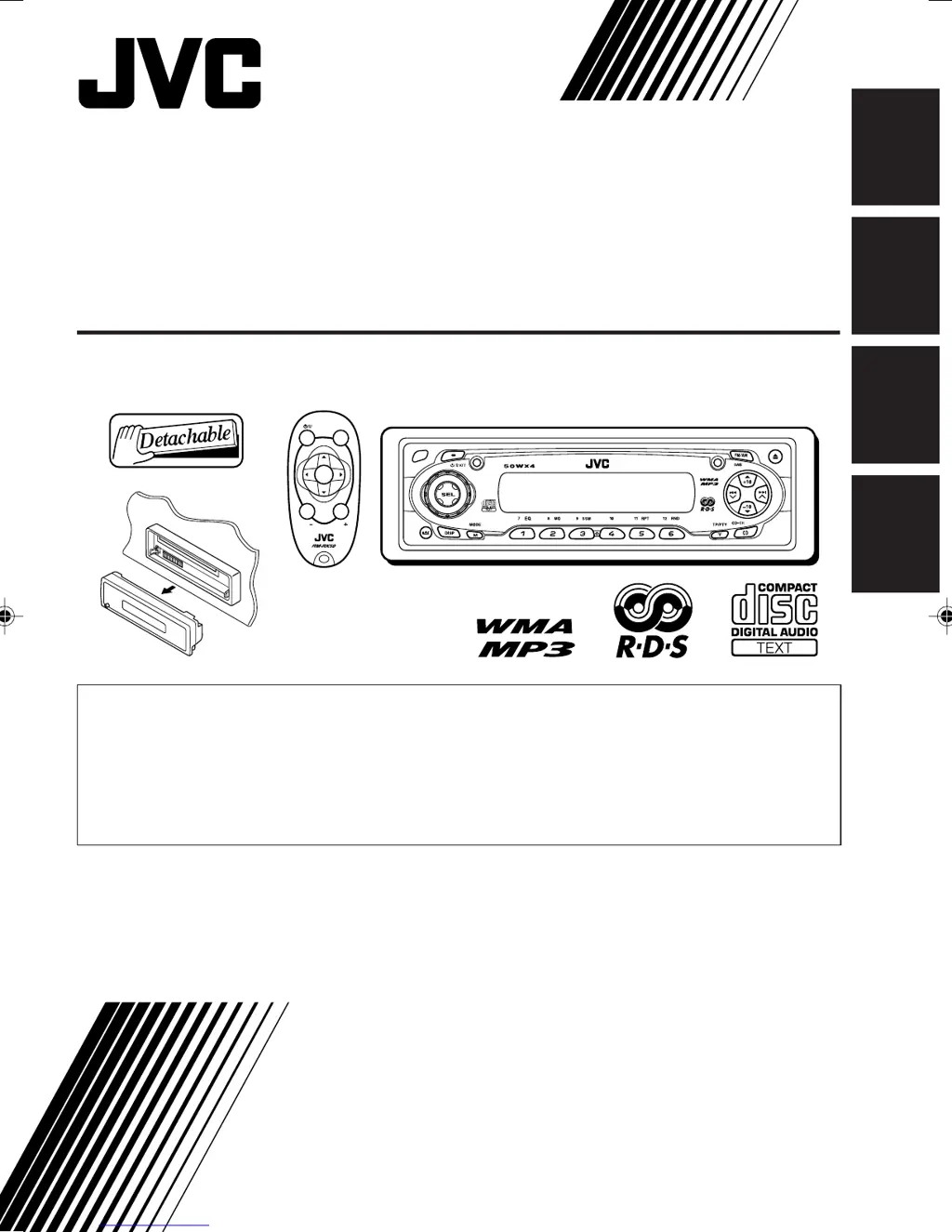
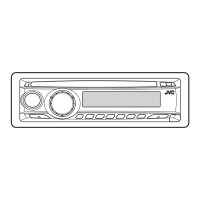
KD-SC601
CD RECEIVER
CD-RECEIVER
RECEPTEUR CD
CD-RECEIVER
ENGLISH
DEUTSCH
NEDERLANDS
FRANÇAIS
For installation and connections, refer to the separate manual.
Für den Einbau und die Anschlüsse siehe das eigenständige Handbuch.
Pour l’installation et les raccordements, se référer au manuel séparé.
Bijzonderheden over de installatie en aansluiting van het apparaat vindt u in de
desbetreffende handleiding.
INSTRUCTIONS
BEDIENUNGSANLEITUNG
MANUEL DINSTRUCTIONS
GEBRUIKSAANWIJZING
This unit is equipped with the display demonstration. To cancel it, see page 8.
Dieses Gerät ist mit einer Demonstrationsfunktion für das Display ausgestattet. Auf
Seite 8 wird beschrieben, wie Sie diese Demonstrationsfunktion deaktivieren können.
Cet appareil est équipé d’une fonction de démonstration des affichages. Pour l’annuler,
référez-vous à la page 8.
Dit toestel heeft een display-demonstratiefunctie. Zie bladzijde 8 voor het annuleren van
deze functie.
KD-SC601
SOUND
VOL
VOL
SOURCE
R
F
U
D
ATT
Cover001A_KD-SC601_f.p65 10/3/03, 12:31 PM3

Table of Contents

Questions and Answers

  • N
    Nicole GreeneAug 8, 2025
    Why can't I hear sound from my JVC GET0191-001A speakers?
    • R
      Ralph GuerreroAug 8, 2025
      There are several reasons why you might not be hearing sound from your JVC Car Receiver speakers. First, check that the volume level isn't set to the minimum; if it is, adjust it to an audible level. Also, inspect the cords and connections to ensure they are correctly connected. Finally, the built-in microcomputer may have malfunctioned due to noise. In this case, detach the control panel and press the reset button on the panel holder. Note that this will erase the clock setting and preset stations stored in memory.
  • C
    Christopher GreenAug 12, 2025
    What to do if my JVC GET0191-001A Car Receiver disc cannot be played back?
    • A
      Austin CastilloAug 12, 2025
      If your JVC Car Receiver isn't playing a disc, consider these potential issues. Ensure the disc is inserted correctly, with the correct side facing up. If it's a CD-R/CD-RW, verify that it has been finalized. Also, make sure the disc is unlocked. If you are driving, stop playback while driving on rough roads. Check the disc for scratches, and if present, try a different disc. Also, verify that all connections are correct. Finally, ensure that a disc is actually inserted into the loading slot.
  • T
    Thomas BrownAug 16, 2025
    What to do if my JVC GET0191-001A displays “NO DISC”?
    • J
      Johnny DavisAug 17, 2025
      If your JVC Car Receiver displays “NO DISC”, the magazine might be empty. Insert discs into the magazine correctly. Also, ensure that the unit and the CD changer are correctly connected, then press the reset button on the CD changer.
  • A
    April MorrisonAug 21, 2025
    Why does SSM (Strong-station Sequential Memory) automatic preset not work on my JVC GET0191-001A Car Receiver?
    • N
      newtonkevinAug 21, 2025
      If the SSM (Strong-station Sequential Memory) automatic preset isn't working on your JVC Car Receiver, it could be due to weak signals. In this case, store stations manually. Also, check the aerial connection to ensure it is firmly connected.
  • R
    Raymond FrancisAug 26, 2025
    What to do if 5V is not present at IC501 pin 20 on my JVC GET0191-001A Car Receiver?
    • L
      Lindsey BautistaAug 26, 2025
      If 5V is not present at IC501 pin 20, check IC501.
  • S
    Sharon VaughnAug 30, 2025
    What to do if the voltage output at IC541 pin 40 is not 5v or 0V on my JVC GET0191-001A Car Receiver?
    • A
      April GrayAug 30, 2025
      If the voltage output at IC541 pin 40 is not 5V or 0V, check IC501.
  • V
    Veronica SullivanSep 3, 2025
    What to do if 4V is not present at both sides of the feed motor in my JVC GET0191-001A Car Receiver?
    • T
      Tiffany WeissSep 3, 2025
      If 4V is not present at both sides of the feed motor, check IC501.

JVC GET0191-001A Specifications

General IconGeneral
ModelGET0191-001A
CategoryCar Receiver
TypeDigital Media Receiver
Power Output50W x 4
BluetoothYes
Aux InputYes
AM/FM TunerYes
Remote ControlYes
DisplayLCD
USB PortYes, Front

Related product manuals