ENGLISH
29
SETTINGS
Category
Menu items Selectable settings, [reference page]
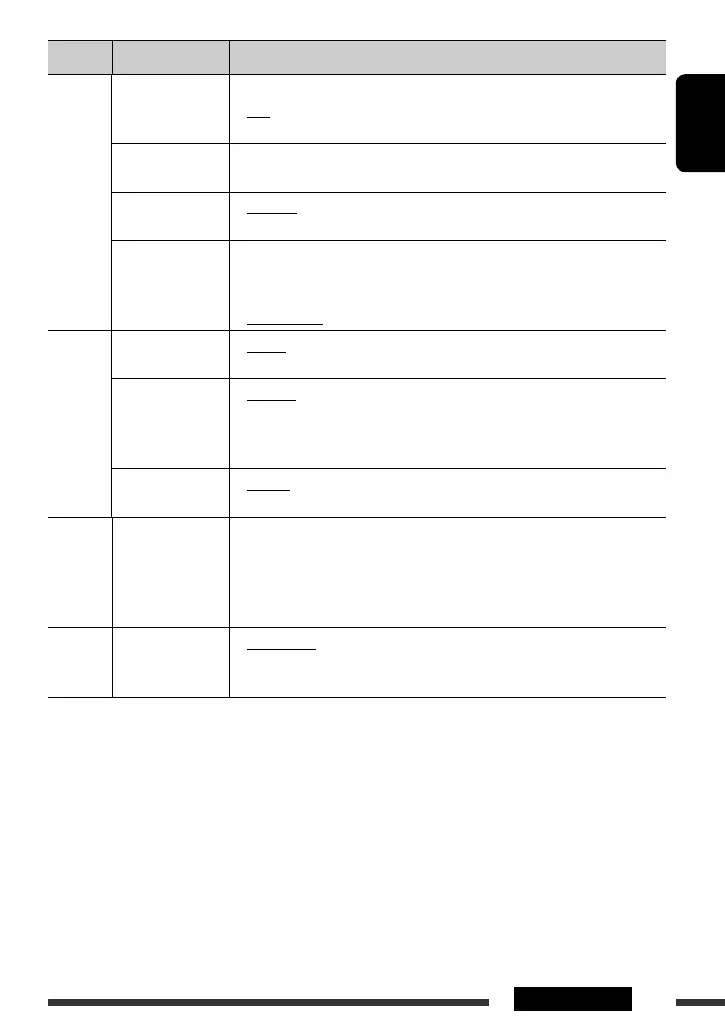
AUDIO
SUB.W FREQ *
12
Subwoofer cutoff
frequency
• LOW
• MID
• HIGH
: Frequencies lower than 72 Hz are sent to the subwoofer.
: Frequencies lower than 111 Hz are sent to the subwoofer.
: Frequencies lower than 157 Hz are sent to the subwoofer.
SUB.W LEVEL *
12
Subwoofer level
SUB.W 00
— SUB.W 08
: Adjust the subwoofer output level.
(Initial: SUB.W 04)
BEEP
Key touch tone
• BEEP ON
• BEEP OFF
: Activates the key touch tone.
: Deactivates the key touch tone.
AMP GAIN *
13
Amplifier gain
control
• LOW POWER
• HIGH POWER
: VOLUME 00 – VOLUME 30 (Select if the maximum power
of each speaker is less than 50 W to prevent damaging
the speaker.)
: VOLUME 00 – VOLUME 50
SRC SELECT
AM *
14
AM station
• AM ON
• AM OFF
: Enable “AM” in source selection, [5].
: Disable “AM” in source selection.
EXT IN *
15,
*
16
External input
• CH/IPOD
• EXT INPUT
: To use a JVC CD changer, [17], or an Apple iPod/iPhone,
[20].
: To listen to a portable audio player (connected to the CD
changer jack), [22].
AUX IN *
17
Auxiliary input
• AUX ON
• AUX OFF
: Enable “AUX IN” in source selection, [5].
: Disable “AUX IN” in source selection.
AUDIOBOOKS
AUDIOBOOKS *
18
Speed control of
“Audiobooks”
• NORMAL
• FASTER
• SLOWER
: You can select the playback speed of the “Audiobook”
sound file in your iPod.
• Initial selected item depends on your iPod setting.
IPOD
SWITCH
IPOD SWITCH *
19
iPod/iPhone control
• HEAD MODE
• IPOD MODE
: Controls iPod playback through the unit.
: Controls iPod playback through the iPod/iPhone.
*
12
Displayed only when “L/O MODE” is set to “SUB.W.”
*
13
The volume level automatically changes to “VOLUME 30” if you change to “LOW POWER” with the volume level
set higher than “VOLUME 30.”
*
14
Displayed only when any source other than “AM” is selected.
*
15
Displayed only when one of the following sources is selected—FM, AM, CD, USB, USB-IPOD, BT-PHONE, BT-AUDIO,
HD Radio, or AUX IN.
*
16
Not required for HD Radio broadcast/SIRIUS/XM tuners and Bluetooth.
*
17
Displayed only when any source other than “AUX IN” is selected.
*
18
Displayed only when an iPod is connected to the USB cable and playback is controlled from the unit.
*
19
Displayed only when “USB-IPOD” is selected as the source and “IPOD MODE” is available for the connected iPod/
iPhone (see pages 33 and 34).
EN26-31_KD-S36[J]_1.indd 29EN26-31_KD-S36[J]_1.indd 29 8/7/09 1:50:07 PM8/7/09 1:50:07 PM


 To Next Page