Please visit our Homepage on the World Wide Web and
answer our Consumer Survey (in English only):
http://www.jvc-victor.co.jp/english/index-e.html
For Accessories:
http://www.jvc-victor.co.jp/english/accessory/
ENGLISH
CONTENTS
AUTOMATIC DEMONSTRATION
6
GETTING STARTED
7 – 13
RECORDING & PLAYBACK
14 – 22
RECORDING ................................ 15 – 18
PLAYBACK .................................. 19 – 22
ADVANCED FEATURES
23 – 45
FOR RECORDING .......................... 24 – 31
USING MENUS FOR
DETAILED ADJUSTMENT ............. 32 – 37
DUBBING .................................... 38 – 39
USING THE OPTIONAL REMOTE
CONTROL UNIT .......................... 40 – 44
SYSTEM CONNECTIONS ........................ 45
REFERENCES
46
– Back Cover
DETAILS ............................................ 47
TROUBLESHOOTING ..................... 48 – 52
USER MAINTENANCE ........................... 53
CAUTIONS ................................... 54 – 56
SPECIFICATIONS ................................. 57
INDEX ......................................... 58– 62
TERMS ............................ 63 –
Back Cover
For Customer Use:
Enter below the Model No. and Serial
No. which is located on the bottom of the
camcorder. Retain this information for
future reference.
Model No.
Serial No.
INSTRUCTIONS
EN
LYT0944-001A
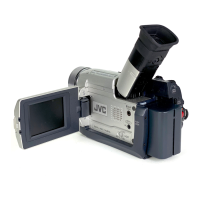
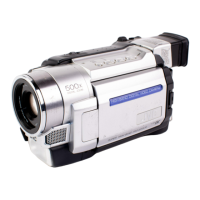
GR-DVL120
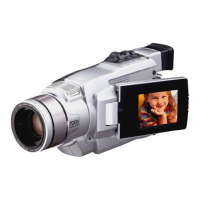
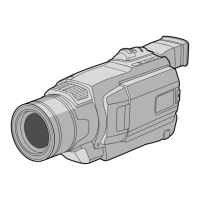
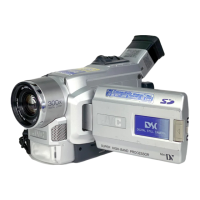
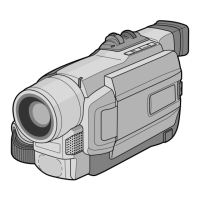
DIGITAL VIDEO CAMERA

 Need help?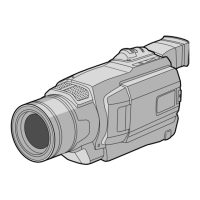

 To Next Page
 General