EN 77
^
*
)
q
&
(
w
$
yt
%
e
r
u
i
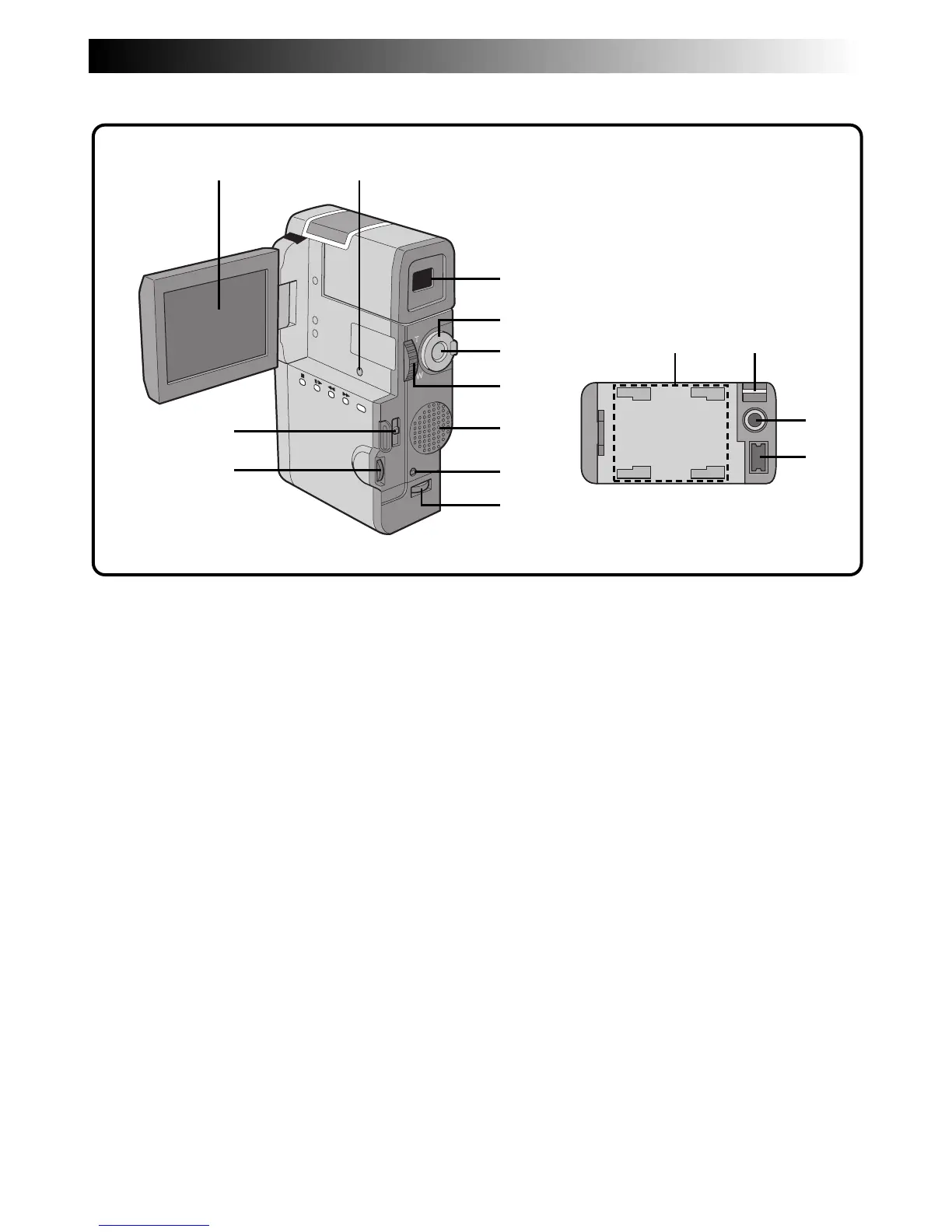
Bottom of camcorder
^ Viewfinder (Z pg. 17)
Pull out when recording.
& Power dial (Z pg. 19)
Turning the camcorder on/off, recording or
playback is possible.
* START/STOP button (Z pg. 20)
Starts recording or stops recording to make the
camcorder enter the record-standby mode.
( Volume switch (VOLUME) (Z pg. 50, 51)
Adjusts the sound volume during playback.
Zoom switch (T/W) (Z pg. 26)
Adjusts zoom during recording.
) Speaker (Z pg. 50, 51)
During playback, the sound can be heard.
q MENU button (Z pg. 32)
Press this button to make the Menu appear.
IND.ON/OFF button (Z pg. 24)
Press and hold this button for more than approx.
1 second to make the indications appear on the
LCD monitor or the viewfinder.
w Battery cover open switch (BATTERY)
(
Z pg. 11)
Slide down to open the battery cover.
e OPEN/EJECT switch (Z pg. 14)
Slide the switch down when loading/unloading a
tape.
r Function Navigator Dial (Select Dial)
(
Z pg. 24, 32)
Adjusts the brightness of the screen or selects the
Menu etc. Referred to in this manual as “Select
Dial”.
t When connecting to the AC Charger
Station or the Battery Holder (optional),
this part fixes the connection.
y Grip/Hand strap eyelet (Z pg. 16)
u Tripod mounting socket (Z pg. 17)
i AC Charger Station connector
(
Z pg. 12, 58)
Connects to the AC Charger Station (provided) or
the Battery Holder (optional).



 To Next Page