6 7
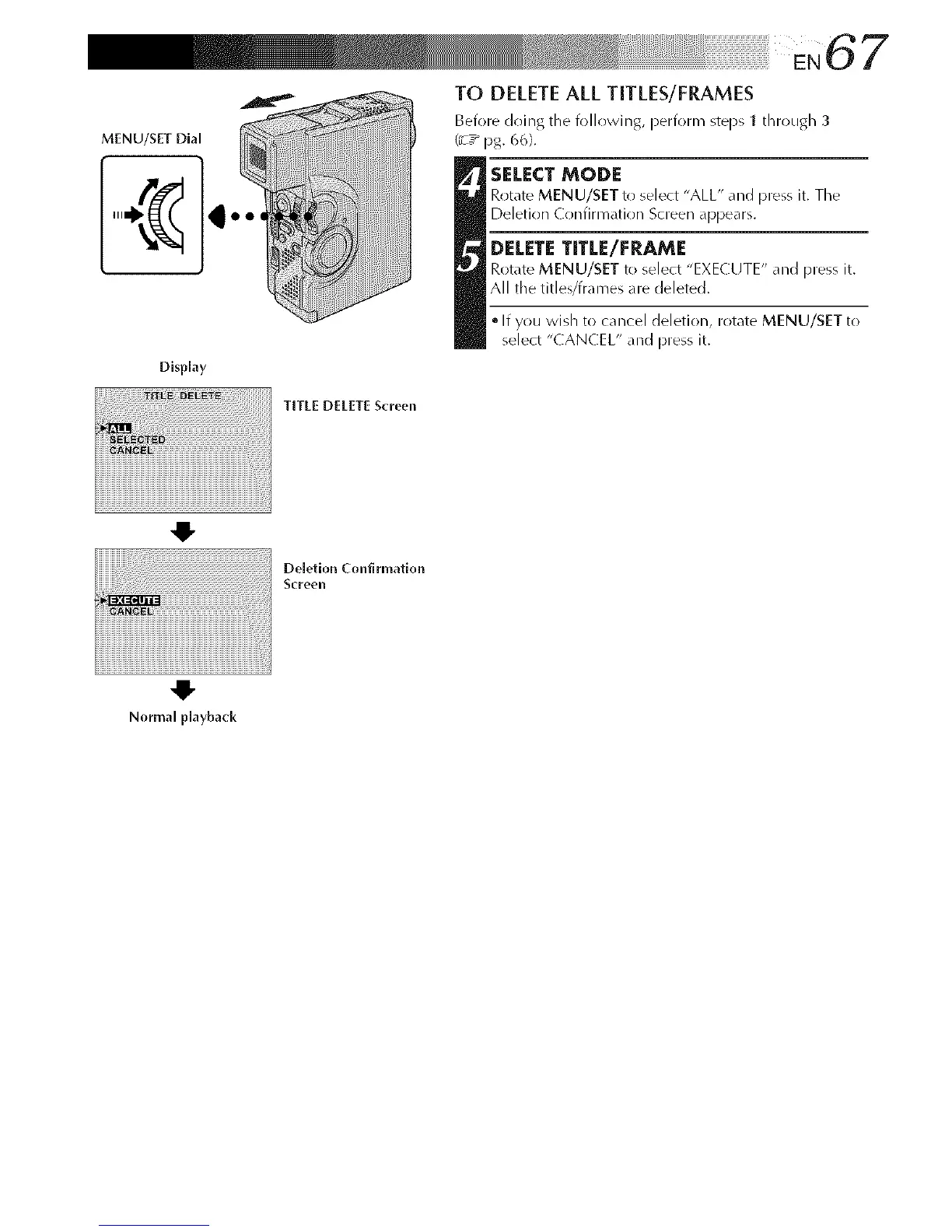
MENU/SET Dial
TO DELETEALL TITLES/FRAMES
Before doing tile following, perform steps 1 through 3
(_7_ 13g. 6(_).
t ELECT MODE
Rotate MENU/SET to select "ALL" and press it. Tile
Deletion Confirmation Screen a[313ears.
DELETE TITLE/FRAME
Rot_lte MENU/SET to select "EXECUTE" and press it.
All the titles/frames are cJeletecJ.
• If you wish to cancel deletion, rotate MENU/SET to
select "CANCEL" and press it.
Display
TITLE DELETE Screen
41-
Deletion Confirmation
ScFeen
Normal playback



 To Next Page