INSTALLATION
For details on the basic operations of
Windows@ 95198, please see your Windows@
95/98 or PC instruction manual.
Starting: Windows@ 95/98
l
Quit any other software you are
using. (Check that there are no other
application icons on the task bar.)
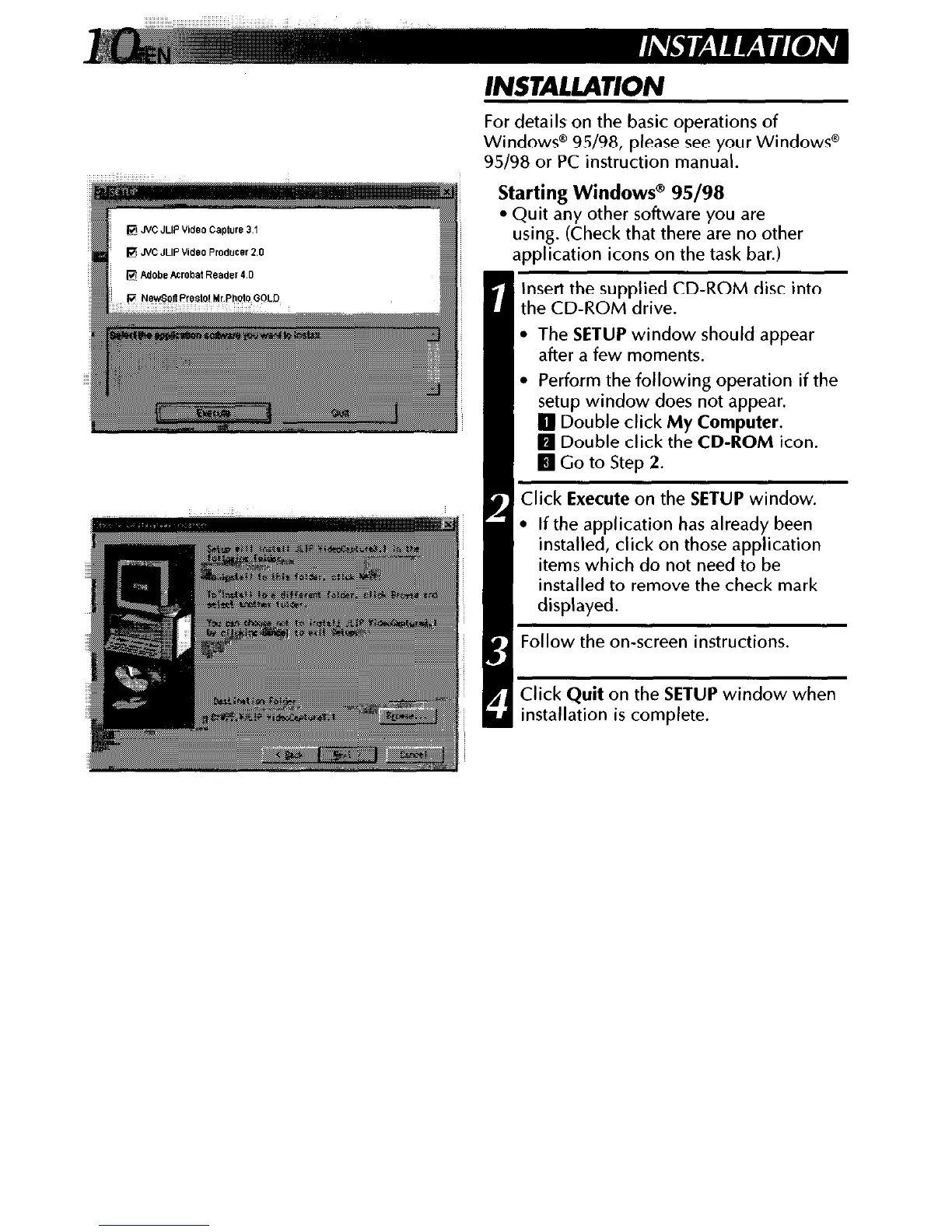
Insert the supplied CD-ROM disc into
the CD-ROM drive.
l
The
SETUP
window should appear
after a few moments.
Perform the following operation if the
setup window does not appear.
1 Double click
My Computer.
1 Double click the
CD-ROM
icon.
I Co to Step 2.
1 Click
Execute
on the
SETUP
window.
l
If the application has already been
installed, click on those application
items which do not need to be
installed to remove the check mark
displayed.
Follow the on-screen instructions.
Click
Quit
on the
SETUP
window when
installation is complete.



 To Next Page