ENGLISH INSTRUCTIONS
PAL
AUTOMATIC DEMONSTRATION
Automatic Demonstration takes
place when “DEMO MODE” is set to
“ON” (factory-preset).
• Available when the Power Switch is set to
“ ” or “ ”.
• To cancel Automatic Demonstration, set
“DEMO MODE” to “OFF” (
pg. 17).
Dear Customer,
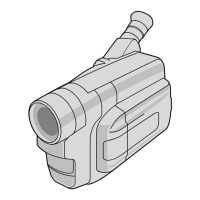
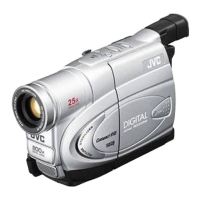
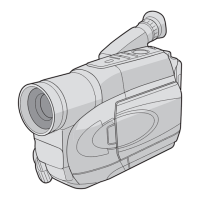
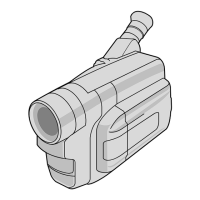
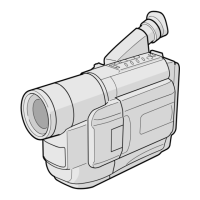
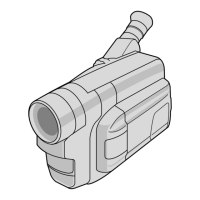
Thank you for purchasing the JVC Compact
VHS camcorder. Before use, please read
“SAFETY PRECAUTIONS” (
pg. 3, 4) to
ensure safe use of this product.
LYT1525-001A
COMPACT VHS CAMCORDER
GR-FXM42EK
CONTENTS
GETTING STARTED 6 ~ 10
RECORDING/PLAYBACK 11
BASIC FEATURES 11 ~ 13
MENU SETTINGS 14 ~ 17
TERMS 22
GR-FXM42EN(EK)2.fm Page 1 Friday, December 2, 2005 9:46 AM

 Need help?

 To Next Page
 General