33ENGLISH
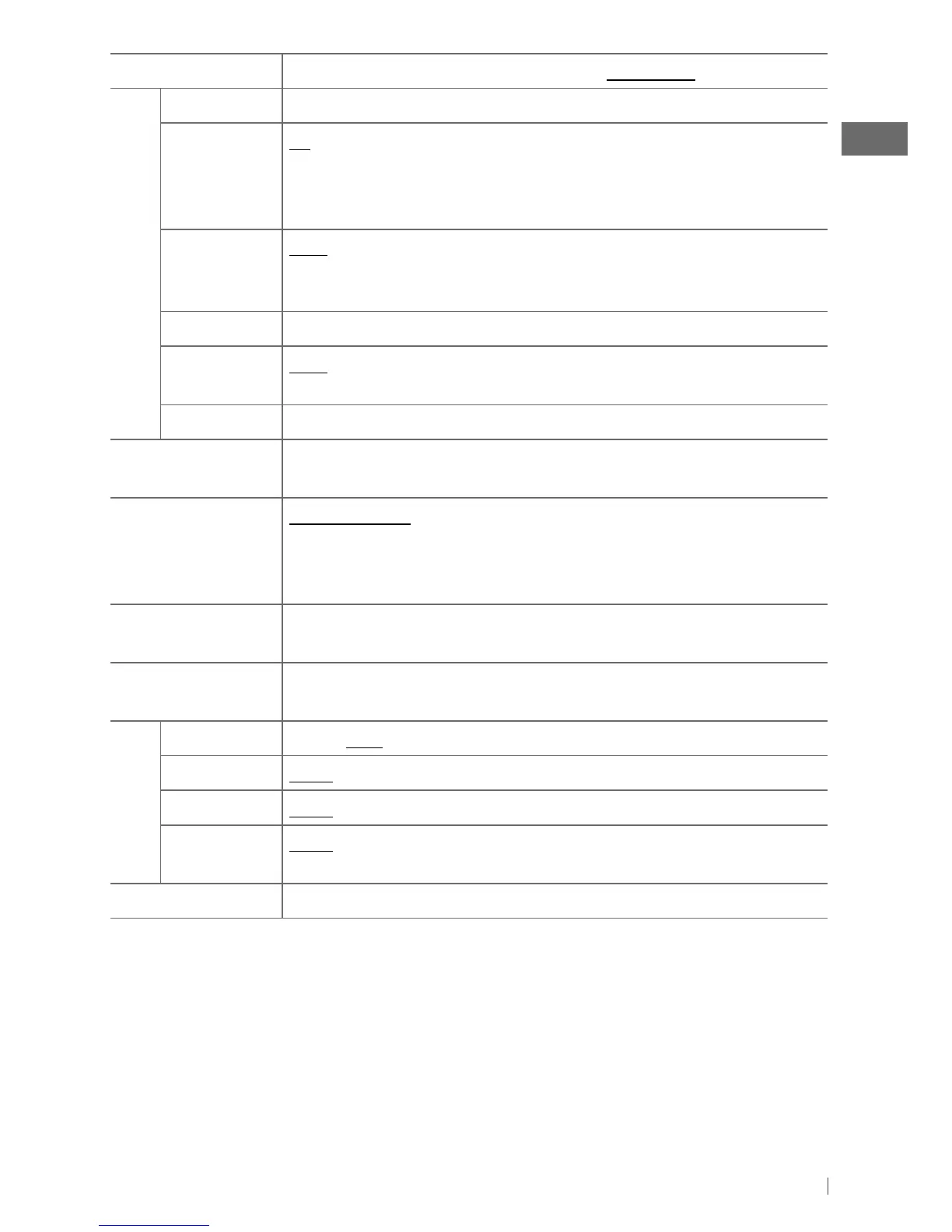
Menu item
Selectable setting, [
Initial: Underlined
]
Tuner
SSM
Displayed only when the source is “FM” or “HD RADIO.” For settings, see page 8.
Area Change US
: When using in North/Central/South America. AM/FM intervals are set to
10 kHz/200 kHz. /
EU
: When using in any other areas. AM/FM intervals are set to
9 kHz/50 kHz. /
SA
: When using in South American countries where FM interval is 50 kHz.
AM interval is set to 10 kHz.
IF Band Auto
: Increases the tuner selectivity to reduce interference noises between adjacent
stations. (Stereo effect may be lost.) /
Wide
: Subject to interference noises from adjacent
stations, but sound quality will not be degraded and the stereo effect will remain.
Sirius ID *
13
The 12-digit SIRIUS identification number appears on the display.
Blend Hold *
14
Auto
: Switches between digital and analog audio automatically. /
Analog
: Tune in to
analog audio only. /
Digital
: Tune in to digital audio only.
Stereo/Mono
Displayed only when the source is “FM” or “HD RADIO.” For settings, see page 8.
USB
*
15
Drive Change
: Selects to change the drive when a multiple drives device is connected
to the USB input terminal (front/rear).
iPod Switch
*
16
Headunit Mode
: Controls iPod playback through the unit. /
iPod Mode
: Controls
iPod playback through the iPod/iPhone. /
Application Mode
: The sound of any
functions (musics, games, applications, etc.) running on the connected iPod/iPhone is
emitted through the speakers connected to this unit.
Audiobooks
*
16
Normal
/
Faster / Slower
: You can select the playback speed of the Audiobooks
sound file in your iPod/iPhone. (Initial selected item depends on your iPod/iPhone setting.)
Bluetooth
If the USB Bluetooth Adapter, KS-UBT1, is not connected to the unit, “Please Connect BT
Adapter” will be shown on the display. For settings, see pages 17 and 18.
Source Select
Ext Input
*
17
Show
/
Hide
: Enable or disable “EXT IN” in source selection.
AM Source
*
17
Show
/
Hide
: Enable or disable “AM” in source selection.
AUX Source
*
17
Show
/
Hide
: Enable or disable “AUX IN” in source selection.
Bluetooth
Audio
*
18
Show
/
Hide
: Enable or disable “BT FRONT/ BT REAR” in source selection.
Software Version
Shows the firmware version of this unit.
*
13
Displayed only when the SIRIUS Satellite radio is connected.
*
14
Displayed only when the source is “FM” or “AM” and HD Radio tuner box, KT-HD300, is connected.
*
15
Displayed only when “USB FRONT/ USB REAR” is selected as the source.
*
16
Displayed only when “iPod FRONT/ iPod REAR” is selected as the source.
*
17
Displayed only when any source other than “AM/ AUX IN/ EXT IN” is selected separately.
*
18
Displayed only when the USB Bluetooth Adapter, KS-UBT1, is connected to the unit and when any source
other than “BT FRONT/ BT REAR” is selected.
EN02-39_KD-A925BT[J]4.indd 33 1/28/11 9:30:49 AM


 To Next Page