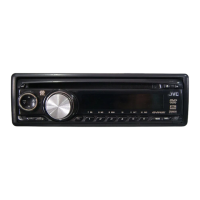
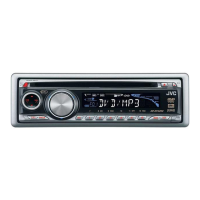
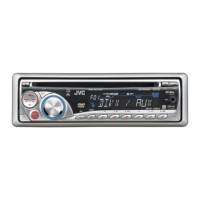
5
English
Prepare
Preparations
Attaching control panel
Canceling demo display/setting clock
You can cancel the demo function (demonstration displayed after 20 seconds of inactivity), and set
the clock.
Preparation: Start the vehicle’s engine. (Power cannot be turned on if “OFF” or “ACC OFF”)
Display PSM menu
1
Finish procedure
2
3
4
5
6
Select “DEMO”, select “DEMO ON/OFF”
Select “CLOCK H”, set the hour
Select “CLOCK M”, set the minute
Turn power on
7 Removing control panel7 Attaching control panel
¶ Press DISP to check current time ]
(displayed for 5 seconds if unit is turned off)
(Hold)
¶ Menu will close if no operations are
performed for 15 seconds.
¶ Select “DEMO OFF” to cancel demo.
(time is in 12-hour format)
SEL
Power on/off
4 ¢
Control knob
EN_KD-DV4200[J]_f.indd 5EN_KD-DV4200[J]_f.indd 5 12/16/05 1:01:31 PM12/16/05 1:01:31 PM



 To Next Page