12
ENGLISH
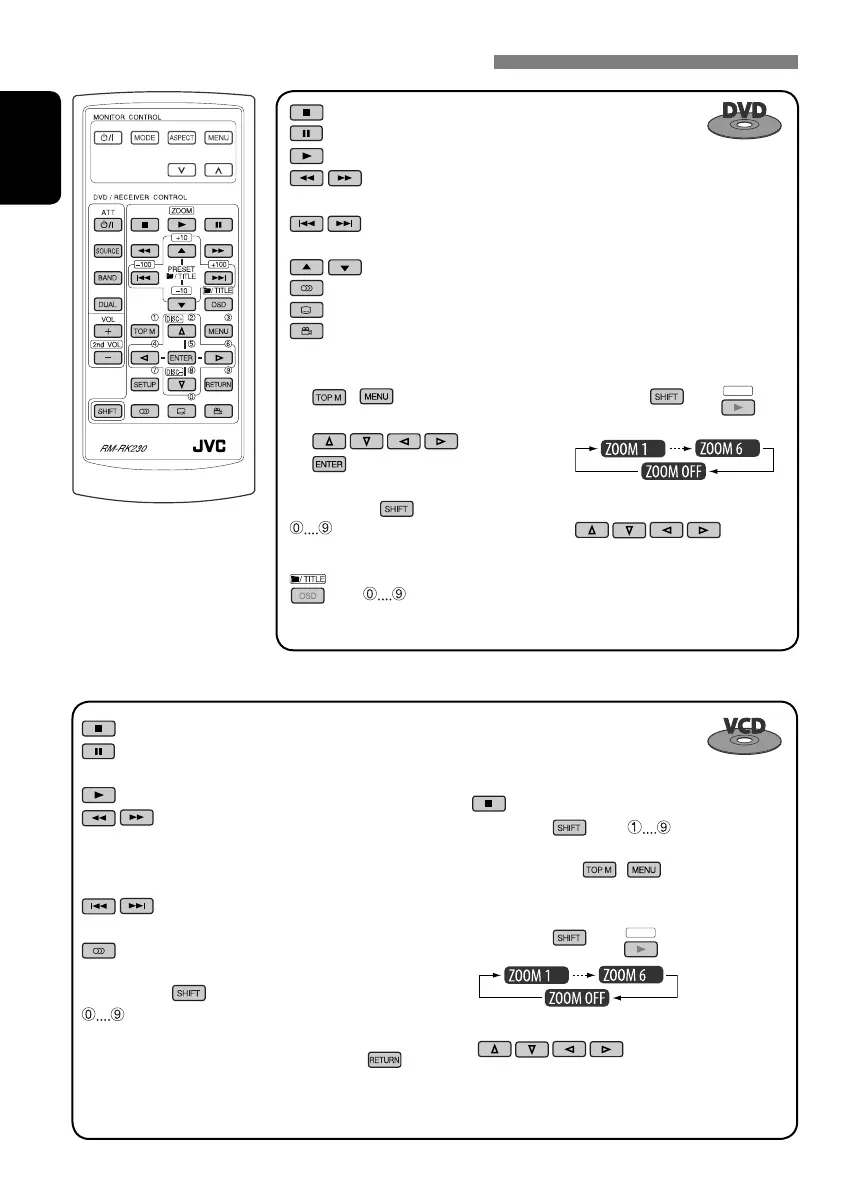
Canceling the PBC playback...
1
2 While holding , press *
3
to start the
desired track.
• To resume PBC, press
/ .
To enlarge the view (Zoom in)...
1 While holding
, press
ZOOM
repeatedly.
2 Move the enlarged portion.
• To cancel zoom, select “ZOOM OFF.”
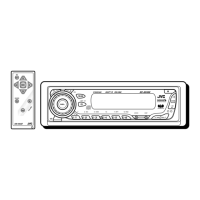
Operations using the remote controller—RM-RK230
: Stop play
: Pause (Frame by frame playback if pressed during pause.)
: Start play (10-second review if pressed during play.)
: Reverse/forward chapter search*
1
• Slow motion during pause. No sound can be heard.*
2
: Press: Select chapter (during play or pause)
Hold: Reverse/fast-forward chapter search
: Select title
: Select audio language
: Select subtitle language
: Select view angle
: Stop play
: Pause (Frame by frame playback if pressed during
pause.)
: Start play
: Reverse/forward track search*
1
• Slow motion during pause. No sound can
be heard.*
2
• Reverse slow motion does not work.
: Press: Select track
Hold: Reverse/fast-forward track search
: Select audio channel (ST: stereo, L: left, R: Right)
While holding
...*
3
: Select track (For VCD with PBC, a list of items is
shown on the disc menu.)
• To return to the previous menus, press
.
To enlarge the view (Zoom in)...
1 While holding
, press
ZOOM
repeatedly.
2 Move the enlarged portion.
• To cancel zoom, select “ZOOM OFF.”
Using menu driven features...
1
/
2 Select an item you want to start play.
3
While holding ...*
3
: Select chapter (during play or
pause)
Select title (when stop)
, then :
Select title directly
EN10-15_KD-DV4206_001A_f.indd 12EN10-15_KD-DV4206_001A_f.indd 12 12/16/05 4:00:27 PM12/16/05 4:00:27 PM


 To Next Page