Need help?
Do you have a question about the JVC KD-G110 and is the answer not in the manual?
Details on Class 1 Laser Product classification, safety cautions, and operational warnings.
Safety advice for drivers and procedures for resetting the unit or ejecting a disc.
Guide on how to read the manual and use the MODE button for different functions.
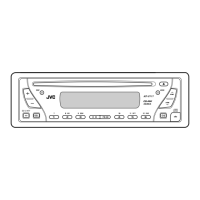
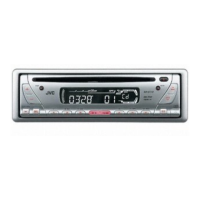
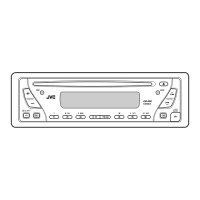
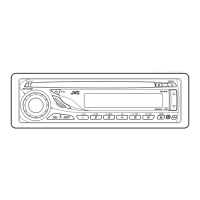
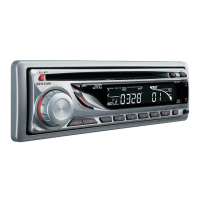
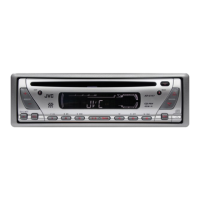
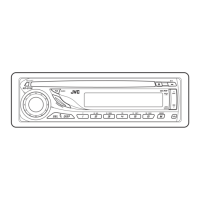
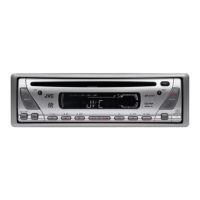
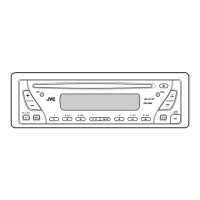
Detailed identification of all buttons, indicators, and slots on the receiver's front panel.
Steps for powering on, adjusting volume, and selecting audio sources.
Instructions for managing display demonstrations and setting the unit's clock time.
How to find and listen to FM and AM stations, including stereo and mono reception.
Methods for saving favorite stations and selecting them later using preset numbers.
Guidance on inserting, playing, fast-forwarding, reversing, and selecting tracks on CDs.
How to prohibit disc ejection and utilize playback modes like repeat and random.
Choosing sound equalization profiles (C-EQ) suitable for different music genres.
Fine-tuning bass, treble, fader, balance, loudness, and volume levels.
Configuring preferred settings such as display demo, clock, amp gain, and tuner area.
Procedures for safely removing and reattaching the detachable control panel.
Guidance on cleaning connectors, handling discs, and managing moisture condensation.
Solutions for problems with sound, radio reception, disc playback, and unit operation.
Detailed technical data for the receiver's amplifier, CD player, and tuner sections.
Information on power requirements, physical dimensions, and operating environment.
 General
| Power Output | 50W x 4 |
|---|---|
| RMS Power | 22W x 4 |
| CD Playback | Yes |
| MP3 Playback | Yes |
| WMA Playback | Yes |
| USB Input | No |
| Aux Input | Yes |
| Display Type | LCD |
| Bluetooth | No |
| Detachable Face | Yes |
| Preset EQ | Yes |
| Remote Control | No |
| Channels | 4 |
| Tuner | AM/FM |

 To Next Page