
 To Next Page


K
Kristina GonzalezJul 30, 2025
What to do if there is no 5V at IC561 pins 3, 12 and 21 in JVC KD-G152 Car Receiver?
- AAngela ParkerJul 30, 2025
If there is no 5V present at IC561 pins 3, 12, and 21, check the feed motor.

What to do if there is no 5V at IC561 pins 3, 12 and 21 in JVC KD-G152 Car Receiver?
If there is no 5V present at IC561 pins 3, 12, and 21, check the feed motor.
What to do if voltage output at IC521 pin 40 is not 5V or 0V in JVC Car Receiver?
If the voltage output at IC521 pin 40 is not 5V or 0V, check IC561.
Details Class 1 laser product, cautions on opening unit, and laser radiation exposure.
Instructions on how to reset the unit and forcibly eject a disc.
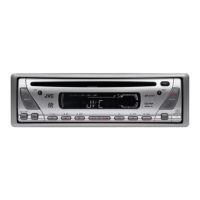
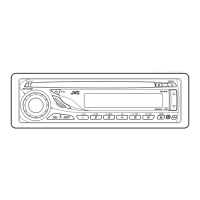
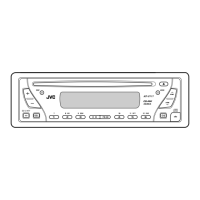
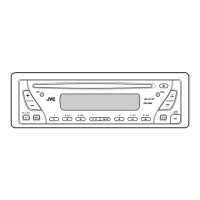
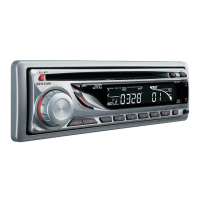
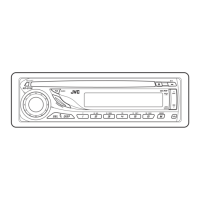
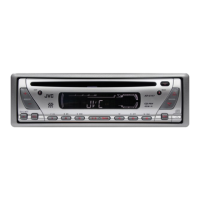
Identifies all buttons and slots on the JVC KD-S1501/KD-G153/KD-G152/KD-G151 receiver.
Guides on how to search for and manually tune into radio stations.
Guide to finding FM RDS programmes by selecting a PTY code.
How to activate and deactivate TA Standby Reception for traffic announcements.
Instructions for playing discs, including track navigation and fast-forward/reverse.
How to select preset sound modes like ROCK, CLASSIC, JAZZ for music genres.
Detailed instructions for adjusting bass, treble, fader, balance, and loudness settings.
Lists common symptoms, their causes, and remedies for various operational problems.
Detailed specifications for audio amplifier output, tone controls, and CD player performance.
 General
| Brand | JVC |
|---|---|
| Model | KD-G152 |
| Category | Car Receiver |
| Language | English |