32
ENGLISH
EXTERNAL COMPONENT OPERATIONS
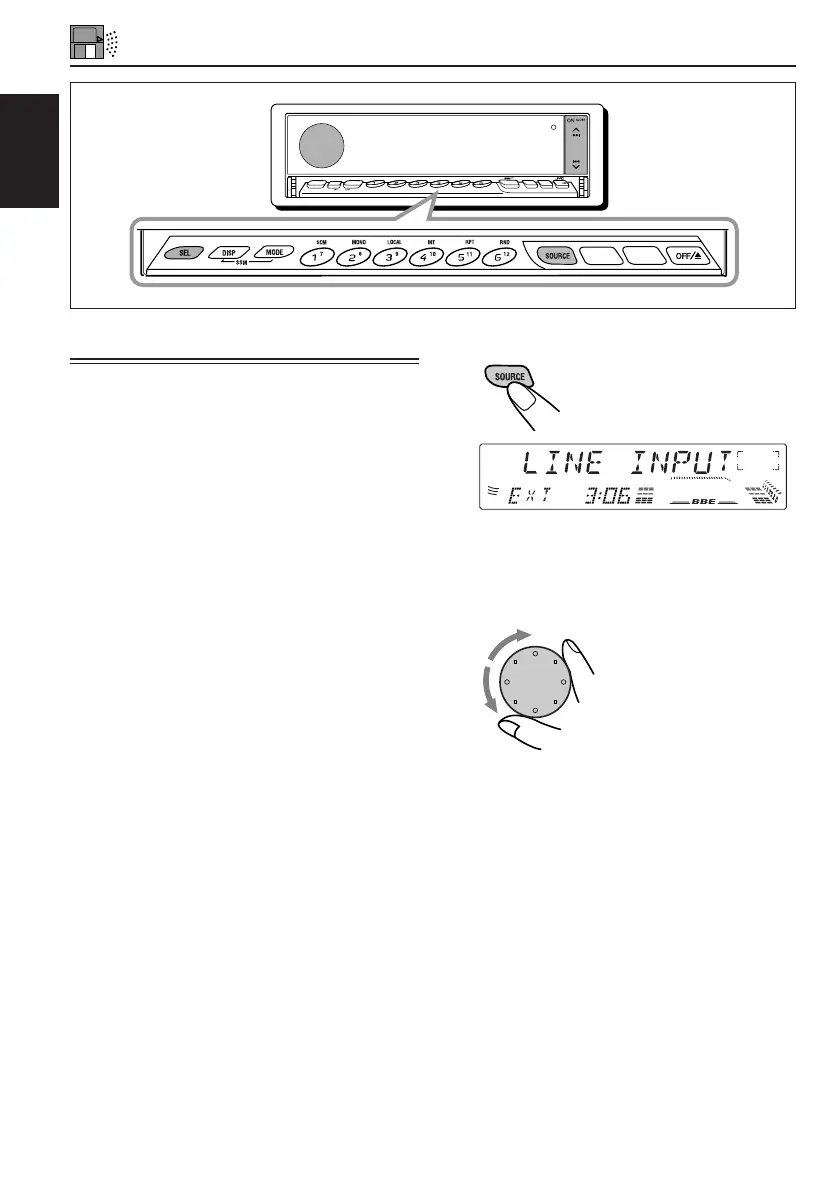
1
Select the external component.
Each time you press the
button, the source changes
as described on page 7.
2
Operate the external component.
3
Adjust the volume.
Playing an external component
You can connect the external component to the CD
changer jack on the rear using the Line Input
Adaptor KS-U57 (not supplied).
Preparations:
• For connecting the Line Input Adaptor KS-U57 and
the external component, refer to the Installation/
Connection Manual (separate volume).
• Before operating the external component using the
following procedure, select the external input
correctly. (See “To select the external component to
use — EXT INPUT” on page 25.)
SOURCE
KD-LX110R
SSM
PTY
OFF
TP/RDS
MODE
DISP
SEL
10
78
9
11 1 2
INT RPT RNDLOCALMONOSCM
BAND
TP/RDS
PTY
BAND
EN32-39.KD-LX110R[E]f 2/6/01, 2:32 PM32



 To Next Page
 Loading...