ENGLISH
4 INTRODUCTIONS
Preparation
Canceling the display demonstration and setting the clock
• See also page 25.
1
Turn on the power.
2
[Turn] = [Press]
Cancel the display demonstrations
Select <DEMO>, then <Off>.
Set the clock
• Select <Clock>, then <Set Clock>.
Adjust the hour, then press control dial once to proceed to
adjust the minute.
• Select <24H/12H> (hour), then <24Hours> or
<12Hours>.
• To return to the previous menu, press BACK.
• To exit from the menu, press DISP or MENU.
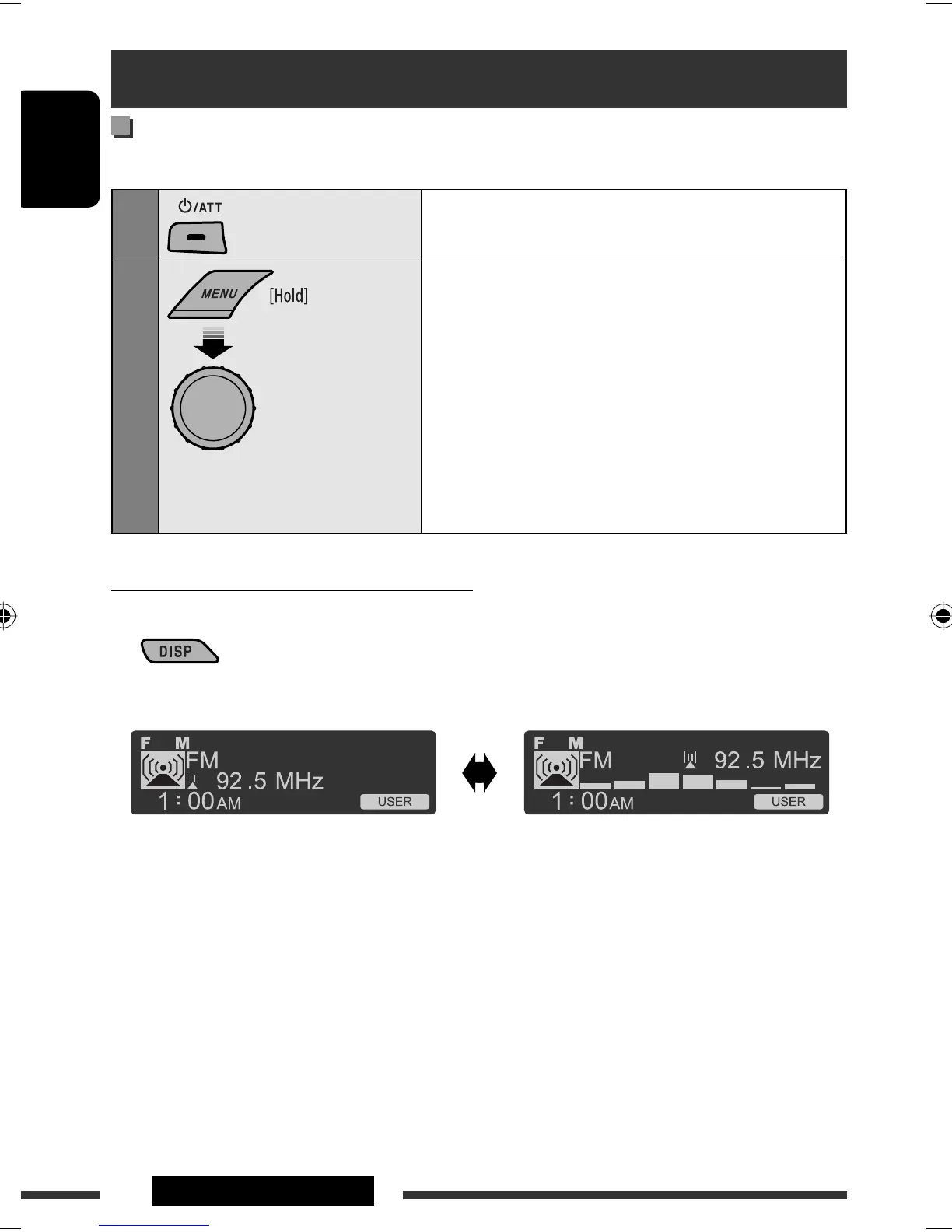
Changing the display information and pattern
When the power is turned off: Check the current clock time
Ex.: When tuner is selected as the source
Press and hold until the
main menu is called up.
• Repeat this procedure.
Audio level meter display
(see <Level Meter> on page 27)
Source operation display
• If a station has been assigned a title, station
title appears after about 5 seconds.
• To assign a title to a station, see page 33.
EN02-09_KD-R805_001A_f.indd 4EN02-09_KD-R805_001A_f.indd 4 2/3/09 3:33:28 PM2/3/09 3:33:28 PM


 To Next Page
 Loading...