8
ENGLISH
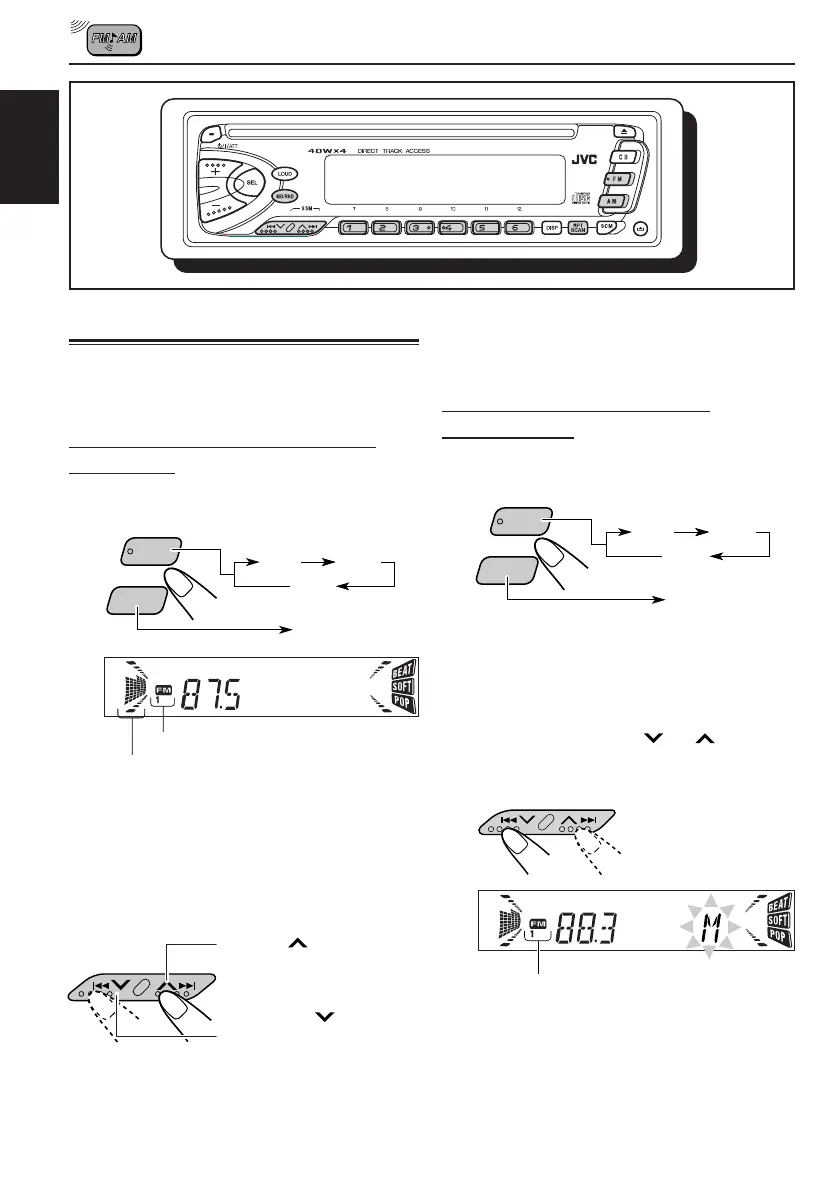
RADIO BASIC OPERATIONS
Listening to the radio
You can use either automatic searching or manual
searching to tune into a particular station.
Searching a station automatically:
Auto search
1
Select the band (FM 1 – 3, AM).
Note:
This receiver has three FM bands (FM1, FM2,
FM3). You can use any one of them to listen to an
FM broadcast.
2
Start searching a station.
When a station is received, searching stops.
A M
F M
AM
FM1
FM2
FM3
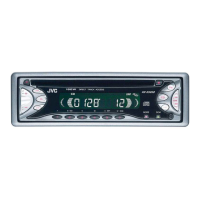
selected band appears
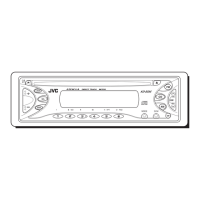
Volume or audio level (see page 18) indicator
Press
¢ to search
stations of higher
frequencies.
Press 4
to search
stations of lower
frequencies.
To stop searching before a station is received,
press the same button you have pressed for
searching.
Searching a station manually:
Manual search
1
Select the band (FM 1 – 3, AM).
Note:
This receiver has three FM bands (FM1, FM2,
FM3). You can use any one of them to listen to an
FM broadcast.
2
Press and hold 4
or ¢ until
“M” starts flashing on the display.
A M
F M
AM
FM1
FM2
FM3
selected band appears
EN08-10KD-S620.S576.S570(J)F 26/04/2001, 9:34 AM8


 To Next Page