17
ENGLISH
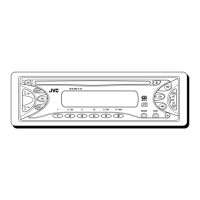
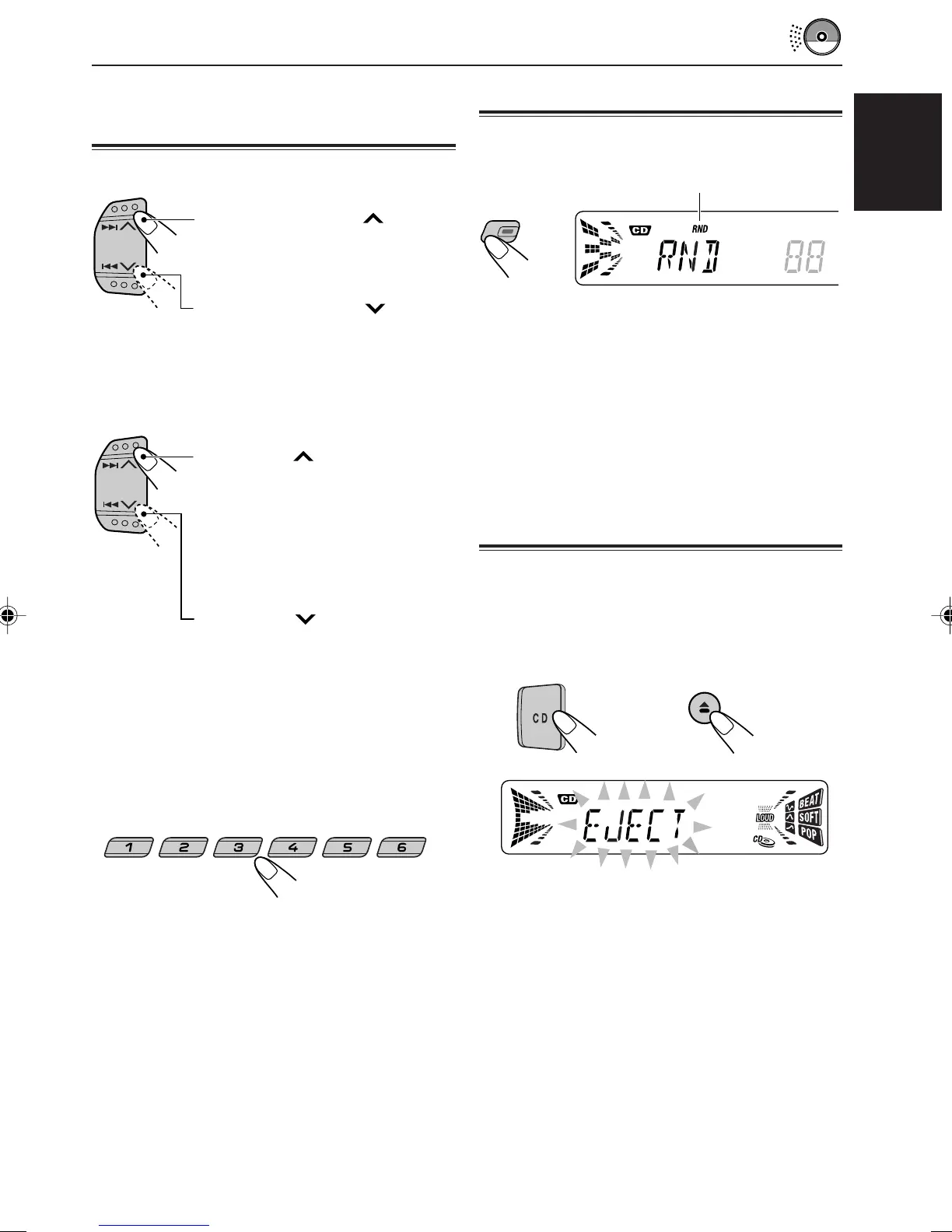
Locating a track or a particular
portion on a CD
To fast-forward or reverse the track
To go to the next tracks or the previous
tracks
To go to a particular track directly
Press the number button corresponding to the
track number to start its playback.
• To select a track number from 1 – 6:
Press 1 (7) – 6 (12) briefly.
• To select a track number from 7 – 12:
Press and hold 1 (7) – 6 (12) for more than 1
second.
Press and hold
¢ , while
playing a CD, to fast-forward the
track.
Playing at Random
You can play back all tracks on the CD at random.
Each time you press MO RND (monaural/random)
while playing a CD, CD random play mode turns
on and off alternately.
When the random mode is turned on, the RND
indicator lights up on the display and a track
randomly selected starts playing.
Press and hold
4 , while
playing a CD, to reverse the
track.
Press ¢ briefly, while
playing a CD, to go ahead to the
beginning of the next track.
Each time you press the button
consecutively, the beginning of
the next tracks is located and
played back.
Press 4 briefly, while
playing a CD, to go back to the
beginning of the current track.
Each time you press the button
consecutively, the beginning of
the previous tracks is located
and played back.
8 9 10 11 127
Prohibiting CD ejection
You can prohibit CD ejection and can lock a CD
in the loading slot.
While pressing CD, press and hold 0 for
more than 2 seconds.
“EJECT” flashes on the display for about 5
seconds, and the CD is locked and cannot be
ejected.
To cancel the prohibition and unlock the CD,
press 0 again for more than 2 seconds, while
pressing CD.
“EJECT” appears on the display, and the CD
ejects from the loading slot.
The RND indicator
MO
RND
EN16-17.KD-S733_731R[E]f.pm5 11/2/01, 10:25 AM17


 To Next Page
 Loading...