22
ENGLISH
4
Repeat steps 2 and 3 to adjust the
other PSM items if necessary.
5
Finish the setting.
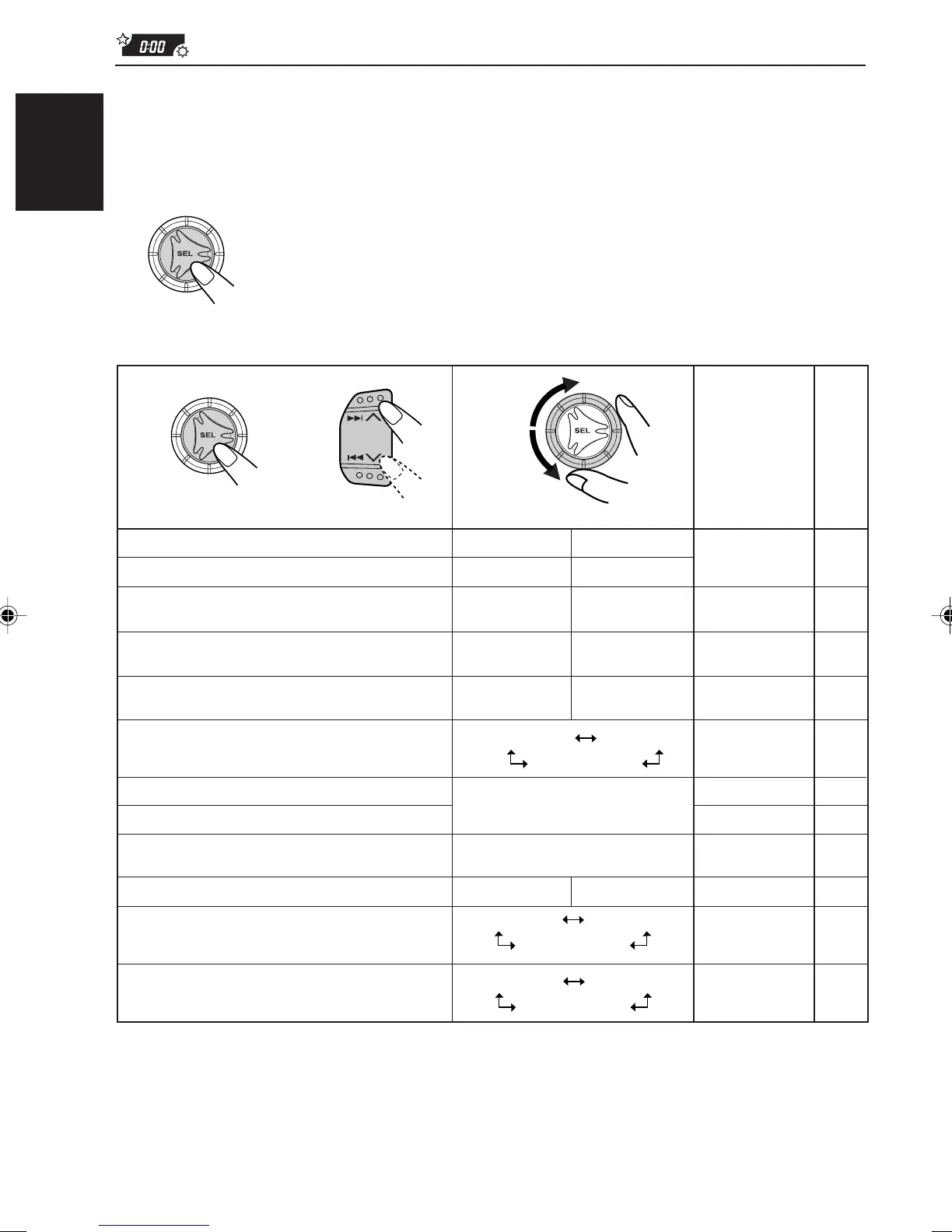
Preferred Setting Mode (PSM) items
1
2
Select.Hold.
3
AdvanceBack
Back Advance
0:00 21
24H
12H
21
24H
OFF 14ON
29 programme types
(see page 15.)
13
OFF
Counter-
clockwise
Factory-preset
settings
Set.
See
page
ON
Clockwise
CLOCK H Hour adjustment
CLOCK M Minute adjustment
SCM LINK Sound control
memory linkage
24H/12H 24/12-hour time
display
AUTO ADJ Automatic clock
setting
DISPMODE Display mode
PTY STBY PTY standby
PTY SRCH PTY search
TA VOL Traffic announcement
volume
P-SEARCH Programme search
LEVEL Level display
TEL Telephone muting
ON
OFF
12NEWS
VOL 00 – VOL 50 14VOL 20
AUDIO 1
AUDIO 2
OFF
MUTING 1
MUTING 2
OFF
• Press SEL (select) to finish the setting.
AUDIO 2
23
12
(See page 12.)
14PS NAME
OFF 23
LINK ON
LINK OFF 19, 23LINK ON
CLOCK
PS NAME
FREQ
EN21-24.KD-S733_731R[E]f.pm5 11/2/01, 10:27 AM22


 To Next Page
 Loading...