TV mode
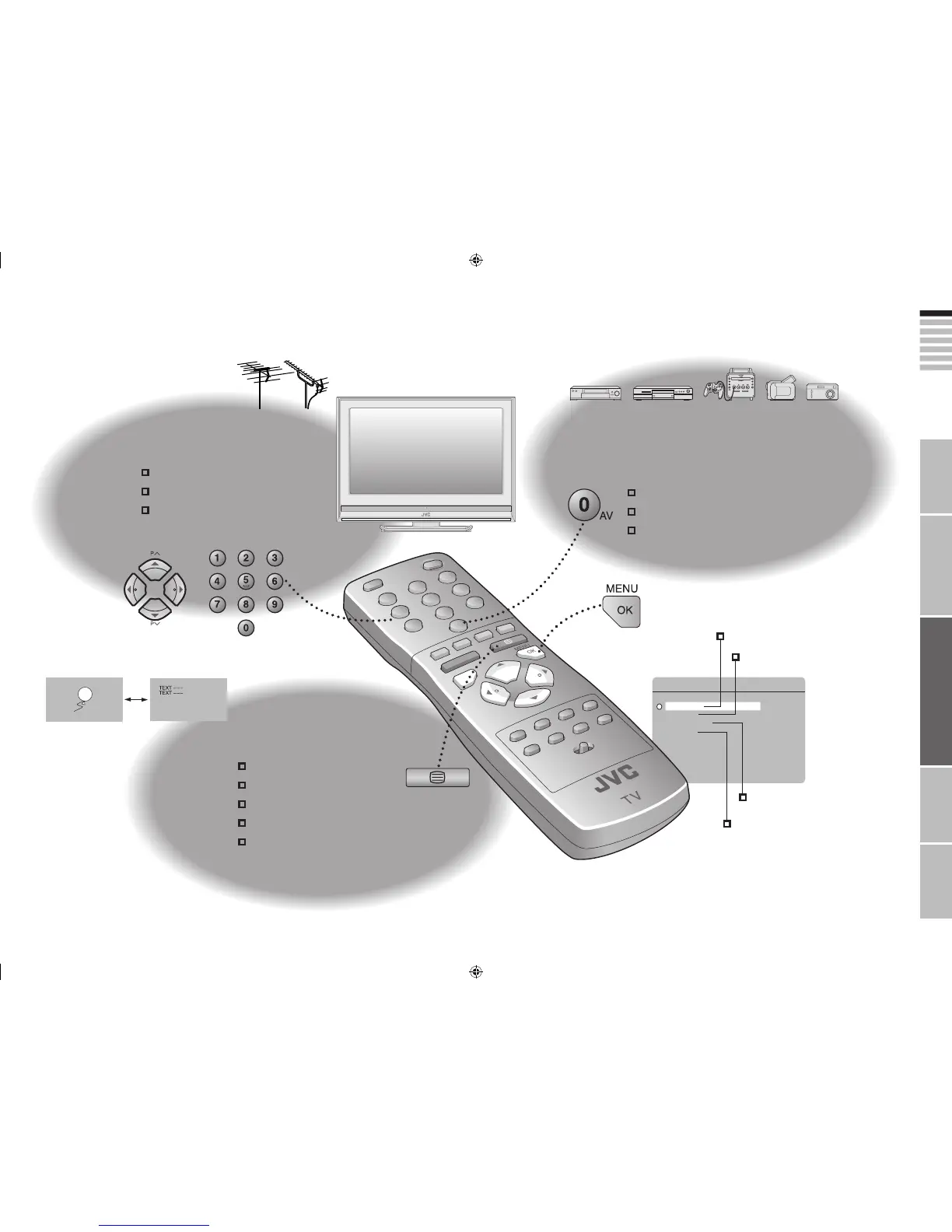
Watching TV
17
PAGE
Viewing teletext
19
PAGE
Enjoying your new TV!
View channel information
Change the aspect ratio
Enjoy 3D cinema sound
Enlarge the text
To the index page
Hold the current page
Switch briefly between teletext and TV
Bookmark your favourite pages
Watching
videos / DVDs
21
PAGE
25
PAGE
Personal preferences
Watch high quality video (S-VIDEO)
Name connected devices
Dub videos
Text mode
Adjust the picture
Adjust the sound
Basic settings
(channel settings, etc.)
Advanced settings
(sleep-timer / child lock, etc.)



 To Next Page