Catch Up Services
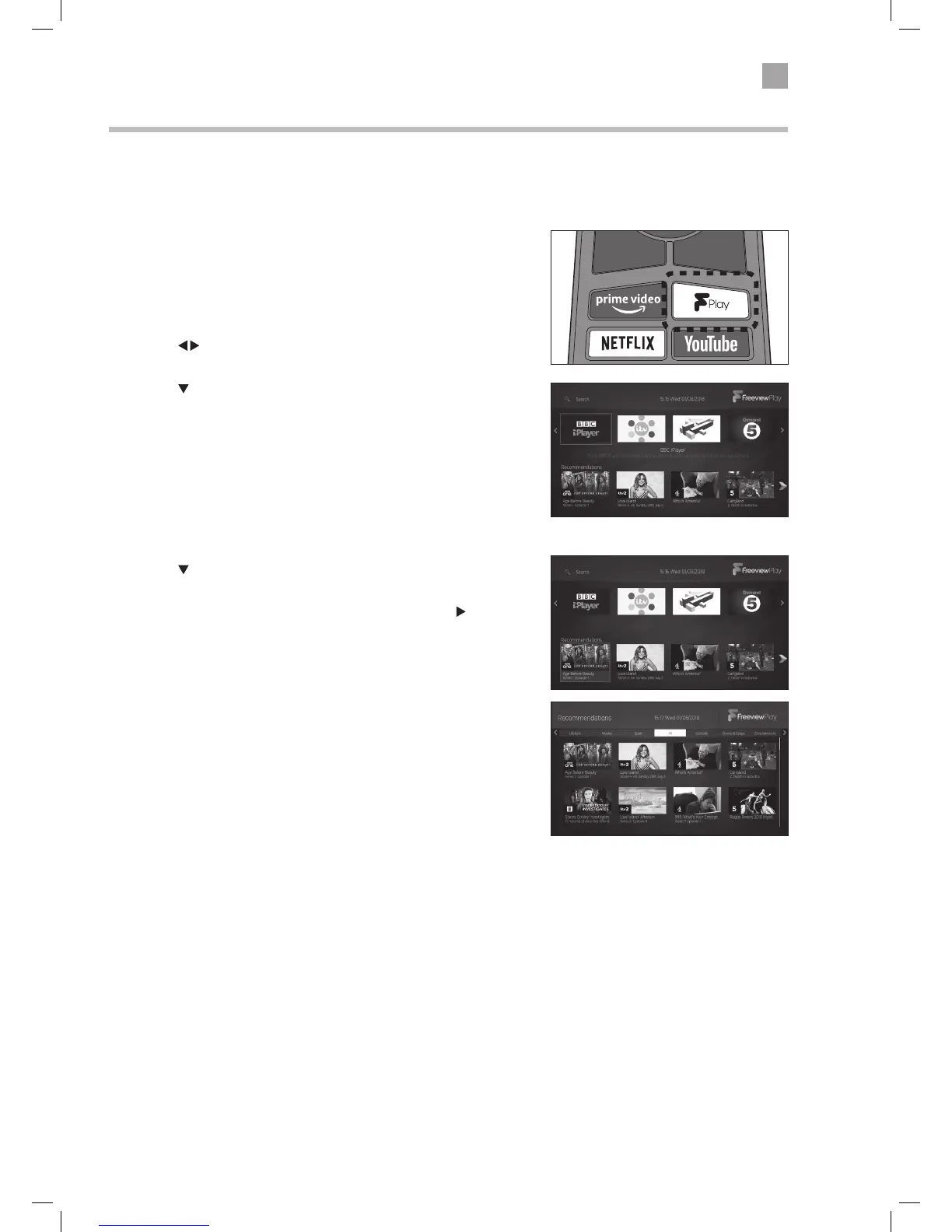
1. Press the F Play button on your remote control to access Freeview Play.
The Freeview Page will appear on screen. Here you can access all of the catch up
services. The top half of the screen displays the catch up apps and the bottom
half displays recommended programmes.
2. Press the
to highlight the catch up service that you would like to enter
and then press OK.
3. Press the
button to highlight recommended programmes.
Using Freeview Play
To use Freeview Play your TV must be connected to the internet. You must also have installed Freeview Play and accepted the
Terms and Conditions.
Recommendations
1. Press the button to highlight recommended programmes. You will see
four recommendations.
2. To see more recommended programmes continually press the
button.
You will see the Recommendations page where you can search for
recommendations via a genre:
Lifestyle - Movies - Sport -All - Comedy - Drama & Soaps -Entertainment



 To Next Page
 Loading...










