16
To edit digital channels
g
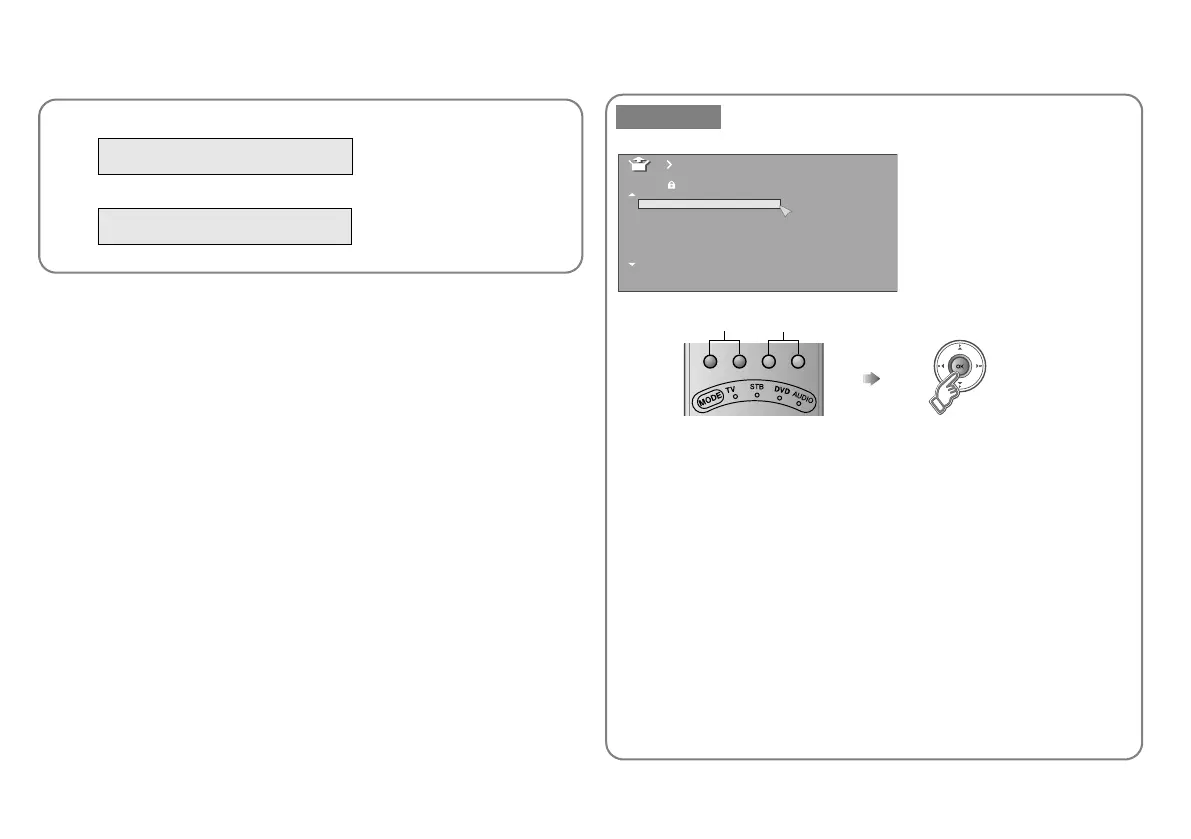
To register a digital channel manually
g
WATCHING DIGITAL CHANNELS
P. 9
WATCHING DIGITAL CHANNELS
“Service Scan” (P. 14)
Manual Register a new channel
z Press the red or green button. Auto-search begins, and the nearest
frequency is imported.
g Repeat the previous steps until the desired channel is displayed.
A Search a channel
Fine tune
B Set
AV
PR ID
Manual
CH
01
02 22CH
03 23CH
04
05
06
07
24CH
25CH
26CH
BBC1
BBC2
ITV
CH4
CH5
_ _ _ _ _ _
_ _ _ _ _ _
21CH
Getting started
LT-42DR9BJ_003A.book Page 16 Thursday, September 11, 2008 3:03 PM



 To Next Page
 Loading...








