EasyManua.ls Logo

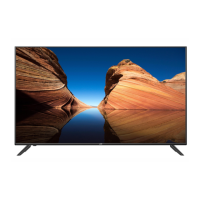
JVC LT-50MAW500 - User Manual

JVC LT-50MAW500
32 pages
Print Icon
To Next Page IconTo Next Page
Loading...
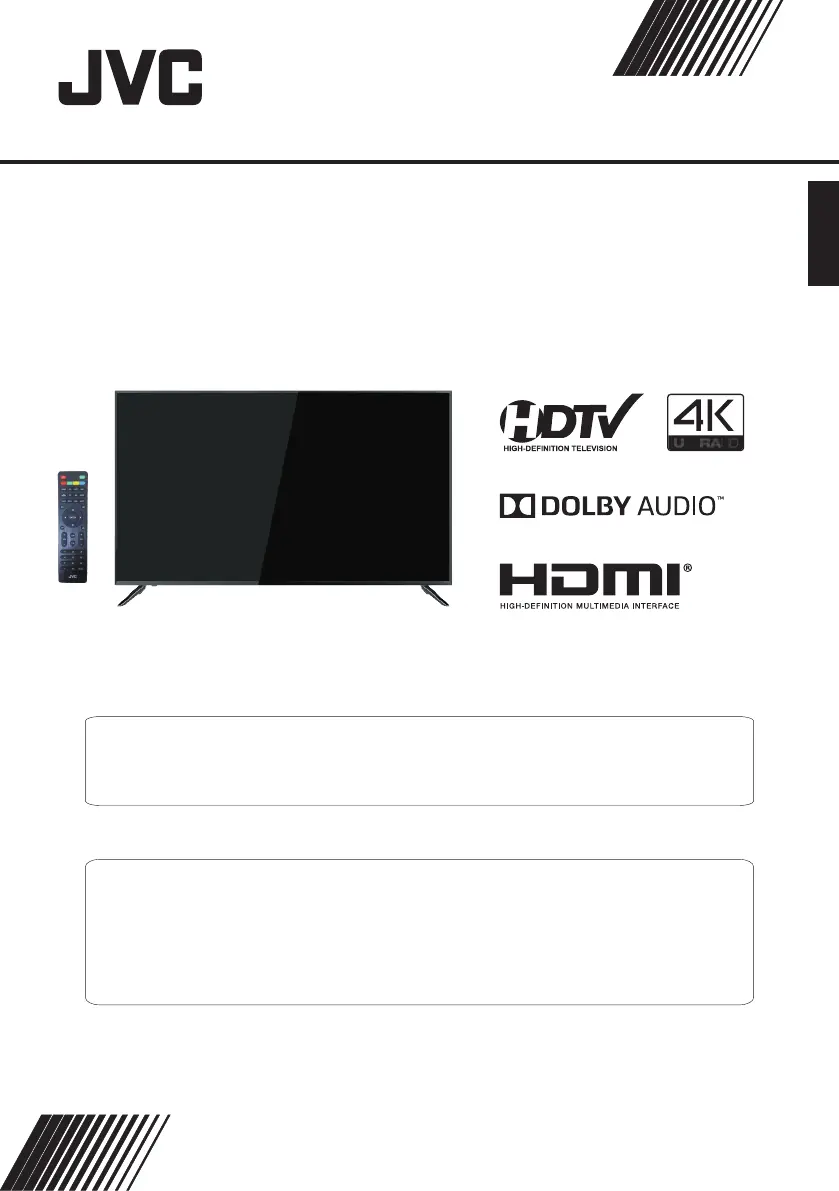
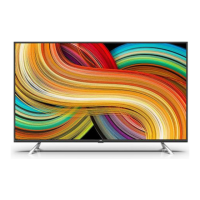
4K Ultra-HD LED TV
LT-50MAW500
(50" class/ 49.5 diagonal)"
USER GUIDE
Before operating the unit, please read this manual thoroughly.
ATTENTION
If you purchase a universal remote control from your local retailer, please contact the remote manufacturer for the
required programming code.
ENGLISH
PLEASE HAVE THE MODEL NUMBER READY PRIOR TO CALLING
FOR RECYCLING INFORMATION, PLEASE CONTACT CUSTOMER SERVICE.
CUSTOMER SERVICE - 1-888-582-8870

Questions and Answers

  • B
    Brenda HaydenAug 21, 2025
    What to do if my JVC LT-50MAW500 has no picture?
    • J
      Justin SullivanAug 21, 2025
      If your JVC LED TV shows no picture, check the antenna connection. It's possible the station is experiencing problems, so try tuning to another station. Adjust the contrast and brightness settings.
  • A
    amyhurstAug 23, 2025
    How to fix JVC LT-50MAW500 with picture but no sound?
    • P
      Perry RobertsonAug 25, 2025
      If your JVC LED TV is producing good picture but no sound, first, increase the volume. Then, check if the TV is muted by pressing the MUTE button on the remote control. Review the sound settings. If you're using external devices, ensure their volumes aren't set too low or turned off. For AVI or Component inputs, verify the cables are correctly and securely connected.
  • T
    Tasha PowersAug 26, 2025
    What to do if JVC LT-50MAW500 LED TV remote is not working?
    • C
      Chelsea OrtizAug 26, 2025
      If your JVC LED TV is not responding to the remote control, the batteries may be exhausted. Try changing them. Also, clean the remote control lens. Ensure that the distance between the TV and the remote is within 8 meters, within the recommended operating angle, and that there are no obstructions in the path.
  • A
    Anthony GonzalesAug 28, 2025
    Why does my JVC LT-50MAW500 have sound but no picture or abnormal color?
    • W
      William MiddletonAug 28, 2025
      If your JVC LED TV displays a good sound but abnormal color or no picture, check the antenna connection and condition. If you're using a Component input, verify the Component connections. Incorrect or loose connections can cause color problems or a blank screen.
  • M
    Madison CarrAug 30, 2025
    Why is my JVC LED TV not playing USB files?
    • M
      Michael BrownAug 30, 2025
      If your JVC LED TV isn't playing from the USB, check the USB cable connection and ensure the power supply is connected. Verify that the hard drive has been formatted correctly, the USB disk is compatible, and the multimedia data formats are supported.
  • E
    Elizabeth JohnsonSep 1, 2025
    How to stop JVC LED TV from turning on automatically?
    • S
      stephen56Sep 1, 2025
      If your JVC LED TV turns on automatically, check if the On Timer is set to On in the Setup menu and disable it.
  • M
    Miss Lauren SloanSep 3, 2025
    Why is the picture distorted on my JVC LT-50MAW500 LED TV?
    • T
      Tracy MartinezSep 3, 2025
      Compression of video contents may cause distortion especially on fast moving pictures such as sports and action movies.
  • C
    Caitlin WardSep 5, 2025
    How to troubleshoot JVC LT-50MAW500 no power issue?
    • N
      Nicole ShepardSep 6, 2025
      If your JVC LED TV is not turning on, ensure the power cord is properly plugged in and the power outlet is working. Unplug the power cord, wait 60 seconds, then plug it back in to restart the TV.
  • J
    joshua83Sep 7, 2025
    Why is the picture not full screen on my JVC LED TV?
    • R
      Roy BlairSep 7, 2025
      If your JVC LED TV is not showing the picture in full screen, black bars on each side will be shown on HD channels when displaying SD (4:3) contents. Black bars on Top & Bottom will be shown on movies that have aspect ratios different from your TV. Adjust the picture size option on your external device or TV to full screen.
  • D
    dannygarciaSep 10, 2025
    How to eliminate noise from JVC LED TV speaker?
    • C
      caroline44Sep 10, 2025
      If your JVC LED TV produces noise from the speaker, low signal level may cause sound distortion. Check the cable connections, making sure a video cable is not connected to an audio input.

Summary

Safety and Warnings

General Safety Precautions

Essential warnings regarding electrical shock, fire hazards, and proper usage to prevent harm.

Physical Safety Instructions

Instructions to prevent accidents related to TV placement, ventilation, and handling.

Introduction and Specifications

Technical Specifications

Detailed list of the TV's technical attributes, including resolution, inputs, and dimensions.

Installation Guide

Antenna and Power Setup

Instructions for connecting the antenna and powering on the television.

External Connections

Menu System Operations

Picture Menu Settings

How to adjust picture settings like brightness, contrast, and color.

Audio Menu Settings

How to configure sound modes, audio language, and volume settings.

Parental Control and Lock Menu

How to set up passwords and restrict content based on ratings.

Troubleshooting and Reference

Common Troubleshooting Solutions

Addresses common issues like no power, no picture, and no sound with possible fixes.

JVC LT-50MAW500 Specifications

General IconGeneral
Screen Size50 inches
Display TechnologyLED
Smart TVYes
Operating SystemAndroid TV
HDMI Ports3
USB Ports2
Wi-FiYes
Audio Output20W
Refresh Rate60Hz
BluetoothYes
Resolution3840 x 2160 (4K UHD)
Dimensions (W x H x D)1125 x 655 x 85 mm

Related product manuals