17
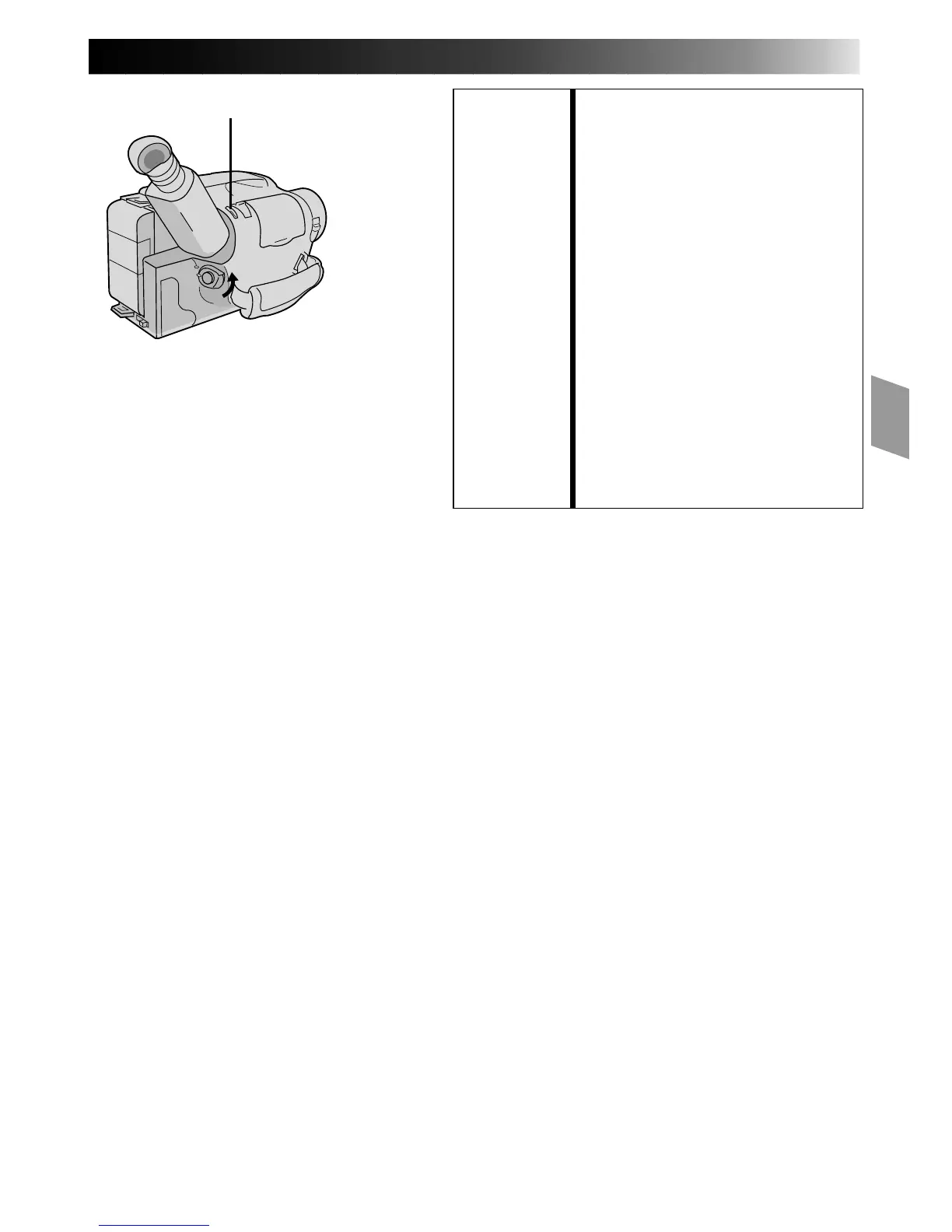
FEATURE: Quick Rec
PURPOSE: To record a scene for 5 seconds,
providing quick scene transitions like
those seen in TV programs.
OPERATION: 1) During Record–Standby, press and
release QUICK REC. Recording
starts, and after 5-second record-
ing is finished, the camcorder
reenters the Record–Standby mode
automatically.
•To continue shooting longer than
5 seconds, press and hold
QUICK REC. Recording
continues as long as QUICK REC
is kept pressed.
NOTES: ●
The Fade/Wipe (
Z
pg. 23) cannot
be activated by pressing QUICK
REC.
●
QUICK REC cannot be used during
Animation and Time-Lapse
(
Z
pg. 31).
QUICK REC


 To Next Page