22
The Roku voice remotes have additional capabilities as described in the following
table.
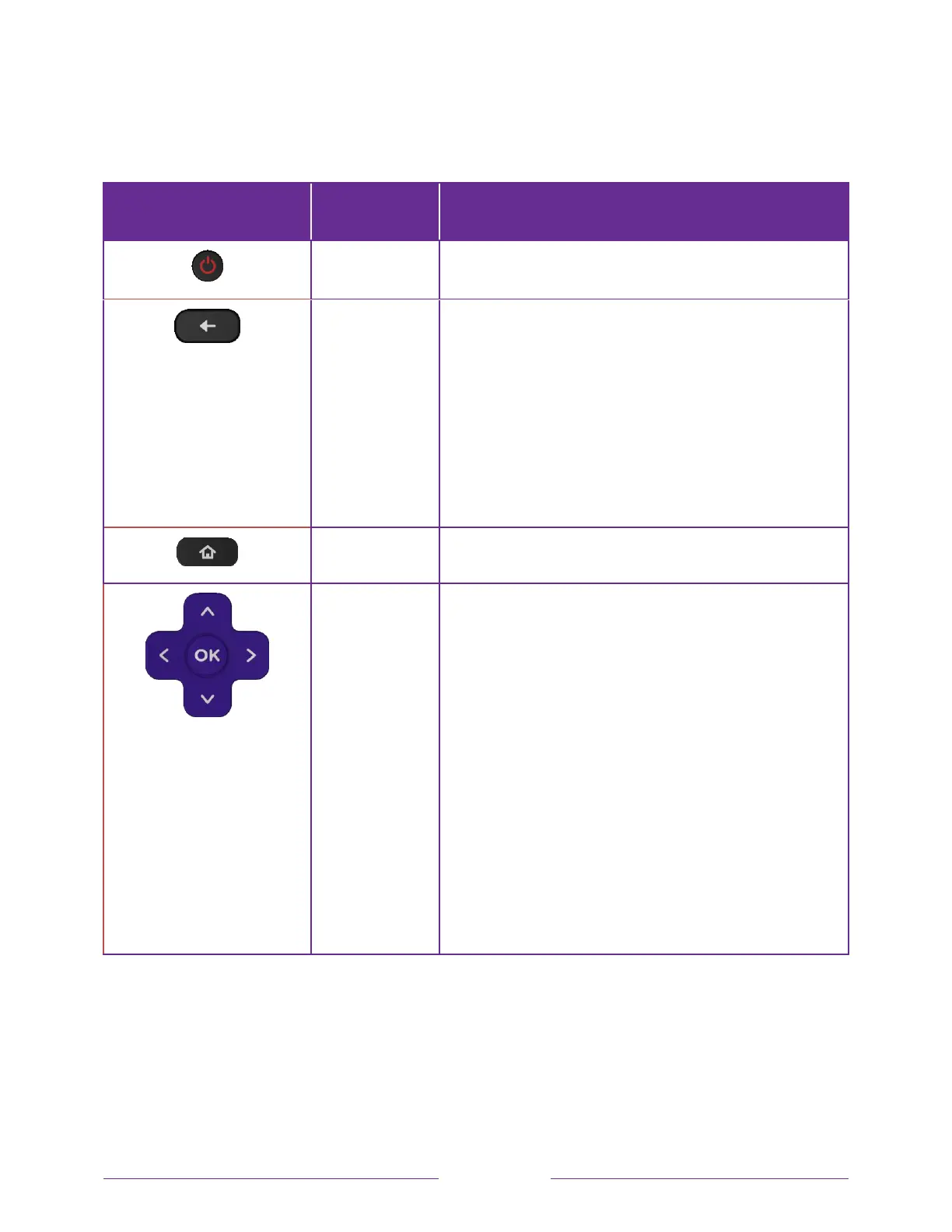
BUTTON FUNCTION DESCRIPTION
POWER
Turns TV on and off.
BACK
• Menu: Goes back to previous menu/screen.
• Home screen tile: Moves highlight back to the Home
screen option.
• Watching Antenna TV or a TV input: Returns to
Home screen.
• Playing streaming content: Stops playing stream
and returns to the previous menu or screen.
• Browsing streaming content: Goes to the previous
level in the content tree.
HOME
Immediately returns to the Home screen.
PAD
• LEFT/RIGHT/UP/DOWN moves the highlight in the
corresponding direction.
• OK selects the highlighted option.
While watching TV:
• UP/DOWN changes channel.
• LEFT displays the Smart Guide (connected mode)
or channel list (non-connected mode).
• LEFT/RIGHT
only on TVs operating in non-
connected mode
, while in the channel list switches
between All Channels and FAVORITE CHANNELs.
• OK while in the channel list selects the highlighted
channel.
While watching live TV: displays the program
information banner.



 To Next Page
 Loading...