8
ALL
PROGRAM
RANDOM
TRACK
8
13
4
56
9
1
7
8
qwe
1
2
34
5
2
r
p
t t
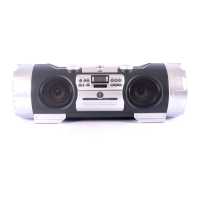
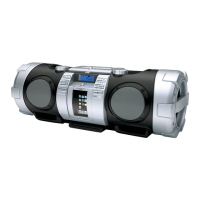
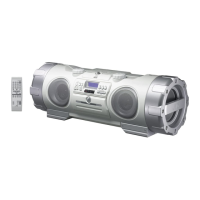
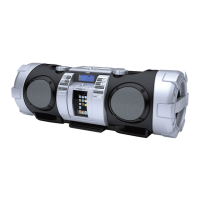
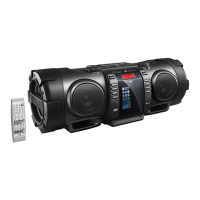
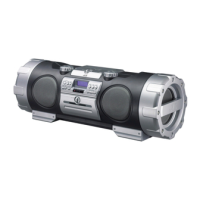
NAMES OF PARTS AND THEIR FUNCTIONS
CD player/General section
9 Volume control buttons (+/–)
p AUX button
q STANDBY indicator
AHB PRO indicator
ACS indicator
w Remote sensor section
Remote control signals are received here.
e CD 3/8 button
Press to select the CD mode.
Press to play/pause.
Press to turn the power on.
r MULTI CONTROL buttons
(When the mode is set to CD)
4/¢: Press to locate the beginning of a track during skip play.
Press to fast-forward/rewind during search play.
7: Press to stop.
Press to cancel program play.
t Speaker illumination
A light in each speaker flashes when SPEAKER ILLUMINATION is
on.
1 Shoulder strap hook
2 button
3 AHB (Active Hyper Bass) PRO button
4 SPEAKER ILLUMINATION/ACS (Active Clear Sound) button
5 SOUND button
6 OPEN knob
Turn the OPEN knob to the left to open the CD door.
To close the CD door, press it down until it clicks shut.
7 CD door
8 Display window
1 Function/Track number display
2 Play time display
3 Repeat play indicator ( / ALL)
4 Program mode indicator (PROGRAM)
5 Random play indicator (RANDOM)
÷ See page 22 for clock adjustment display.


 To Next Page
 Loading...